News
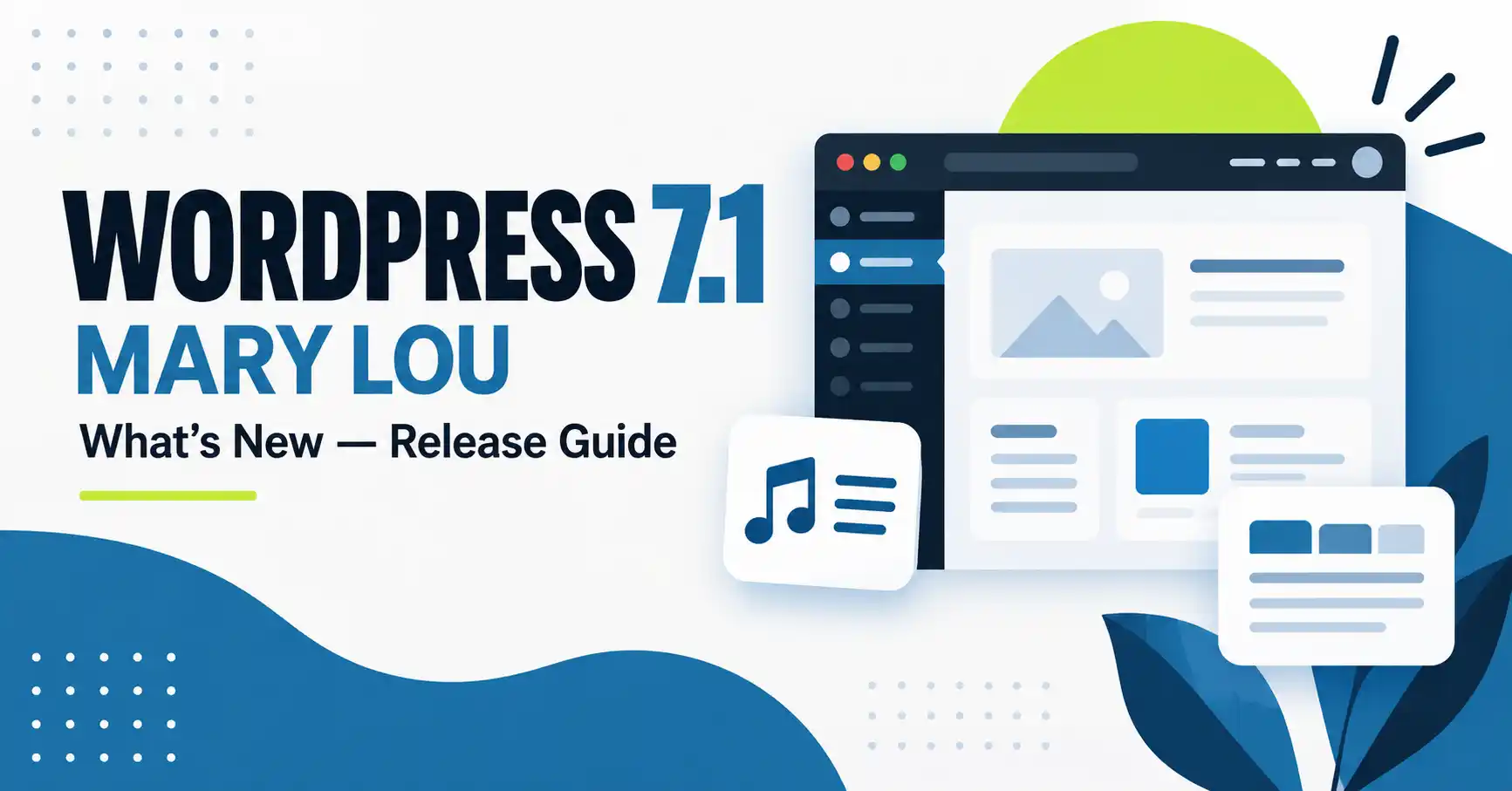
WordPress 7.1 "Mary Lou": Everything That's New (Release Guide)
⚡ Quick Answer
WordPress 7.1, codenamed "Mary Lou," was released on August 19, 2026. The headline changes are built-in responsive style controls in the Site Editor, an admin bar that now stays visible across every editor, a redesigned media/crop workflow, collaborative Notes with mentions, and two new blocks — Playlist and Tabs. No breaking changes were called out in the official announcement, but back up your site and test on staging before updating, as with any major release.
This guide breaks down what changed in WordPress 7.1, what it means for developers versus everyday site owners, and whether you should update right away. It's based on the official WordPress 7.1 release announcement and covers the admin/editor changes, the developer-facing APIs, accessibility and performance work, and a short FAQ.
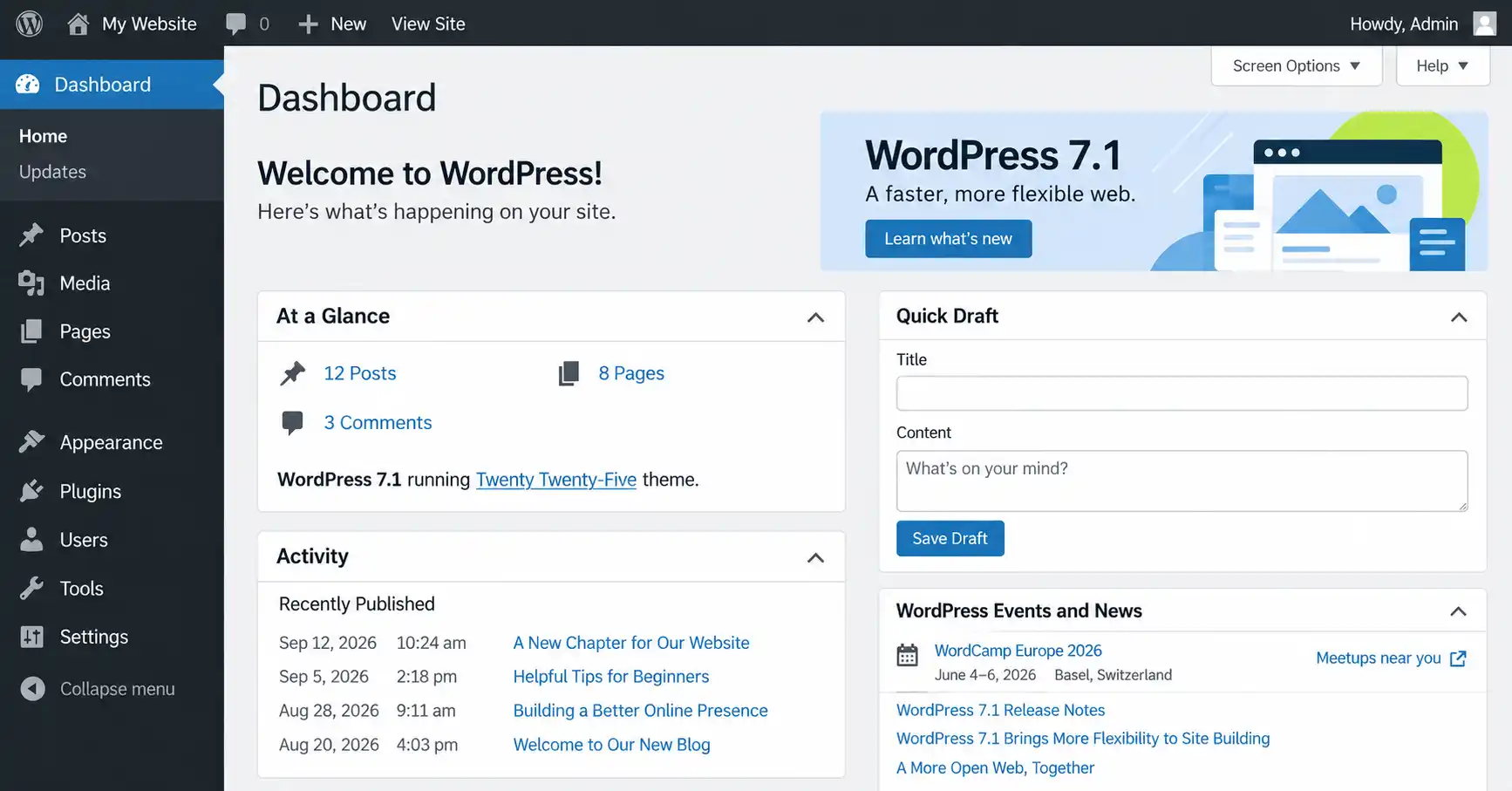
What Is WordPress 7.1 "Mary Lou"?
Every major WordPress release is named after a jazz musician, and 7.1 honors pianist, composer, and arranger Mary Lou Williams, whose career moved through swing, bebop, and sacred jazz while she kept reshaping her own sound. WordPress 7.1 leans on that same idea of reinvention: it focuses on how people actually work day to day — navigating the admin, styling designs, collaborating on content, and building new features — rather than a single flagship feature.
What's New in WordPress 7.1: Feature Summary
| Feature | What it does |
|---|---|
| Responsive style controls | Set how a block looks at different screen sizes directly in Global Styles or block settings — no custom CSS needed. |
| Admin bar in every editor | The admin bar now stays visible while you write or edit design, instead of disappearing inside certain editors. |
| New media/crop editor | One workflow for freeform/aspect-ratio cropping, flipping, precise rotation, and metadata editing, still opened from the familiar Crop button. |
| Inline Notes with mentions | Notes support rich text and @mentions, can attach to a specific piece of text (not just a whole block), and can be collapsed. |
| Faster, wider image support | Compression, resizing, and thumbnails now run in the browser; native support added for AVIF, HEIC, and HDR gain maps. |
| Playlist block | Group multiple audio tracks into one playlist, with an optional waveform per track. |
| Tabs block | Organize content into tabbed panels instead of stacking everything on one page. |
| Custom icon registration | Developers can register their own icon collections for the Icon block via a new public API. |
| Interactive button styles | Set distinct hover, focus, and active states for Button blocks directly in the editor. |
| Fully iframed post editor | The post editor now runs in its own iframe for all themes, matching how the Site Editor already worked, so admin styles no longer leak into your content preview. |
How Does the New Responsive Styling Work?
Instead of writing custom CSS or media queries, you can now set different block styles per screen size directly from Global Styles or an individual block's settings panel in the Site Editor, and preview those changes at different viewport widths as you build. Block themes can also define their own mobile and tablet breakpoints in theme.json, overriding the defaults used for responsive styles and block visibility.
What Changed in the Media and Crop Workflow?
The old inline cropping tool is replaced by a single media editor modal, still reached through the same Crop button. It brings together freeform and aspect-ratio cropping, horizontal/vertical flipping, fine-grained and snap rotation, and metadata editing in one place — so you no longer switch between separate tools to finish one image edit.
What Are Notes and Mentions in WordPress 7.1?
Notes — previously limited to block-level comments — now support rich text formatting (bold, italic, code, links) and @mentions to notify a specific collaborator. You can attach a note to a specific piece of text instead of an entire block, run multiple conversations on the same block, and collapse longer notes to keep the margin readable. This is aimed at teams that review content together before publishing.
New Blocks: Playlist and Tabs
WordPress 7.1 ships two new blocks. The Playlist block lets you group several audio tracks into one player, with an optional waveform for each track. The Tabs block organizes related content into tabbed panels instead of showing everything at once, which is useful for FAQs, product specs, or long comparison content without crowding the page.
Developer Toolbox: What's New for Building on WordPress 7.1
For theme and plugin developers
The SVG Icon API is now public (wp_register_icon_collection(), wp_register_icon(), wp_get_icon()). The Abilities API (introduced in WordPress 6.9) gains a filterable execution lifecycle, custom validation, and shared discovery, aimed at integrations and AI-powered tooling. A new Design System adds foundational theming support for admin interfaces — color, roundness, and cursor styles — through semantic design tokens and a ThemeProvider React component. Theme authors also get responsive styling and pseudo-state styling (hover, focus, focus-visible, active) through theme.json, plus new filters for the DataViews/DataForm screens that power Pages, Templates, Parts, and Patterns in the Site Editor.
Accessibility Improvements in WordPress 7.1
New wp_get_tooltip() and wp_get_toggletip() functions bring accessible tooltips to more of the admin, including post meta boxes and the login screen. Screen reader support is improved across admin interfaces, with clearer labeling and more predictable navigation in post list tables, alongside accessibility work built into the new Tab and Playlist blocks.
Performance Improvements in WordPress 7.1
Image compression, resizing, and thumbnail generation now run client-side in the browser using a WebAssembly build of libvips, which reduces server load and helps avoid memory limits or timeouts on larger uploads. There's an opt-in GIF-to-video conversion for smaller file sizes, upload progress indicators with automatic retries for unreliable connections, infinite scrolling by default in the Media Library (with a per-user option to switch back to pagination), and speculative-loading defaults that hosts can now configure via environment variables or constants instead of a plugin.
Should You Update to WordPress 7.1 Right Away?
⚠️ Before you update
The official announcement doesn't list breaking changes for standard installs. Still, treat any major core update the same way: back up your site and database first, update on a staging copy before production, and specifically re-check any plugin or theme that customizes image cropping, the media library, or the admin bar — those are the areas 7.1 changes most.
FAQ
What is the codename for WordPress 7.1?
WordPress 7.1 is codenamed "Mary Lou," honoring jazz pianist, composer, and arranger Mary Lou Williams, continuing WordPress's tradition of naming major releases after musicians who shaped jazz.
When was WordPress 7.1 released?
WordPress 7.1 was released on August 19, 2026.
What are the biggest changes in WordPress 7.1?
The biggest changes are built-in responsive style controls, an admin bar that now persists across every editor, a redesigned media/crop workflow, and two new blocks: Playlist and Tabs.
Does WordPress 7.1 support new image formats?
Yes. WordPress 7.1 adds native support for AVIF, HEIC, and HDR gain maps, and moves image compression, resizing, and thumbnail generation into the browser to cut server load.
Is WordPress 7.1 safe to install on a production site right away?
No breaking changes were listed in the official announcement, but back up your site and test on staging first — especially if you use plugins that customize image cropping, the media library, or the admin bar.
Where can I find the full technical details of WordPress 7.1?
WordPress publishes a full Field Guide with developer notes and official Release Notes covering installation, fixes, and contributors for every version, including 7.1.
✅ Last verified on WordPress 7.1 — August 2026

Thanh Le
Joomla Specialist & Technical Writer
Thanh Le is a Joomla expert and technical writer at Jlvextension.com, known for creating in-depth tutorials, extension reviews, and optimization guides. His work focuses on helping developers and webs