News
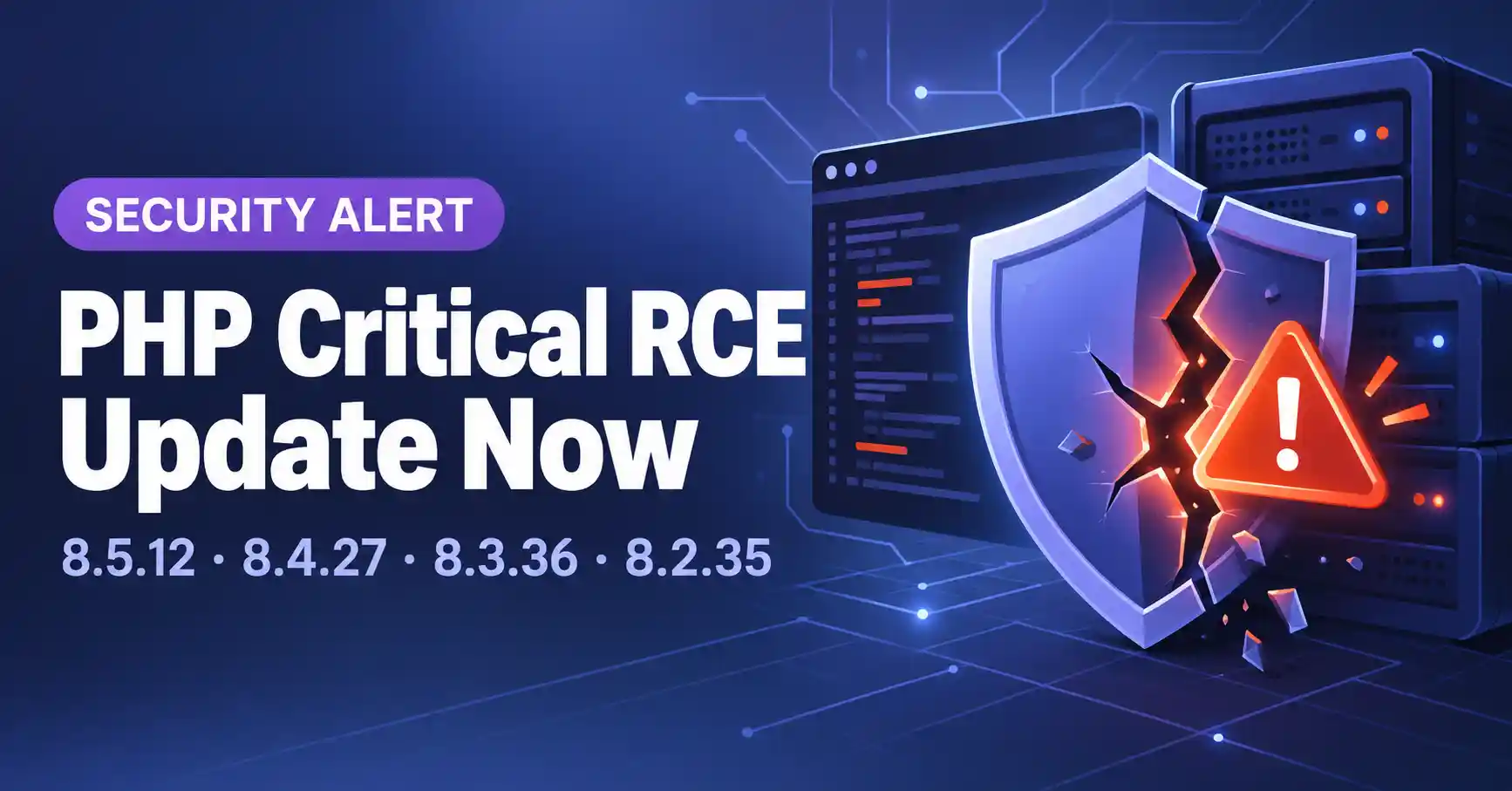
PHP 8.5.12, 8.4.27, 8.3.36 and 8.2.35 Fix Two Critical RCE Flaws: Update Now
⚡ Quick Answer
PHP 8.5.12, 8.4.27, 8.3.36 and 8.2.35 fix two critical vulnerabilities (CVE-2026-109618 and CVE-2026-109619) that can allow unauthenticated remote code execution. Every PHP installation serving web requests is at risk, and updating is the only complete fix: no configuration workaround makes a server safe.
The PHP project published the security advisory on 21 October 2026, after giving advance notice a day earlier. Both flaws are rated CVSS v4.0 9.2. This article covers which versions are affected, what to install, and what to do if you cannot update right away.
Which PHP versions fix the vulnerabilities?
| PHP branch | Fixed version | Status |
|---|---|---|
| 8.5 | 8.5.12 | Supported |
| 8.4 | 8.4.27 | Supported |
| 8.3 | 8.3.36 | Supported |
| 8.2 | 8.2.35 | Reaches end of life on 31 December 2026 |
| 8.1 and older | No official fix | No longer updated by the PHP project; ask your OS or LTS vendor about backports |
Linux distributions and LTS vendors received the patches in advance, so check your vendor for updated packages first. Source downloads and Windows binaries are on the PHP downloads page. For people building from source without LTS support, the PHP security team also published minimal backports for PHP 7.4, 8.0 and 8.1.
Using the Remi RPM repository?
PHP says the volunteer-maintained rpms.remirepo.net would not have updates on release day. It recommends switching to distribution packages or building from source so you can patch immediately.
What are the two vulnerabilities?
| CVE | Type | Cause |
|---|---|---|
| CVE-2026-109618 | RCE via out-of-memory (OOM) corruption | OOM handling can interrupt PHP while internal request data is only partly initialized, and request cleanup may then treat the invalid data as valid. |
| CVE-2026-109619 | RCE via stale global state | Request-owned internal state can survive after its memory is freed, and a later request on the same worker may use it before normal initialization resets it. |
Who is at risk?
All PHP installations serving web requests, including PHP-FPM, Apache with mod_php, php-cgi, FrankenPHP and LiteSpeed. PHP considers the risk highest for mod_php, where a demonstrated exploit lets an unauthenticated request trigger the attack before any application code runs.
Joomla and WordPress sites are affected through the server's PHP version, so the fix is a PHP update at the hosting or server level, not a CMS update. In Joomla you can check the running version under System → System Information.
What can you do if you cannot update immediately?
These measures are not a fix
They only reduce exposure to specific attack paths. Only an update makes an installation safe.
For CVE-2026-109618 (OOM corruption):
- Set
memory_limit=-1in a way applications cannot override, such asphp_admin_valuein the FPM pool or Apache config, and confirm no pool, directory or app setting restores a finite limit. An underlying allocation failure can still reach the vulnerable path. - Lower
post_max_size:8Mif the app needs no uploads,32Mif it does, and keepupload_max_filesizebelow it. - Enforce request-size, field-count, multipart-part, header-count and nesting limits at the web server or proxy, including for requests without a usable
Content-Length. - Use a container or cgroup limit that kills only the affected worker. Do not use
RLIMIT_ASorRLIMIT_DATA, because they can trigger the vulnerable allocation failure.
For CVE-2026-109619 (stale global state):
- Set
session.upload_progress.enabled=0inphp.ini, an FPM pool or server config, then restart every worker. Do not rely onini_set()or.user.ini. This blocks the confirmed session paths only. - On PHP 8.5, set
fatal_error_backtraces=0and restart every worker. This blocks the confirmed fatal-backtrace path only. - Remove invalid or deprecated per-request settings that emit diagnostics before initialization. Hiding them with
error_reporting,display_errorsor@does not help. - Fix attacker-reachable fatal errors and execution timeouts, including failures in callbacks, upload or import processing, and cleanup.
FAQ
Do I need to update PHP if I only run a Joomla or WordPress site?
Yes. The flaws are in PHP itself, and PHP says all installations serving web requests are at risk. Update PHP through your host, control panel or server packages. Updating the CMS does not change the PHP engine.
Is there a workaround if I cannot update right now?
Only partial ones. PHP lists settings such as session.upload_progress.enabled=0 and a lower post_max_size, but states they reduce exposure to specific attack paths and do not make an installation safe. Updating is the only complete solution.
What should I do if I run PHP 8.1 or older?
The PHP project no longer updates these versions. Ask your distribution or LTS vendor for a backported fix, or upgrade to a supported branch. Source-only builders can use the minimal backports PHP published for 7.4, 8.0 and 8.1.
Is PHP 8.2 still a safe choice after patching?
PHP 8.2.35 contains the fix, but the 8.2 branch reaches end of life on 31 December 2026 and gets no security fixes after that. Plan a move to PHP 8.3 or newer.
How severe are CVE-2026-109618 and CVE-2026-109619?
Both are rated CVSS v4.0 9.2 and can allow unauthenticated remote code execution. For mod_php, PHP reports a demonstrated exploit that triggers before any application code runs.
What's next?
Read the full official PHP security advisory and the two GitHub advisories linked above for technical details.
✅ Last verified against the official PHP.net advisory (PHP 8.5.12 / 8.4.27 / 8.3.36 / 8.2.35) — October 2026

Stephen
CEO, Founder & Joomla Product Creator
Stephen is the CEO and Founder of Jlvextension, known for creating high-quality Joomla templates and leading the development of innovative web solutions.