
Review
Hazel WordPress Theme Review (2026): Is This Multi-Purpose Template Still Worth It?
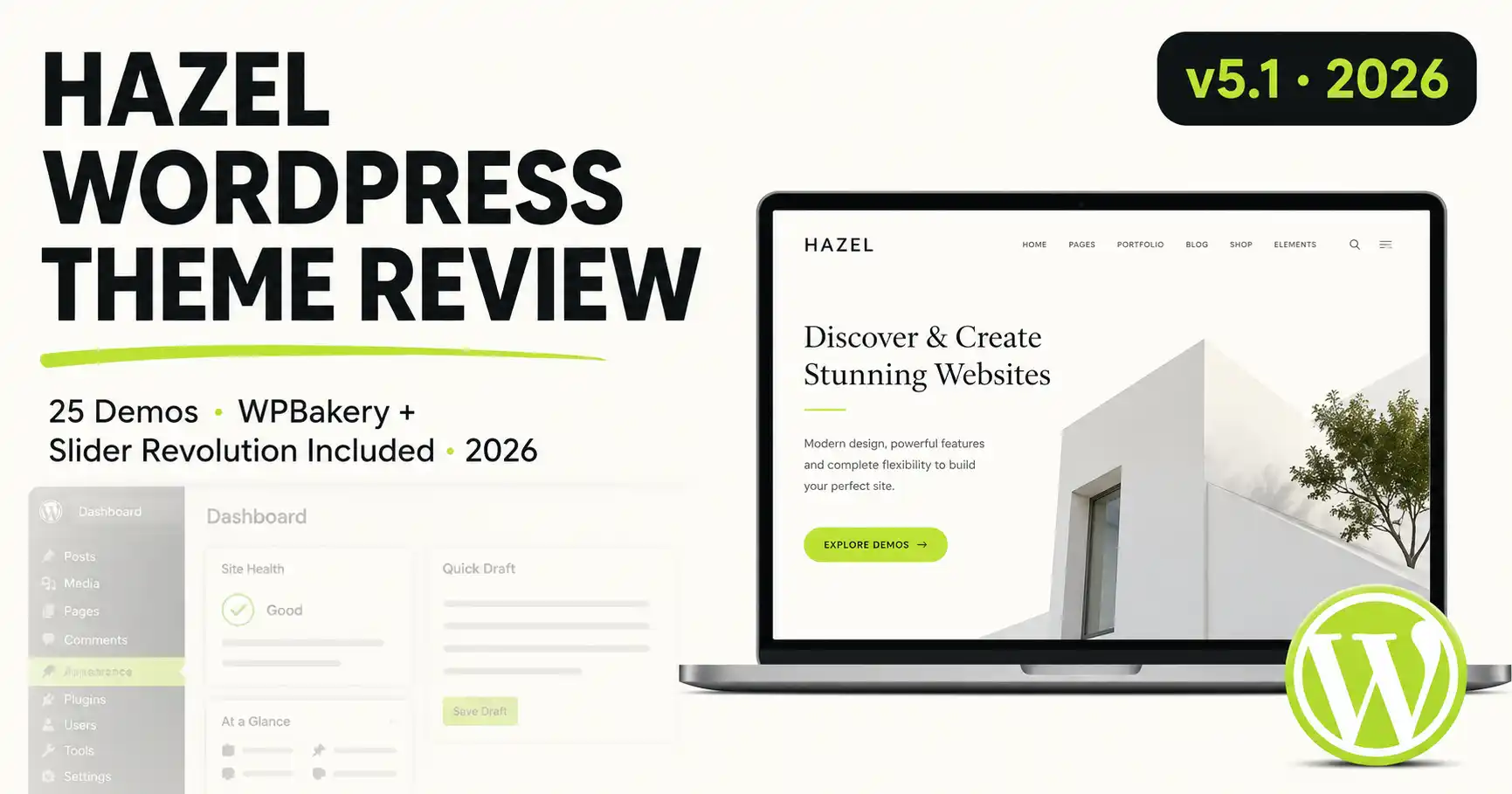
Quick Answer
Hazel is a multi-purpose WordPress theme with 25 ready-made demo layouts and three bundled premium plugins (WPBakery Page Builder, Slider Revolution, Ultimate VC Addons). It suits agencies, portfolios, photography sites, and light WooCommerce stores. Initial setup takes longer than a typical one-click theme, but v5.1 (June 2026) is actively maintained and tested on WordPress 7.x. Standalone licenses run $79–$115, or Hazel is included free with a MonsterONE subscription.
Affiliate Disclosure
This article contains an affiliate link to MonsterONE. If you subscribe through it, jlvextension.com may earn a commission at no extra cost to you. Product details, pricing, and feature list were confirmed directly from the live TemplateMonster listing at the time of writing.
Hazel earns its "multi-purpose" label honestly: a wide, consistent demo library and a genuinely deep options panel, at the cost of a longer initial setup than a lightweight starter theme.
✅ Pros
- 25 genuinely distinct demos, not just recolored copies
- WPBakery Page Builder and Slider Revolution bundled in — no separate licenses to buy
- Deep typography and layout controls for agency-level customization
- Consistent design language across the whole demo library
⚠️ Cons
- Initial import/setup takes longer than a lightweight starter theme
- Author support response time is slower than top-tier authors
- WPBakery's page-builder workflow has a learning curve for first-time users
Multi-purpose WordPress themes promise to do everything — which usually means they end up doing nothing particularly well. Hazel, from author treethemes, is one of the few that has stuck around long enough (first released in 2018, still receiving monthly updates) to prove it can actually deliver on that promise. We went through the demo library, dug into the options panel, and cross-checked the buyer feedback on the live listing, so this review covers more than what's printed on the sales page. Below: a full breakdown of the design library, the plugins bundled in the box, honest pros and cons, a pricing comparison, and answers to the questions buyers ask most before checking out.
🖼️
[ẢNH CẦN CHỤP: HERO]
Full-width screenshot of Hazel's main demo homepage (e.g. the Agency demo), showing the hero section and navigation clearly.
| Theme name | Hazel — Clean Minimalist Multi-Purpose WordPress Theme |
|---|---|
| Author | treethemes |
| First released | 2018 |
| Latest version | v5.1 — June 2026, tested on WordPress 7.x |
| Price | $79 personal license / $115 commercial license / free with MonsterONE |
| Demo layouts | 25 ready-made homepages |
| Bundled plugins | WPBakery Page Builder, Slider Revolution, Ultimate VC Addons |
| WooCommerce | Yes — product grids, quick-view, checkout flow |
| Multilingual | WPML-ready, RTL support |
| Marketplace support rating | 4.8 / 5 across 127 ratings (TemplateMonster listing) |
What's in the Demo Library?
Hazel's biggest selling point is choice. The package ships with 25 complete demo layouts covering agencies, photography studios, one-page portfolios, blogs, and light e-commerce storefronts, so you're not stuck reshaping a single design to fit your niche. Four categories stand out:
- Agency: bold hero sections, service grids, and a team/portfolio combo built for creative and marketing agencies.
- Photography: full-bleed galleries, minimal chrome, and a lightbox-first layout that keeps images the focus.
- Portfolio: one-page and multi-page variants with filterable project grids and case-study templates.
- Shop: WooCommerce-ready product grids, quick-view modals, and a streamlined checkout flow.
📊
[ẢNH CẦN CHỤP: DEMO GRID]
Screenshot of the theme's demo-import screen showing thumbnails for all 25 layouts in a grid, so readers can see the range at a glance.
Page Builder and Theme Options
Under the hood, Hazel bundles WPBakery Page Builder and Slider Revolution — two premium plugins that together retail for close to $180 on their own — along with Ultimate VC Addons for extra content modules. The theme options panel is genuinely deep: custom, Adobe, or Google font uploads, a built-in mega menu, unlimited color schemes, and per-page or per-post sidebar and layout overrides. For a WordPress user who wants full creative control without hand-coding a child theme from scratch, that's a lot of runway. Hazel also works alongside the WordPress block editor for standard content, while page-level layouts run through the bundled WPBakery builder.
🖼️
[ẢNH CẦN CHỤP: THEME OPTIONS PANEL]
Screenshot of the WordPress admin dashboard with the Hazel Theme Options panel open, showing font upload and color scheme controls.
Where Hazel Falls Short
It's not entirely friction-free. A handful of verified buyers note that the initial setup — particularly getting Slider Revolution and the demo content imported correctly — takes longer than a typical one-click installer, and the author's listed support response time is on the slower side. Neither is a dealbreaker: the theme currently holds a 4.8/5 support rating across 127 ratings and has sold over 4,000 licenses, and the changelog shows active, near-monthly maintenance right through June 2026 (WordPress 7.x tested). If you're comfortable following a documented install process, or you'd rather let MonsterONE's support ecosystem carry the load, Hazel is a template you can build a long-term site on rather than replace next year.
Worth noting for anyone comparing themes side by side: Hazel doesn't lean on a single visual trick to stand out. Instead it competes on breadth and polish — consistent spacing, restrained color palettes across all 25 demos, and a component library (pricing tables, team grids, testimonial sliders, portfolio filters, WooCommerce product grids) that holds up whether you're building a two-page freelancer site or a fuller agency presence with a blog and a shop.
Starting at
$79
Get Hazel Free with MonsterONE →
Standalone License vs. MonsterONE: Which Should You Pick?
| Standalone License | MonsterONE Subscription | |
|---|---|---|
| Upfront cost | $79 personal / $115 commercial | Flat monthly rate |
| Access to other themes/plugins | Hazel only | 540,000+ items included |
| Best if you... | Need Hazel for exactly one project | Build sites regularly or run an agency |
| Commercial use rights | Commercial tier only | Included |
If you're only ever going to launch one site with Hazel, the standalone license is the cheaper path. The moment you're building a second or third site — for yourself or a client — MonsterONE usually works out cheaper overall, since the same subscription covers your next theme too.
📱
[ẢNH CẦN CHỤP: MOBILE RESPONSIVE]
Screenshot of a Hazel demo (e.g. Portfolio) viewed on a mobile device or in browser responsive mode, showing the mobile menu open.
📹
[VIDEO GỢI Ý: QUICK DEMO WALKTHROUGH]
Optional 60–90s screen-recording walkthrough of installing Hazel and importing one demo, from a fresh WordPress install to a finished homepage.
Frequently Asked Questions
Is Hazel compatible with the block editor (Gutenberg)?
Yes. Hazel works alongside the WordPress block editor for standard content, while page-level layouts are built with the bundled WPBakery Page Builder.
Do I need coding knowledge to use it?
No. The demo import, theme options panel, and drag-and-drop page builder are designed for no-code setup, though basic CSS familiarity helps for fine-tuning.
Does the license include future updates?
Yes, both the standalone license and MonsterONE access include ongoing updates for as long as your license or subscription stays active.
Can I use Hazel for a client project?
Yes, with the commercial license ($115) or an active MonsterONE subscription, both of which include commercial-use rights.
Final Verdict
Hazel earns its "multi-purpose" label honestly. Between the 25 demos, the bundled premium plugins, and a theme options panel deep enough for agencies to reuse across client projects, it's a solid foundation for business, portfolio, photography, or light e-commerce sites — provided you're willing to follow the setup documentation or budget a little extra time for the initial install. For occasional buyers, the standalone license is fairly priced at $79–$115. For anyone who builds WordPress sites regularly, downloading it through MonsterONE makes far more financial sense, since the same subscription also covers your next theme, plugin bundle, or graphic pack at no extra cost.
✅ Last verified on Hazel v5.1 — July 2026
Disclosure: This article contains an affiliate link. If you purchase through it, jlvextension.com may earn a commission at no extra cost to you.

Thanh Le
Joomla Specialist & Technical Writer
Thanh Le is a Joomla expert and technical writer at Jlvextension.com, known for creating in-depth tutorials, extension reviews, and optimization guides. His work focuses on helping developers and webs