Best
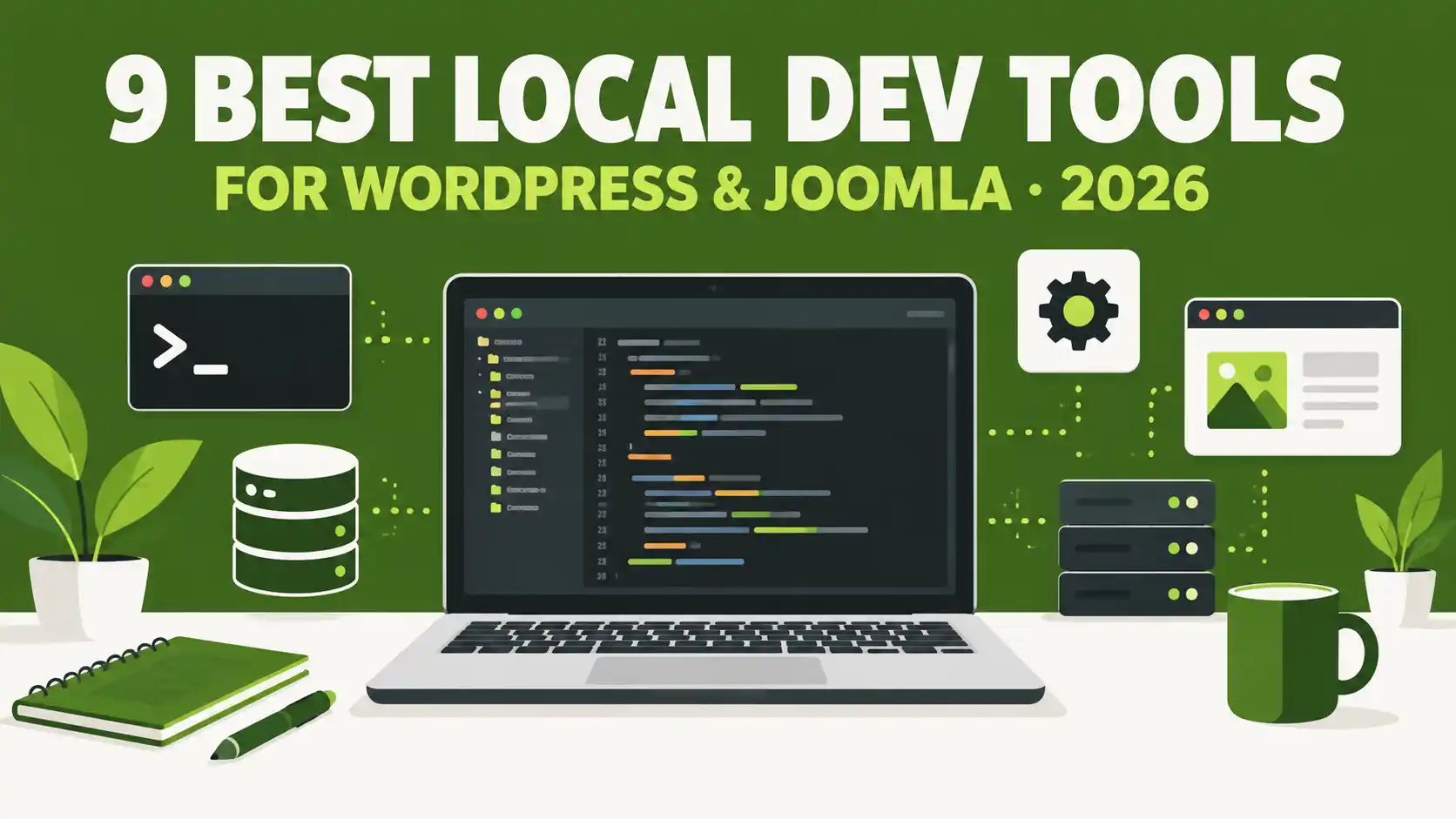
9 Best Local Web Development Environments for WordPress & Joomla in 2026
Quick Answer
For most WordPress and Joomla developers, XAMPP is the easiest free starting point, DDEV is the best pick if you want Docker-based parity with a real server (it even has a dedicated Joomla add-on), and Laragon is the fastest option if you're on Windows only. Mac users who want a polished GUI should look at Local (WordPress-only) or MAMP.
Choosing a local development environment matters more than most tutorials admit: the wrong stack means fighting port conflicts, mismatched PHP versions, or a setup that behaves nothing like your live server. This guide compares nine tools developers actually use in 2026 to build, test, and debug WordPress and Joomla projects on their own machine before anything goes live.
Affiliate disclosure
Some links in this article and in related JLV Blog posts are affiliate links (including MonsterONE and Envato). If you buy through them, we may earn a commission at no extra cost to you. This does not affect which tools are ranked where — every ranking below is based on real features and current pricing.
What Makes a Good Local Development Environment?
Before the list, here's what we actually weighed: how fast a fresh site spins up, whether you can switch PHP versions per project, whether it supports both WordPress and Joomla (not just one), how close it matches a real production server, and what it actually costs once you look past the "free" download button.
Quick Comparison: Local Dev Tools at a Glance
| Tool | OS | Best for | Joomla support | Price |
|---|---|---|---|---|
| XAMPP | Win/Mac/Linux | Beginners, all-around CMS testing | Yes, native | Free |
| Laragon | Windows only | Fast, lightweight Windows workflow | Yes, one-click install | Free |
| DDEV | Win/Mac/Linux | Docker parity, teams, CI/CD | Yes, via community add-on | Free, open source |
| Local (by WP Engine) | Win/Mac/Linux | WordPress-only GUI workflow | No | Free |
| MAMP / MAMP PRO | Mac/Win | Mac users wanting simplicity | Yes, manual setup | Free (limited) / $99 one-time Pro |
| Docker Desktop | Win/Mac/Linux | Exact production-server parity | Yes, via custom Compose | Free for personal/small business |
| WampServer | Windows only | Classic, no-frills PHP stack | Yes, manual setup | Free |
| VS Code | Win/Mac/Linux | Code editor to pair with any stack above | N/A (editor) | Free |
| PhpStorm | Win/Mac/Linux | Advanced PHP debugging & refactoring | Yes, bundled framework support | Paid subscription |
1. XAMPP — Best All-Around Free Stack for Beginners
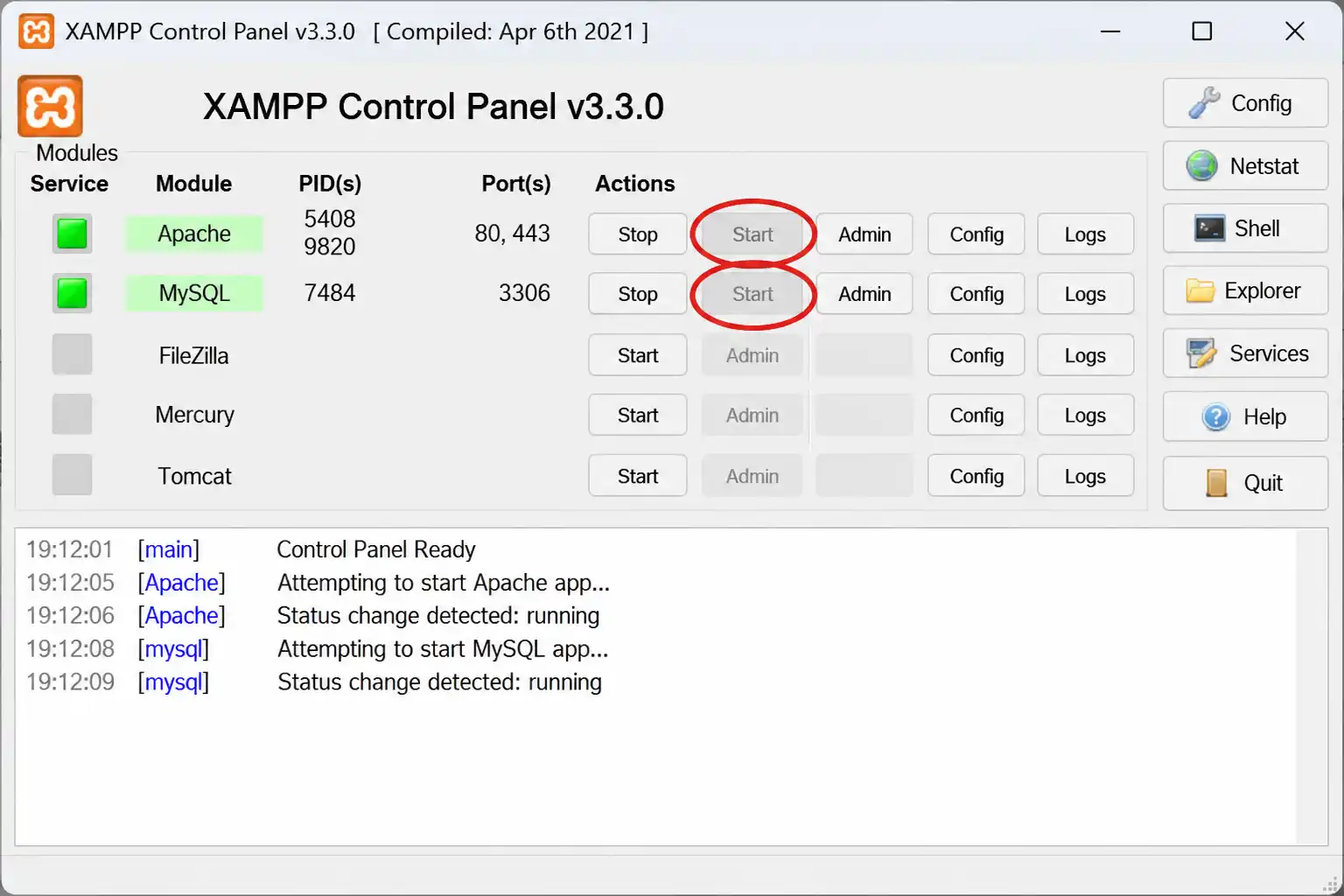
XAMPP bundles Apache, MariaDB, PHP, and phpMyAdmin into one cross-platform installer, plus optional extras like FileZilla FTP Server and Mercury Mail you can skip during setup. It's the tool most Joomla and WordPress tutorials assume you already have, which makes it the safest default if you're not sure what to pick yet.
- One installer covers Windows, macOS, and Linux
- Control panel to start/stop Apache, MariaDB, and other services individually
- Large community and troubleshooting base — most CMS-specific errors are already documented somewhere
- Supports multiple PHP versions, though switching between them takes manual configuration
Best for: beginners and anyone who wants one tool that "just works" for both WordPress and Joomla. Trade-off: heavier install and larger memory footprint than newer alternatives like Laragon.
2. Laragon — Fastest, Lightest Option for Windows
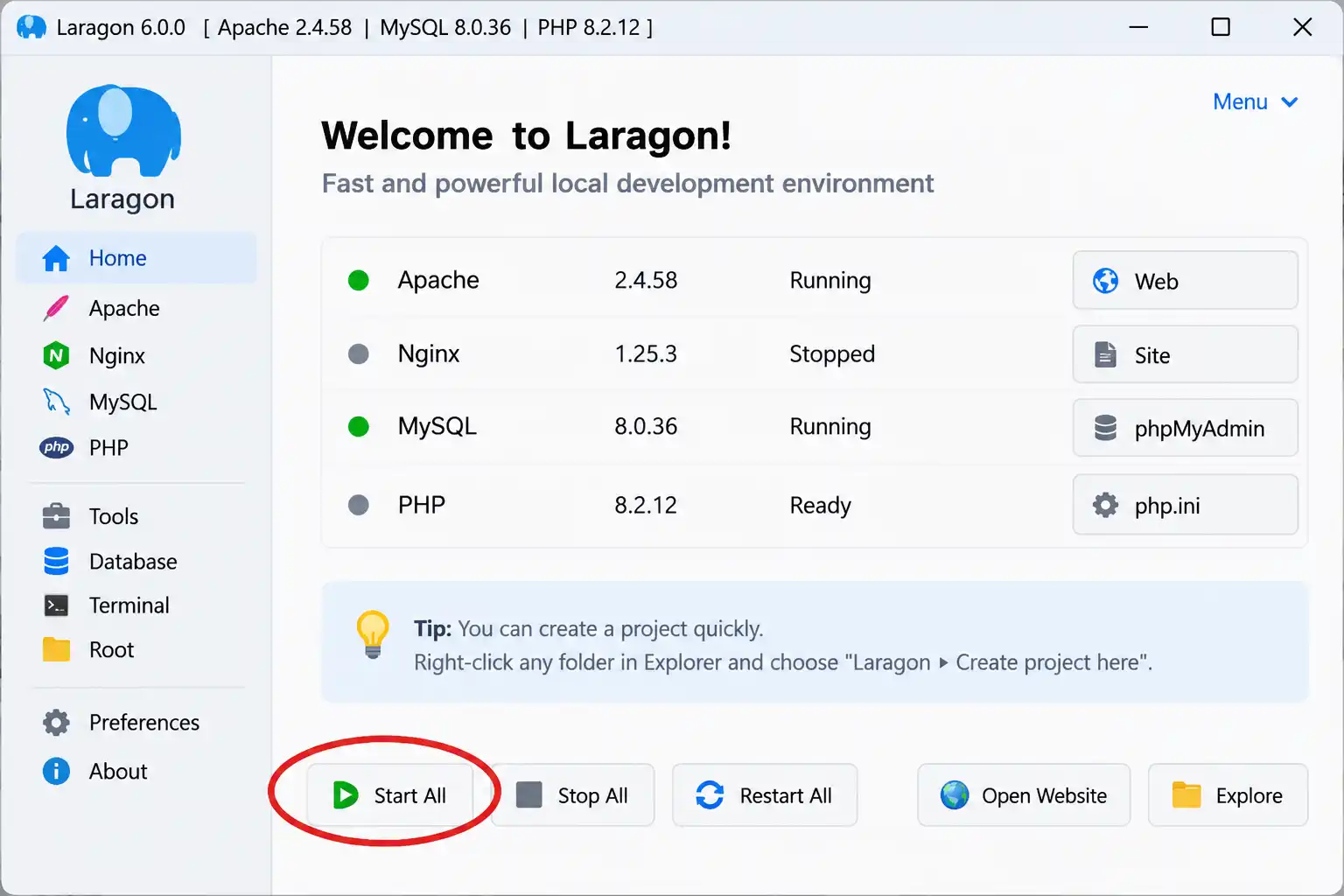
Laragon is a portable, self-contained environment with a core install of only a few megabytes. Version 8.6+ ships Apache 2.4.66, Nginx 1.28.2, and auto-updates to current PHP builds (8.5.3 and newer). Each service runs independently, so restarting MySQL doesn't touch Apache.
- One-click install for WordPress, Joomla, and Drupal
- Automatic virtual hosts and one-click SSL — no manual hosts-file editing
- Drop-in PHP version switching, no reinstall required
- Bundles Node.js, Python, PostgreSQL, and Redis alongside the core PHP stack
Best for: Windows developers who want speed without Docker overhead. Trade-off: Windows-only — Mac and Linux users need a different tool entirely.
3. DDEV — Best for Docker Parity, Teams & CI/CD
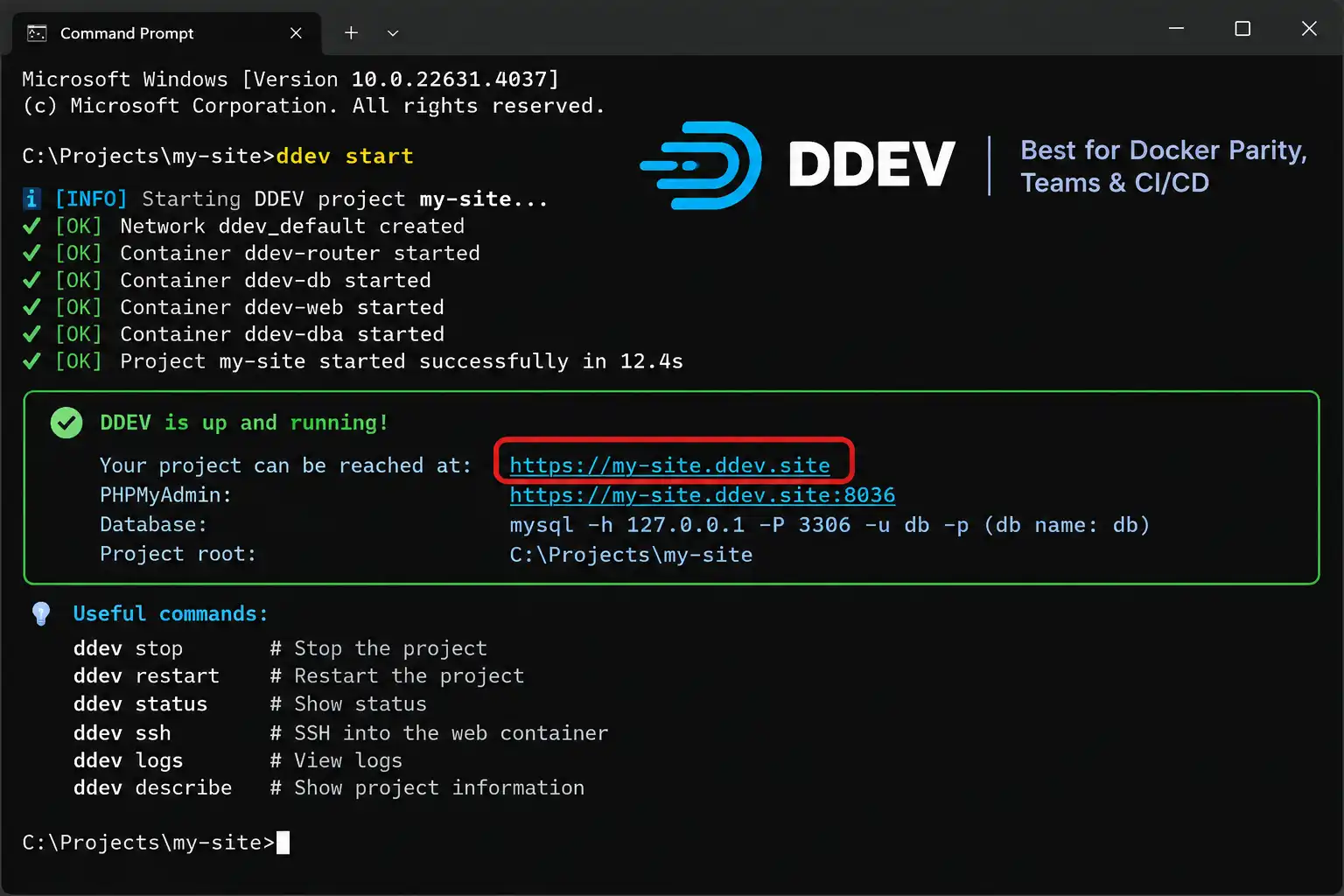
DDEV is an open-source (Apache 2.0), Docker-based tool that abstracts away raw Docker Compose complexity. It ships presets for Laravel, WordPress, Drupal, and Magento out of the box, and the community-maintained ddev-joomla add-on brings one-command Joomla project creation, database import/export, and Nginx /api endpoint support for Joomla's REST API.
- Runs on macOS, Windows, Linux, and even GitHub Codespaces
- Unlimited concurrent projects with automatic HTTPS via a built-in router
- Consistent environments across a whole team — no more "works on my machine"
- Extensible with add-ons, lifecycle hooks, and custom Dockerfiles
Best for: agencies and teams who need every developer's environment to match, and anyone who wants their local Joomla/WordPress setup to mirror production. Trade-off: requires Docker running in the background, and the CLI-first workflow has a steeper learning curve than a plain desktop app.
4. Local (by WP Engine) — Best Dedicated WordPress App
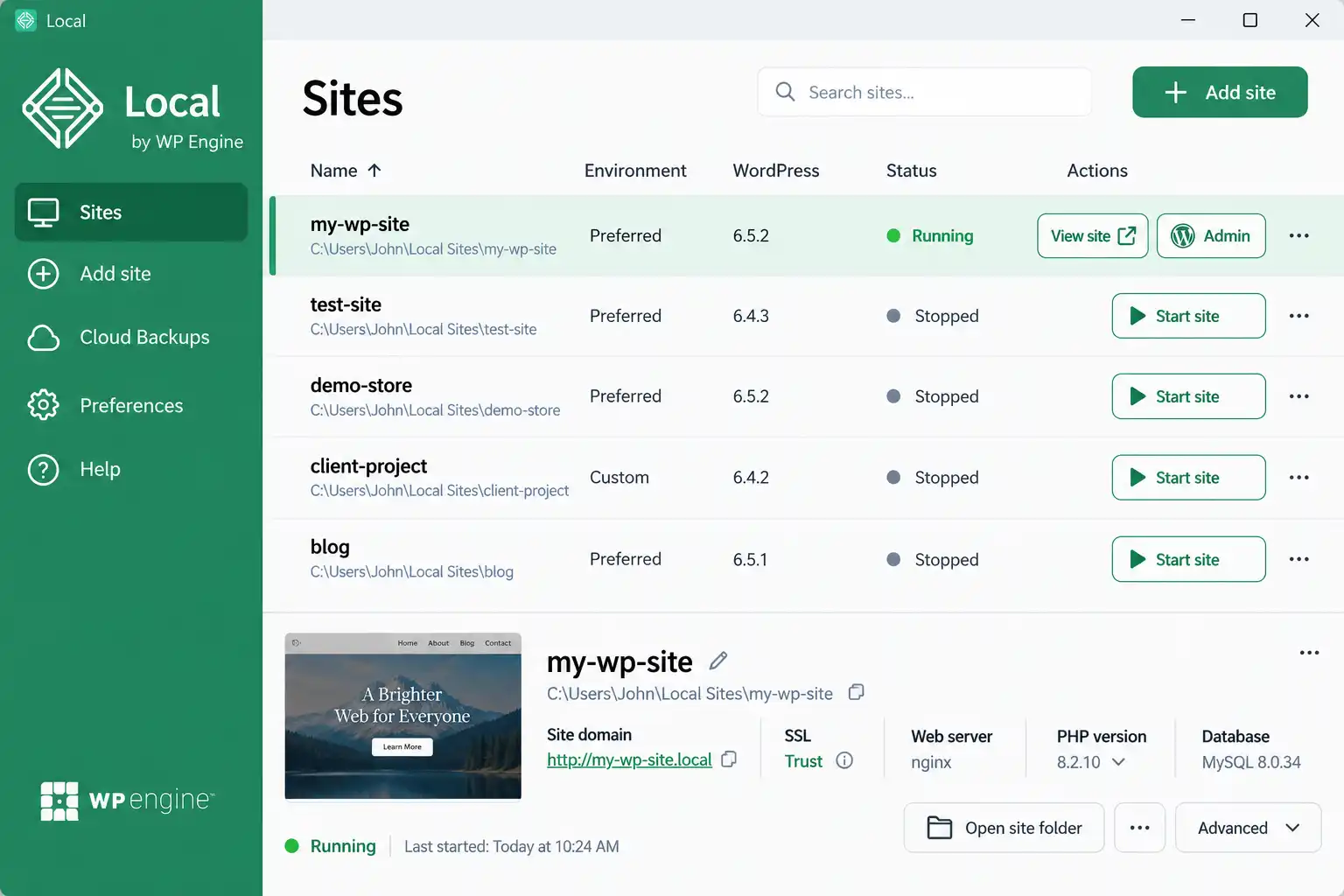
Local (formerly Local by Flywheel, now owned by WP Engine) is a free desktop app for Windows, macOS, and Linux. Every feature that used to require the paid "Local Pro" tier — including root SSH access, WP-CLI integration, and hot-swap PHP switching — was made free for everyone in 2021 and remains free today.
- New WordPress site with one click, SSL included by default
- Built-in mail catcher for testing transactional emails locally
- "Live Links" for sharing a temporary public URL of your local site with a client
- One-click push/pull to WP Engine hosting if you use it
Best for: WordPress-only freelancers and agencies who want the smoothest GUI onboarding. Trade-off: it does not support Joomla — if your workflow mixes both CMSs, you'll need a second tool.
5. MAMP / MAMP PRO — Simplicity for Mac Users
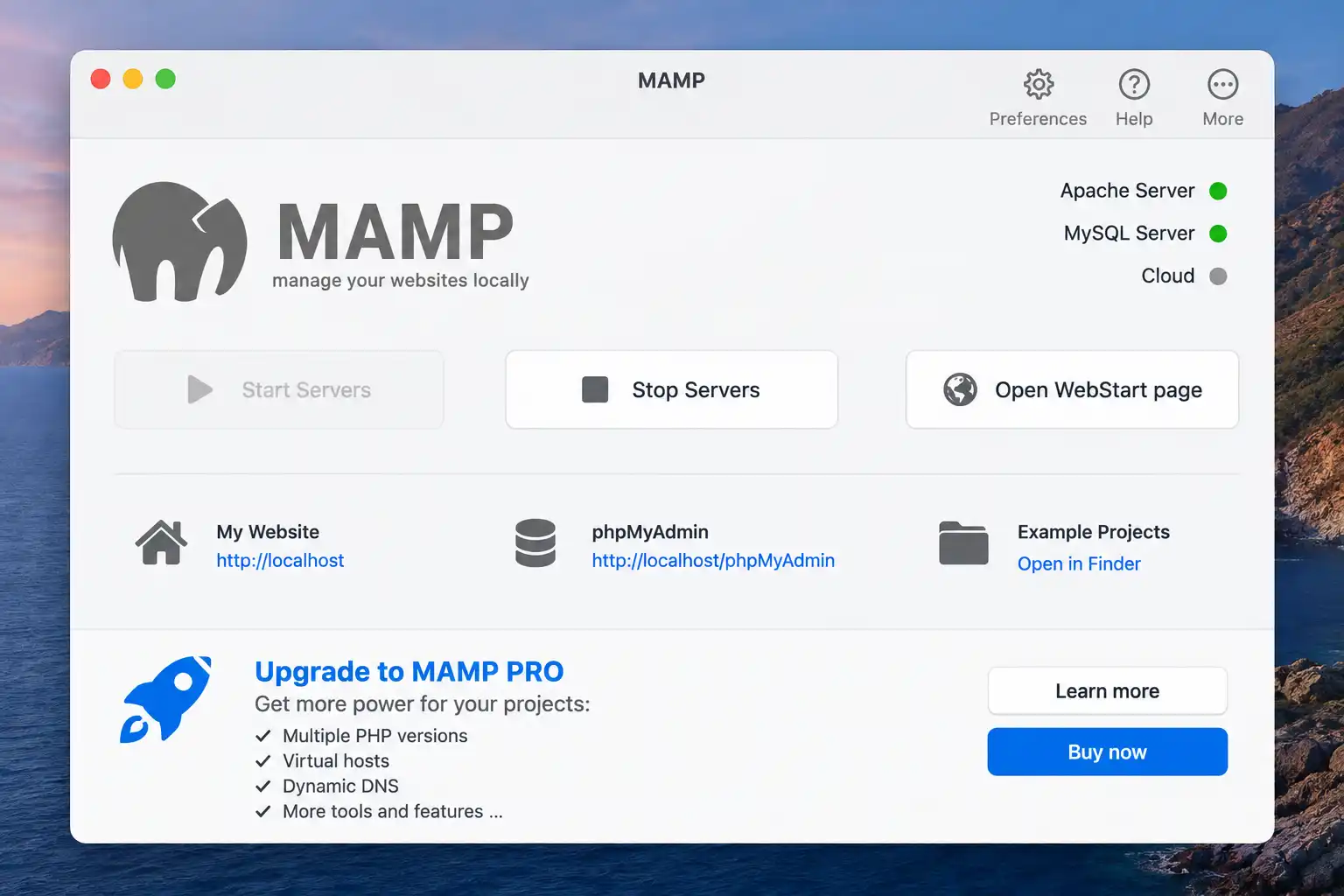
MAMP installs Apache, MySQL, and PHP with one click and has been a Mac staple for over a decade (a Windows build exists too). The free version caps you at two PHP versions and has no virtual-host GUI; MAMP PRO is a one-time $99 purchase that removes the cap and adds a proper virtual-host manager.
- Fastest path from "download" to "running local server" on macOS
- Companion MAMP Viewer mobile app for checking sites from a phone on the same network
- Works fine for WordPress and Joomla, though CMS-specific one-click installers aren't built in
Best for: Mac users who want the fewest possible setup steps and don't mind a dated interface. Trade-off: the UI hasn't changed much since around 2015, and the free tier's two-PHP-version limit is restrictive for multi-client work.
6. Docker Desktop (Custom Compose) — Best Production Parity
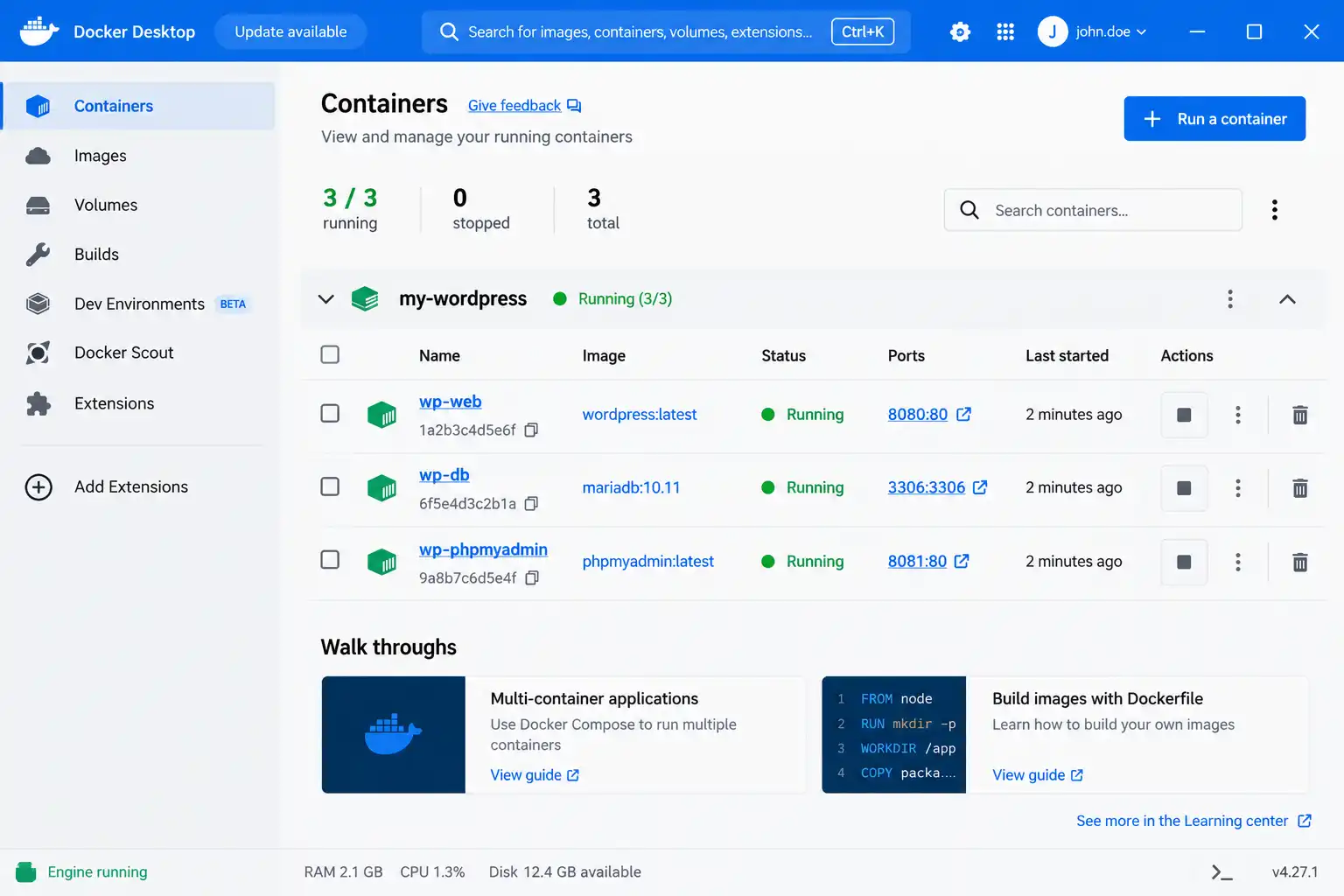
If you write your own docker-compose.yml instead of using an abstraction layer like DDEV, Docker Desktop gives you the closest possible match to a real production stack — same PHP build, same web server config, same database version, byte for byte. Docker Desktop itself is free for personal use, education, non-commercial open source, and small businesses (under 250 employees and under $10 million in annual revenue); larger companies need a paid Pro, Team, or Business subscription.
- Full control over every service's exact version
- Same containers can run in CI/CD pipelines as on your laptop
- Steepest learning curve of any tool on this list if you're writing Compose files by hand
Best for: developers who already know Docker and want zero abstraction. Trade-off: no built-in CMS presets — you write and maintain the configuration yourself, or start from DDEV instead.
7. WampServer — The Classic Windows Stack
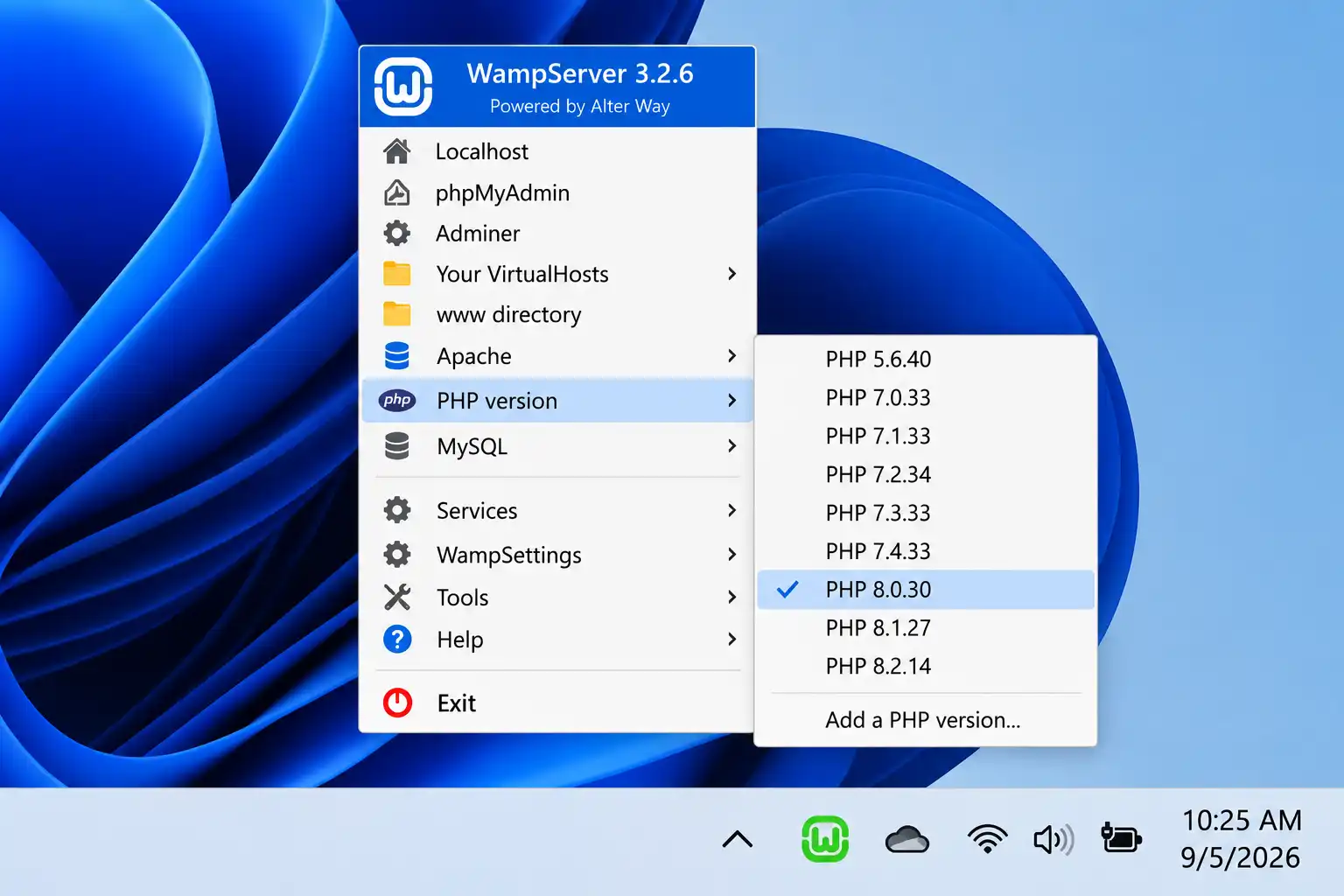
WampServer remains actively maintained in 2026, with current builds bundling Apache 2.4.68.2, PHP versions up to 8.5.10, and MariaDB up to 12.3.3, alongside both phpMyAdmin and Adminer for database management. It's simpler than Laragon in scope but still gets regular updates and language-pack contributions from its community.
- Tray-menu control of Apache, PHP, and MySQL/MariaDB versions
- No manual config-file editing needed for common tasks
- GPL-licensed and completely free
Best for: Windows users who want a classic, no-frills stack for quick PHP prototyping. Trade-off: Windows-only, and it lacks Laragon's one-click CMS installers or auto-SSL.
8. Visual Studio Code — The Editor Every Stack Above Needs
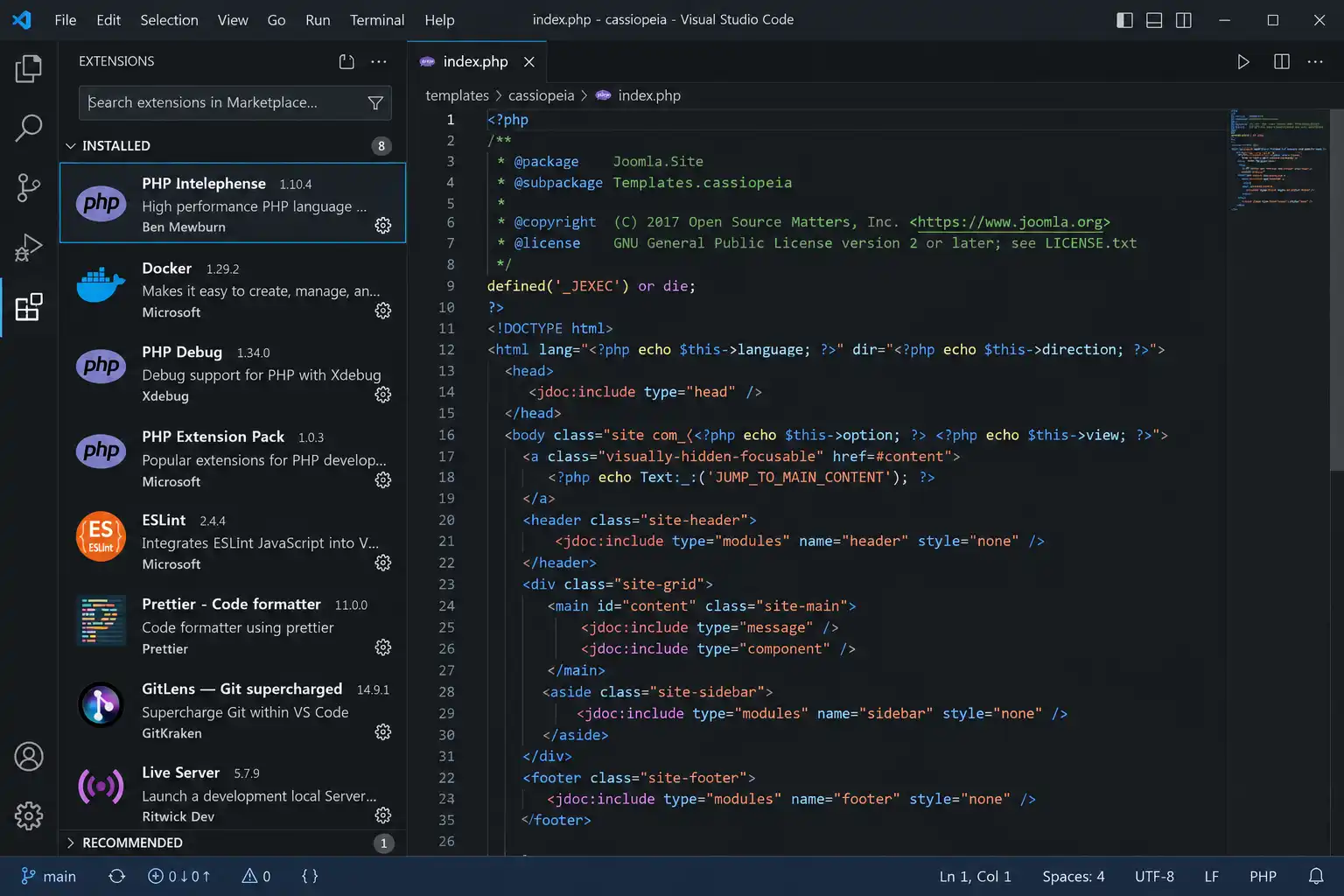
No local server stack replaces a good editor. VS Code is free, cross-platform, and extensible enough to cover PHP intelligence, Git, container management, and live browser preview — all in one window, regardless of which server tool from this list you pair it with.
- Built-in Git integration and integrated terminal
- Extensions like PHP Intelephense, Docker, and GitLens cover most CMS workflows
- Live Server extension previews static changes instantly without a manual refresh
Best for: literally everyone on this list — it's not a competitor to the other eight tools, it's the editor you'll open alongside them.
9. PhpStorm — Best Paid IDE for Serious PHP Work
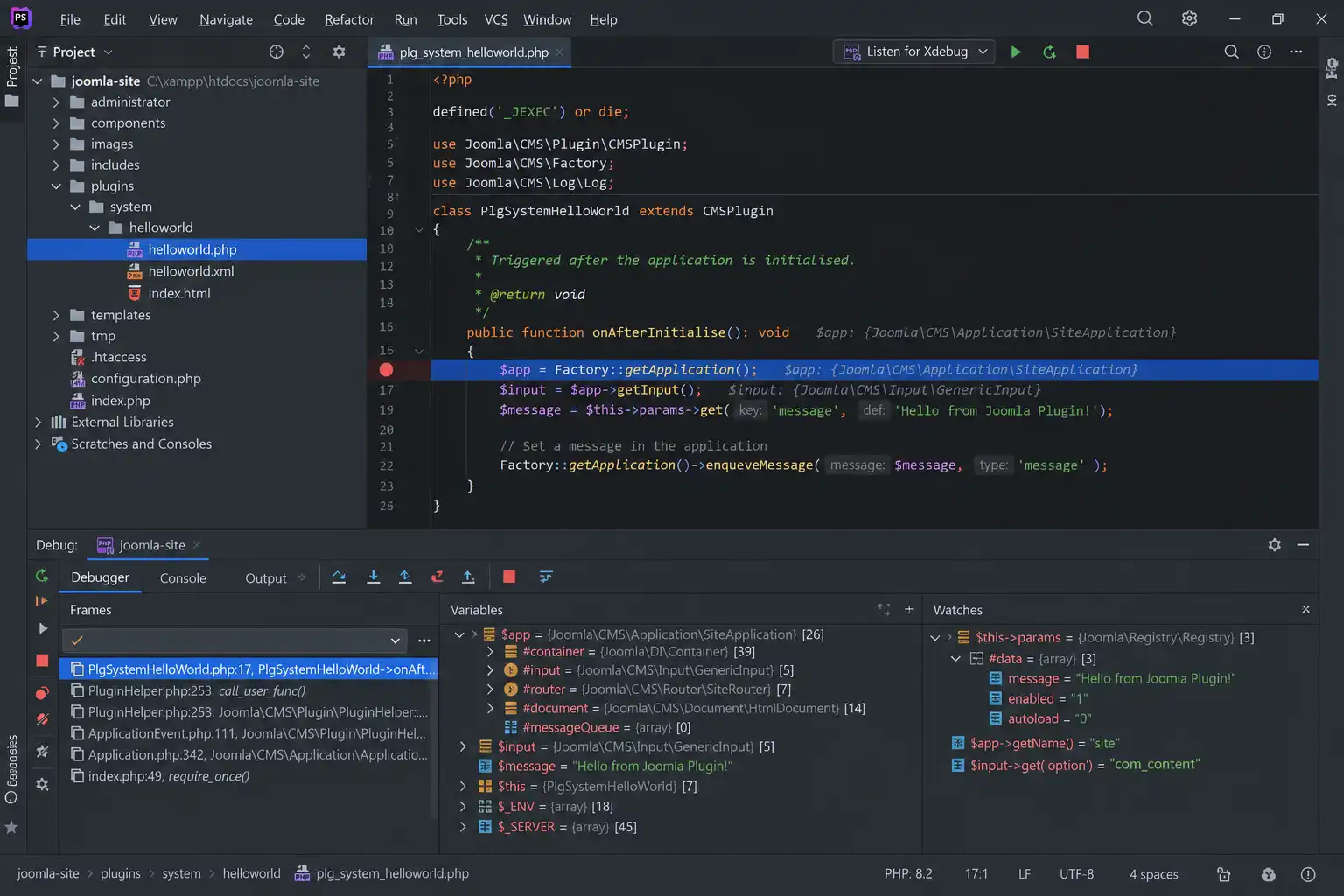
PhpStorm bundles dedicated framework integrations for Joomla, WordPress, and Drupal directly in the IDE — no separate plugin install needed for basic support (Laravel and Symfony integrations do require installing an additional community plugin). Its built-in Xdebug integration, refactoring tools, and code inspection go noticeably deeper than what VS Code offers out of the box.
- Native Joomla, WordPress, and Drupal framework awareness bundled in
- Deep Xdebug integration with visual breakpoints and variable inspection
- Database tools built in — no separate phpMyAdmin/Adminer needed for basic queries
Best for: developers doing heavy custom PHP/extension work who want an IDE, not just an editor. Trade-off: it's a paid subscription.
Common Questions About Local Development Environments
What's the best local environment for a WordPress and Joomla mixed workflow?
XAMPP or DDEV. Both support WordPress and Joomla natively — DDEV through its ddev-joomla community add-on. Local by WP Engine is WordPress-only, so skip it if you also build Joomla sites.
Do I need Docker for local WordPress or Joomla development?
No. Docker mainly helps when you need your local environment to exactly mirror a production server, or when a whole team needs identical setups. For solo work, XAMPP or Laragon is simpler and just as capable.
Is Laragon faster than XAMPP?
Yes, noticeably. Laragon's core install is only a few megabytes and each service starts independently, while XAMPP's bundle is heavier and boots more slowly. The trade-off is Laragon only runs on Windows.
Is Local by WP Engine really free, no catch?
Yes. WP Engine made every previously-paid "Local Pro" feature free for all users in 2021, and that remains the case in 2026. You only pay if you choose WP Engine's paid hosting to deploy the finished site.
Do I need PhpStorm, or is VS Code enough?
VS Code with the right extensions covers most day-to-day Joomla/WordPress editing for free. PhpStorm earns its subscription price mainly for heavy custom extension/plugin development, where its bundled Xdebug and refactoring tools save real time.
Can I run a local environment without installing anything on my computer?
Cloud sandboxes like WordPress Playground-based tools exist for quick, throwaway testing, but they're not a full replacement for a persistent local environment — storage is typically temporary and not meant for long-running client projects.
Which One Should You Actually Pick?
If you only take one thing from this guide: start with XAMPP if you're new or need both WordPress and Joomla support today, move to DDEV once you're working in a team or need production parity, and use Laragon if you're Windows-only and want the fastest daily workflow. Pair whichever one you pick with VS Code as your editor.
What's Next
- How to Install Laragon on a Windows PC (Complete 2026 Guide)
- How to Install XAMPP on Windows: A Complete Beginner-Friendly Guide (2026)
- How to Speed Up Localhost Performance on Windows
✅ Last verified against XAMPP, Laragon 8.6, DDEV, WampServer 3.4.2, and MAMP PRO's current public release notes — September 2026

Thanh Le
Joomla Specialist & Technical Writer
Thanh Le is a Joomla expert and technical writer at Jlvextension.com, known for creating in-depth tutorials, extension reviews, and optimization guides. His work focuses on helping developers and webs