Tutorial
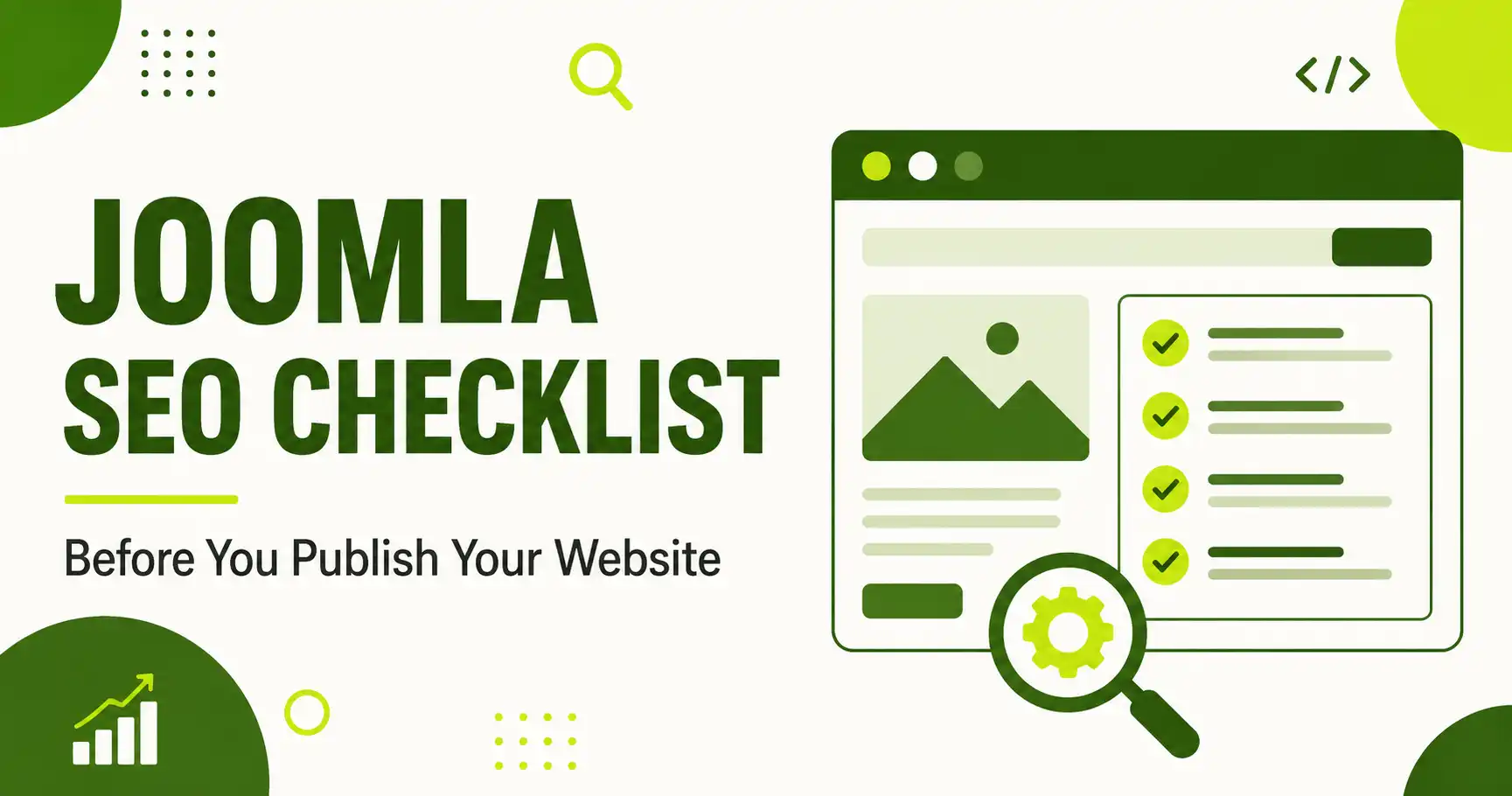
Joomla SEO Checklist Before You Publish Your Website
⚡ Quick Answer
Before you publish a Joomla site, enable SEF URLs, write unique meta titles/descriptions for every page, force HTTPS, generate and submit an XML sitemap (Joomla has no built-in sitemap generator, so you'll need an extension), fix duplicate content and broken links, confirm mobile speed, and add structured data. Skipping any one of these is the most common reason new Joomla sites launch invisible to search engines.
| What you'll need | Notes |
|---|---|
| Joomla admin access | Super User or a role with access to Global Configuration |
| A current Joomla version | This checklist is verified against Joomla 6.1.0 |
| An SEO/sitemap extension | Joomla core does not generate an XML sitemap on its own — see Step 5 |
| Google Search Console account | Free — needed to submit your sitemap and monitor indexing |
| ~1–2 hours | First-time setup; faster on future sites once you know the steps |
This checklist walks through the technical and on-page settings worth checking before a Joomla site goes live. It's written for Joomla 6.x but most steps apply to Joomla 4 and 5 as well, since the relevant Global Configuration options haven't changed structurally across those versions.
Step 1: Enable SEF URLs and Decide Your URL Structure
By default, a fresh Joomla install uses URLs like index.php?option=com_content&id=12. Turn this into a clean, readable URL before you publish anything, since changing URL structure after pages are indexed creates redirect work later.
Go to System → Global Configuration → Site tab → SEO Settings and turn on Search Engine Friendly URLs and URL Rewriting. Enabling URL Rewriting requires renaming the htaccess.txt file in your Joomla root directory to .htaccess — without this step, URL Rewriting will not work even if the toggle is on.
You'll also see an option to add a suffix (like .html) to the end of URLs. This is a style preference rather than a hard SEO rule — the important part is picking one option and staying consistent, since flipping it later changes every URL on the site.
🖼️
[SCREENSHOT NEEDED]
Joomla admin, System → Global Configuration → Site tab, SEO Settings section, with Search Engine Friendly URLs and URL Rewriting both circled in red
Step 2: Write Unique Meta Titles and Descriptions for Every Page
Joomla lets you set a site-wide default meta title and description in Global Configuration, but every individual article, category, and menu item should override that default with its own unique version. Duplicate or missing meta tags across pages is one of the most common issues flagged in Joomla SEO audits.
For individual articles, open the article and go to the Publishing tab to set the Meta Description and Meta Keywords fields. For menu items, the same fields live under the menu item's Metadata tab.
Practical guideline
Keep titles under roughly 60 characters and descriptions around 150–160 characters so they don't get truncated in search results. Write for the human reading the snippet, not just for keyword density.
Step 3: Eliminate Duplicate Content Before It's Indexed
Two common Joomla duplicate-content traps: your site being reachable at both www.yoursite.com and yoursite.com, and the same article being accessible through more than one menu item path. Either one can split ranking signals across multiple URLs for the same content.
Pick one version (www or non-www) and set up a permanent redirect to it at the server or .htaccess level. For menu-item duplication, use a canonical URL or restrict an article to a single menu item wherever possible.
Step 4: Force HTTPS Across the Entire Site
Google treats HTTPS as a baseline trust signal, and Joomla makes it a one-click setting once your SSL certificate is installed. Go to System → Global Configuration → Server tab and set Force HTTPS to Entire Site.
🖼️
[SCREENSHOT NEEDED]
Joomla admin, Global Configuration → Server tab, Force HTTPS dropdown set to "Entire Site," with the field circled
Step 5: Generate and Submit an XML Sitemap
Unlike some other CMS platforms, Joomla core does not generate an XML sitemap automatically — you need a dedicated extension. Popular options in the Joomla Extensions Directory include OSMap (free, widely used), JSitemap, JL Sitemap, Aimy Sitemap, and PWT Sitemap, each offering XML sitemap generation plus extras like image and multilingual sitemap support.
Once installed and configured, copy the XML sitemap link from the extension's control panel, then submit it inside Google Search Console → Sitemaps.
🖼️
[SCREENSHOT NEEDED]
Sitemap extension's XML sitemap link in the Joomla component control panel, and the Google Search Console "Add a new sitemap" screen with the URL pasted in
Step 6: Configure robots.txt Correctly
Your robots.txt file, located at the site root, tells search engine crawlers which parts of your Joomla site they should and shouldn't crawl. Review it before launch to make sure you're not accidentally blocking important sections (like /images/ if you want image search traffic) or leaving administrative paths open unnecessarily. Several sitemap extensions include a built-in robots.txt editor so you don't have to edit the raw file over FTP.
Step 7: Structure Headings and Optimize Every Image
Use one H1 per page (your article title), and organize the body with H2s and H3s that reflect the actual structure of the content — not just for search engines, but because AI answer engines lean on heading structure to pull out the right section when citing a page.
For images: use descriptive filenames (joomla-seo-settings.jpg, not IMG_2031.jpg), write specific alt text that describes what's actually in the image, and compress files before upload. Search engines can't "see" an image, but they read its filename, alt text, and surrounding context to understand and rank it.
Step 8: Hunt Down Broken Links and Set Up Redirects
A site full of 404 errors at launch damages both user experience and crawl efficiency. Click through your main navigation and any internal links before publishing, and set up 301 redirects for any URL that changed during development (Joomla's core Redirect component, under System → Redirects, handles this without needing a third-party extension).
Step 9: Confirm Mobile Responsiveness and Page Speed
Most traffic today arrives on mobile, and page speed is a ranking factor. Before publishing, check your template renders correctly at common mobile breakpoints, and test load speed with a tool like Google PageSpeed Insights or GTmetrix. Common Joomla-specific speed wins include enabling Joomla's built-in Gzip compression and page caching (both in Global Configuration), and choosing a lightweight, well-coded template.
📱
[SCREENSHOT NEEDED]
Side-by-side of the homepage rendered on a mobile viewport vs. desktop, showing the responsive template adapting correctly
Step 10: Add Structured Data and Connect Google Search Console
Add JSON-LD structured data for your Article, Organization, and BreadcrumbList so search engines and AI crawlers can parse your content's context accurately. Joomla doesn't add this automatically — you'll either use an SEO extension that generates it or insert it manually via a custom code plugin.
Once live, verify your site in Google Search Console and submit your sitemap from Step 5. This is also where you'll spot indexing errors early, before they cost you traffic.
Step 11: Prepare Your Content for AI Answer Engines
Traditional SEO checklists stop at Google. In 2026, it's also worth thinking about how AI systems like ChatGPT, Perplexity, and Google's AI Overview read your site. Clean heading structure, direct answers near the top of a page, and legitimate FAQ content all help — regardless of whether FAQ markup produces a visual rich snippet. Some newer Joomla SEO extensions have started adding AI-specific features, such as generating an llms.txt file or an AI-indexing feed alongside the standard XML sitemap, aimed at helping AI crawlers understand a site's content more efficiently.
❓ Frequently Asked Questions
Does Joomla generate an XML sitemap automatically?
No. Joomla core does not include a built-in XML sitemap generator. You need to install an extension such as OSMap, JSitemap, JL Sitemap, or a similar tool from the Joomla Extensions Directory.
Do I need a separate SEO extension for Joomla?
Not strictly — Joomla's core Global Configuration covers SEF URLs, meta tags, and HTTPS. An SEO extension mainly adds convenience for bulk meta management, sitemaps, redirects, and structured data in one place.
Should I add a suffix like .html to my Joomla URLs?
It's a style choice, not a ranking factor. What matters more is picking one format before launch and keeping it consistent, since changing it afterward breaks existing URLs.
Will FAQ or HowTo schema still show as a Google rich snippet?
Google narrowed HowTo and FAQ rich results starting in early 2026. The markup is still worth adding because AI Overview, AI Mode, and other AI engines use it to verify and cite content — the value has shifted from visual snippets to machine readability.
What's the single biggest SEO mistake before launching a Joomla site?
Leaving the default "Joomla! - the dynamic portal engine" meta description in place and forgetting to check for broken links — both are easy to miss and immediately visible to visitors and search engines alike.
How often should I re-run this checklist?
Run it fully before every launch, and re-check sitemap submission, broken links, and page speed after any major template or content restructuring.
🧯 Common Mistakes to Avoid
- Publishing with SEF URLs still disabled, then changing it later and breaking every indexed link
- Leaving Joomla's default meta title/description untouched on the homepage
- Assuming a sitemap exists without installing an extension for it
- Forgetting to rename
htaccess.txtto.htaccess, so URL Rewriting silently fails - Skipping Google Search Console verification until traffic problems force the issue
- Using generic alt text like "image1" instead of a real description
✅ Checklist last verified against Joomla 6.1.0 — August 2026

Thanh Le
Joomla Specialist & Technical Writer
Thanh Le is a Joomla expert and technical writer at Jlvextension.com, known for creating in-depth tutorials, extension reviews, and optimization guides. His work focuses on helping developers and webs