Tutorial
How to Optimize Breadcrumbs in Joomla for SEO and AI Search (2026 Guide)
⚡ Quick Answer
To optimize breadcrumbs in Joomla, enable the native mod_breadcrumbs module, keep breadcrumb labels short and matched to your actual menu structure, then add BreadcrumbList JSON-LD structured data — either through Joomla 5's built-in Schema.org system plugin or a template override on Joomla 4 — so both users and AI answer engines can read your site's hierarchy correctly.
| What you'll need | Details |
|---|---|
| Joomla access | Super User or Manager account in the administrator panel |
| Joomla version | Joomla 4.x or 5.x (steps below note where they differ) |
| Menu structure | Categories and menu items already created — breadcrumbs are built from your menu path, not invented automatically |
| For JSON-LD schema | Joomla 5's core Schema.org plugin, or template override access on Joomla 4/3 |
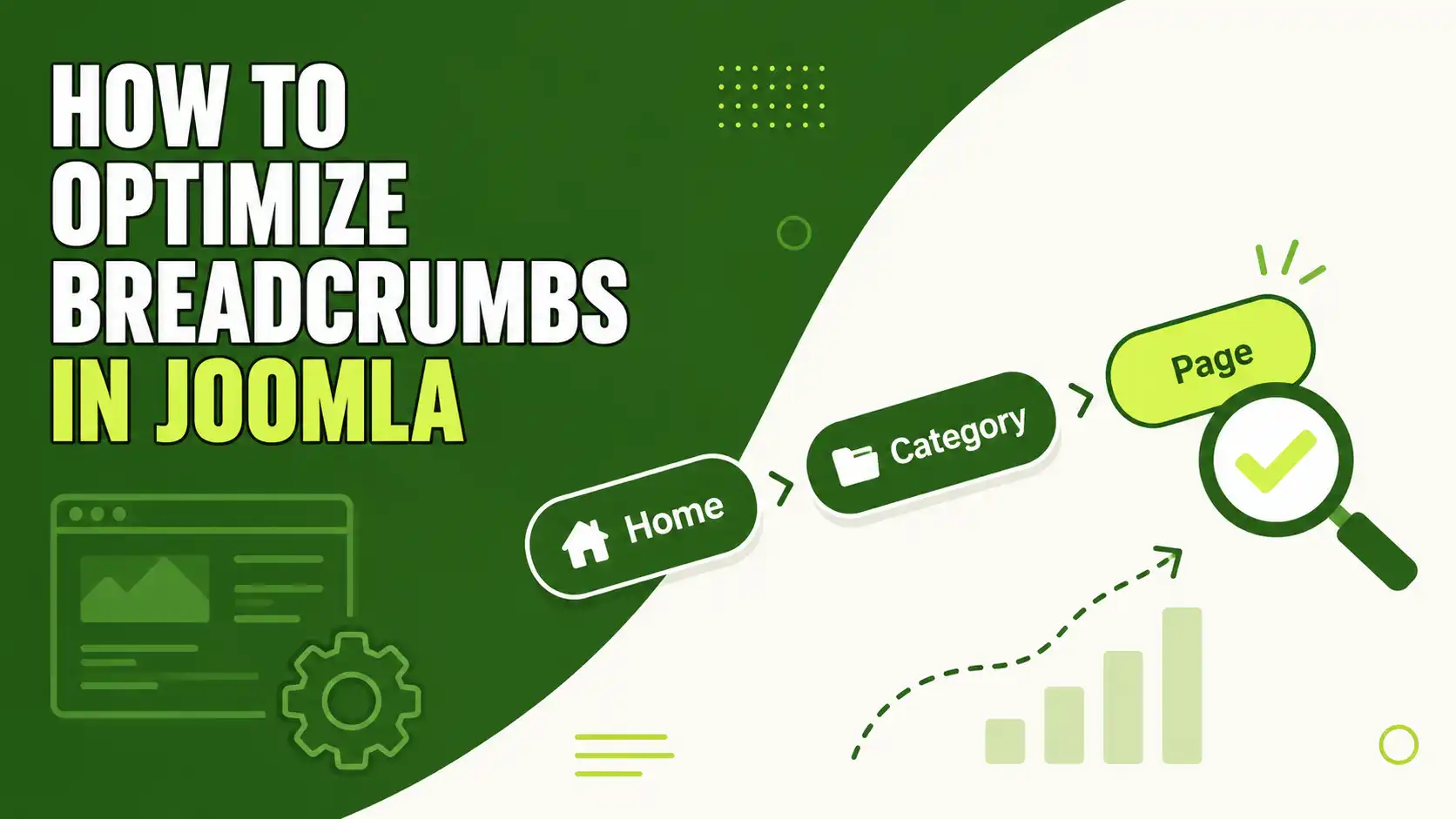
Breadcrumbs in Joomla do two jobs at once: they help visitors backtrack through your site hierarchy, and they tell search engines and AI crawlers exactly how a page fits into your content structure. This guide covers Joomla's native breadcrumb module, the settings that actually matter for SEO, and how to add BreadcrumbList structured data so the hierarchy is machine-readable too. It applies to Joomla 4.x and 5.x installs; where the two versions differ, that's called out.
Step 1: Enable Joomla's native Breadcrumbs module
Joomla ships with a Breadcrumbs module (historically called "Pathway") built into core — you don't need to install anything.
- In the administrator panel, go to Content → Site Modules.
- Click New, then select Breadcrumbs from the module type list.
- Give it a title (this only shows if you enable "Show Title").
- Assign it to a module position your template actually renders — usually something like
breadcrumbsorposition-1, just above the main content. - Under Menu Assignment, choose On all pages unless you have a specific reason to exclude some.
- Set Status to Published and save.
🖼️
SCREENSHOT NEEDED
Joomla admin, Content → Site Modules → New, with "Breadcrumbs" highlighted in the module type list
Why this matters
If your template already includes a breadcrumb trail hardcoded into a layout override, adding a second module will duplicate the trail. Check your template's html/mod_breadcrumbs override folder before publishing a new module instance.
Step 2: Configure the display options correctly
Once the module exists, the Basic Options tab controls what actually gets rendered. These are the settings worth deciding deliberately rather than leaving on default:
| Option | What it does | Recommended for SEO |
|---|---|---|
| Show "You are here" | Displays a "You are here:" label before the trail | Hide — it adds no value for crawlers or AI parsers, just visual clutter |
| Show Home | Includes the homepage as the first breadcrumb item | Show — it anchors the hierarchy at the root, which matches how BreadcrumbList schema expects position 1 |
| Text for Home Entry | Custom label for the homepage entry | Use your brand name or "Home" — avoid stuffing keywords here |
| Show Last | Shows the current page as the final (unlinked) item | Show — the current page should never link to itself |
| Text Separator | The character between breadcrumb items (e.g. /, ›) | Use a simple character; avoid image separators, which add no semantic value |
🖼️
SCREENSHOT NEEDED
Breadcrumbs module Basic Options tab in Joomla admin, with "Show Home", "Show Last", and "Text Separator" fields visible and circled in red
Step 3: Write breadcrumb-friendly menu and category labels
Joomla builds the breadcrumb trail directly from your menu item and category titles — it doesn't generate separate breadcrumb-only text. That means the labels you set for menu items are your breadcrumb SEO copy.
- Avoid leaving Joomla's default category name "Uncategorised" live on a public menu path — it will show up in your breadcrumb trail and in
BreadcrumbListschema exactly as written. - Keep each label to 1–3 words where possible; long labels break the trail visually and dilute the schema's readability for AI parsers.
- Match labels to how users actually search, not internal naming (e.g. "WordPress Themes" rather than "Cat2-WP-Themes").
- Keep breadcrumb depth to roughly 2–5 levels. Longer trails are technically valid but reduce clarity for both users and answer engines.
Step 4: Add BreadcrumbList structured data
The visible breadcrumb trail helps users. To help AI Overviews, Perplexity, and Gemini understand your site structure programmatically, you also need BreadcrumbList JSON-LD markup that matches the visible trail exactly.
On Joomla 5
Joomla 5 introduced a native Schema.org system plugin (built through a Google Summer of Code project) that can generate JSON-LD structured data — including breadcrumbs — without a third-party extension.
- Go to System → Manage → Plugins.
- Search for "Schema" and enable the relevant Schema.org plugin(s) for your content type.
- Reload a category or article page and view the page source — you should see a
<script type="application/ld+json">block containing aBreadcrumbListentity.
Known quirk to expect
Joomla's native schema output has occasionally failed strict validation on validator.schema.org while still passing Google's Rich Results Test. If you see this, it's a documented formatting quirk in some Joomla releases — not necessarily a sign your setup is broken. Test with Google's tool first.
On Joomla 4.x or older
Without the native Joomla 5 plugin, you'll need a template override or a dedicated SEO extension to output BreadcrumbList JSON-LD. Whichever method you use, the markup should follow this shape:
<script type="application/ld+json">
{
  "@context": "https://schema.org",
  "@type": "BreadcrumbList",
  "itemListElement": [
    {
      "@type": "ListItem",
      "position": 1,
      "item": { "@id": "https://example.com/", "name": "Home" }
    },
    {
      "@type": "ListItem",
      "position": 2,
      "item": { "@id": "https://example.com/wordpress-themes", "name": "WordPress Themes" }
    },
    {
      "@type": "ListItem",
      "position": 3,
      "item": { "@id": "https://example.com/wordpress-themes/example-theme", "name": "Example Theme" }
    }
  ]
}
</script>
🖼️
SCREENSHOT NEEDED
Browser page source (Ctrl+U) on a Joomla article page, with the BreadcrumbList JSON-LD script block highlighted
Step 5: Verify the trail matches the schema exactly
The single most common cause of rejected or ignored breadcrumb schema is a mismatch between what's visible on the page and what's in the JSON-LD. If your visible trail says "Home / Themes / Example Theme" but your schema lists a different category name or a different number of levels, treat it as an inconsistency to fix, not a minor detail.
- Open the live page and copy the exact visible breadcrumb text.
- Open Google's Rich Results Test and paste in the page URL.
- Compare each
ListItemname and position against what's actually displayed. - Fix any mismatch at the source — usually a menu item title or category name — rather than patching the schema output alone.
📊
SCREENSHOT NEEDED
Google Rich Results Test result screen showing a valid BreadcrumbList detection for a sample page
🧯 Common Mistakes to Avoid
- Running two schema formats at once. If an old template override still outputs Microdata (
itemscope,itemtype) for breadcrumbs, disable it before turning on JSON-LD — running both confuses crawlers. - Leaving "Uncategorised" live in the trail. This is Joomla's default category name; if it's still assigned to public content, it appears in both the visible breadcrumb and the schema.
- Letting the current page link to itself. With "Show Last" enabled, the final breadcrumb item should render as plain text, not a clickable link back to the same page.
- Assuming schema fixes navigation. Adding
BreadcrumbListJSON-LD does nothing for users if the visible module isn't published or assigned to the right pages — fix the visible trail first. - Building trails deeper than necessary. A path like Home / Extensions / Themes / WordPress / Business / Corporate / Example Theme is technically valid but reads as clutter to both users and AI summarizers.
❓ FAQ
Do Joomla breadcrumbs directly affect search rankings?
Not as a standalone ranking factor. Their value is indirect: they strengthen internal linking, help crawlers and AI parsers understand page hierarchy, and can improve click-through when Google displays a breadcrumb trail in search results instead of a raw URL.
Does Joomla's native Breadcrumbs module output schema markup automatically?
Not by itself. On Joomla 5, the native Schema.org system plugin can generate BreadcrumbList JSON-LD for you once enabled. On Joomla 4.x and earlier, you need a template override or a third-party SEO extension to add that markup.
How many levels should a Joomla breadcrumb trail have?
Roughly 2 to 5 levels works best. Deeper trails are valid but add clutter without adding clarity for users or AI summarizers reading the page structure.
Why aren't my breadcrumbs showing on the homepage?
This is expected behavior in most setups — the homepage has nothing above it in the hierarchy, so there's no trail to display. Check "Menu Assignment" if breadcrumbs are missing on pages that should have them instead.
Can I change the breadcrumb text without renaming my menu item?
Not through the module itself — Joomla pulls breadcrumb labels from the menu item or category title. To change the displayed text, edit that title directly, which also updates the label used in your BreadcrumbList schema.
Do I need a paid extension for breadcrumb schema on Joomla 5?
No. Joomla 5's core Schema.org plugin can generate BreadcrumbList JSON-LD natively. A paid SEO extension may still be worth it for more granular control, but it isn't required just to get valid breadcrumb schema.
➡️ What's Next
Once your breadcrumb trail and schema are in place, the next logical step is auditing the rest of your structured data. See our guide on how to add schema markup in Joomla for setting up Article, FAQ, and Review schema alongside your breadcrumbs.
✅ Last verified on Joomla 5.x — July 2026

Thanh Le
Joomla Specialist & Technical Writer
Thanh Le is a Joomla expert and technical writer at Jlvextension.com, known for creating in-depth tutorials, extension reviews, and optimization guides. His work focuses on helping developers and webs

