How to Override a Module Layout in Joomla 6 (Update-Safe Method)
Beginner
⏱ 5 min
⚡ Quick Answer
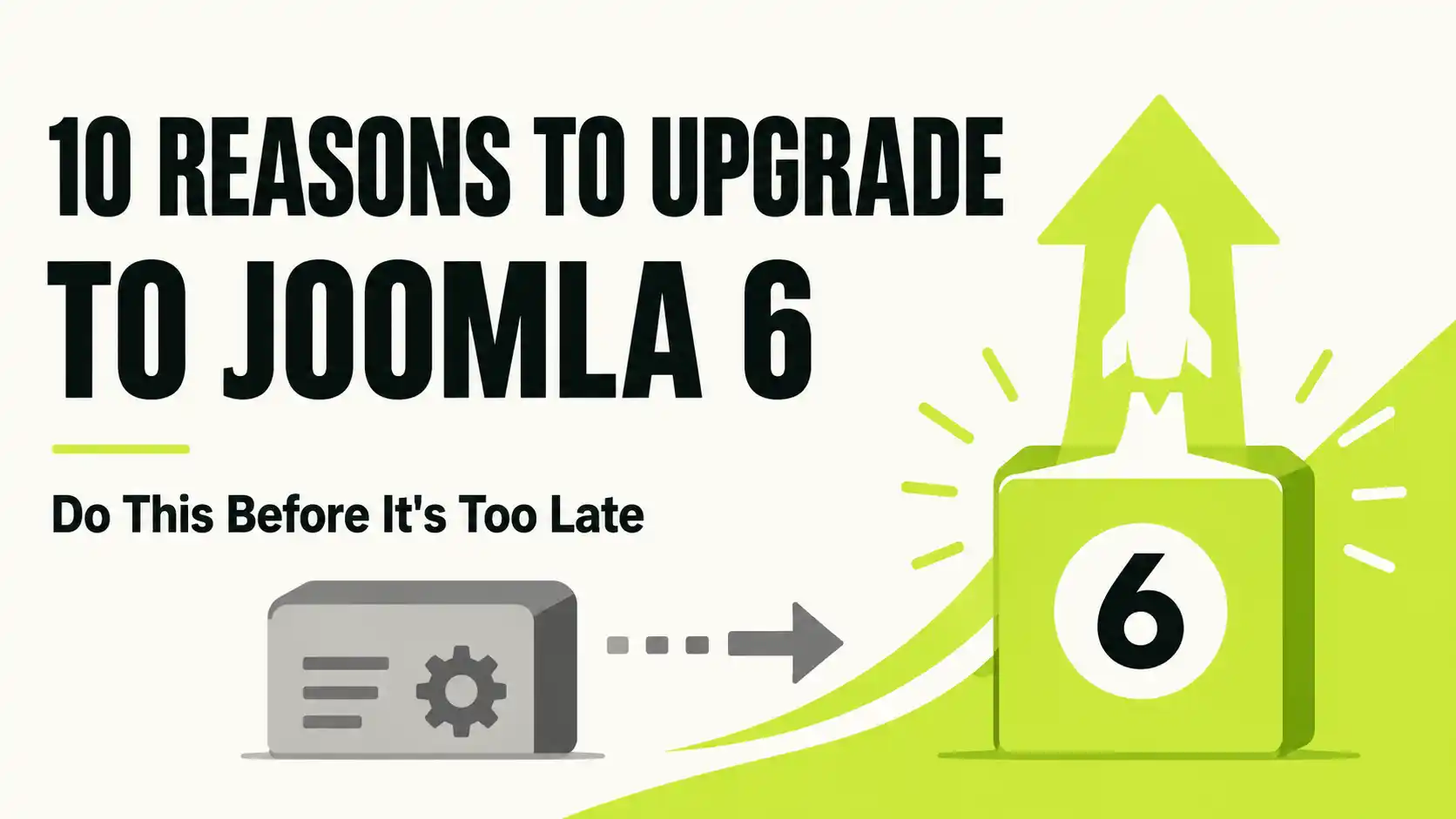
Joomla 6, released October 14, 2025, is the CMS's current major version and the only branch with a long support runway (security updates until October 2029). Joomla 4 is already end-of-life, and Joomla 5 loses security support in October 2027. If your extensions and template are compatible, upgrading now gets you automated updates, deeper content versioning, a modernized editor, built-in MFA, and years of additional runway before you have to migrate again.
Affiliate disclosure: Some links in this article, including links to Envato Market and MonsterONE, are affiliate links. If you purchase through them, we may earn a commission at no extra cost to you. This does not affect which facts we report about Joomla 6.
Joomla 6.0.0 shipped on October 14, 2025, and the series is now on version 6.1.2 as of mid-2026. If you're still running Joomla 4 — which stopped receiving security patches on the same day Joomla 6 launched — or you're weighing whether to jump straight from Joomla 5, this article lays out ten concrete, non-hype reasons to move to Joomla 6 now, plus what to check before you do.
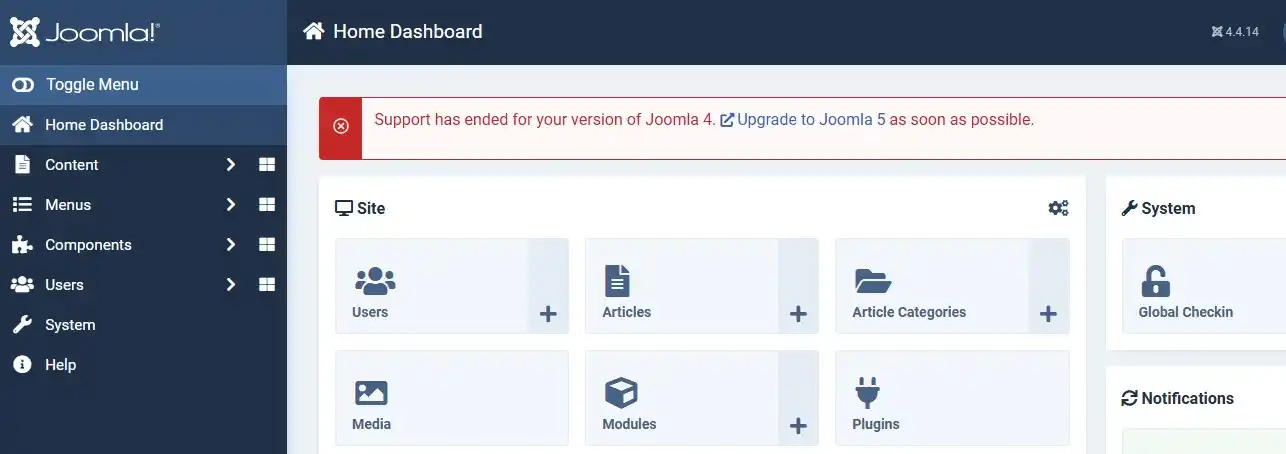
Joomla 4.x reached end of life on October 14, 2025, the same day Joomla 6 and Joomla 5.4 were released. That means Joomla 4 sites no longer receive security patches of any kind. Running an unpatched CMS is one of the most common ways Joomla sites get compromised, since known vulnerabilities in end-of-life software are actively scanned for by automated bots.
If you're on Joomla 4 today, the practical question isn't "should I upgrade" — it's whether to land on Joomla 5 first or go directly to Joomla 6, which depends on your extensions' compatibility (see reason #10).
Each major Joomla version gets four years of combined bugfix and security support from its release date. That gives Joomla 6 security updates through roughly October 2029, compared to Joomla 5's security support ending in October 2027. If you're rebuilding or migrating a site now, starting on Joomla 6 instead of Joomla 5 buys you roughly two extra years before your next forced major upgrade.
| Version | Released | Security support ends |
|---|---|---|
| Joomla 4.x | August 17, 2021 | October 14, 2025 (EOL) |
| Joomla 5.x | October 17, 2023 | ~October 12, 2027 |
| Joomla 6.x | October 14, 2025 | ~October 16, 2029 |
Joomla 6 (and Joomla 5.4) can now apply minor core updates — like 6.0.0 to 6.0.1 — automatically, without an admin logging in to click "update." This is aimed at closing the gap between a security patch being released and it actually reaching production sites, which historically has been one of the biggest windows of exposure for Joomla installs.
⚠️ Worth knowing
Automatic updates can still break a site that leans on many third-party extensions. Sites with heavy customization are often safer sticking to manual updates and testing on staging first — treat automation as a convenience for simple sites, not a blanket recommendation.
Previously, Joomla's version history tracked article content but not much else. In Joomla 6, the versioning system was extended to capture changes to custom fields, tags, and categories too — so restoring an older version of an article restores its full context, not just the body text. For sites that rely heavily on custom fields (common in Joomla-based directories, review sites, and product catalogs), this closes a long-standing gap.
Joomla 6 adds native custom field types for notes, numbers, and date/datetime values. Previously, achieving this required third-party field plugins or workarounds with the text field type. Native support means fewer extension dependencies for structured content — useful for anything from event dates to product specs.
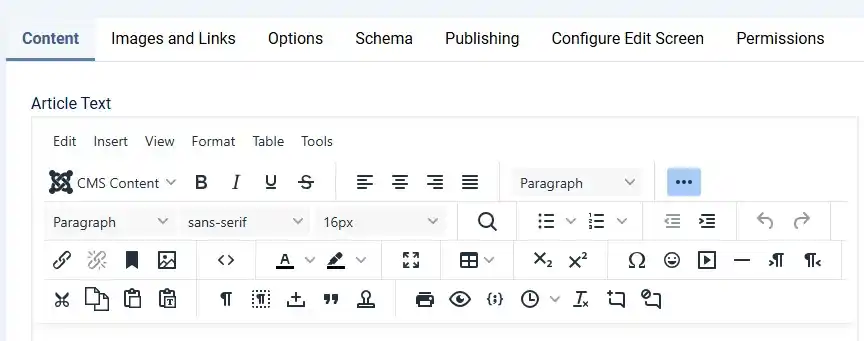
The default editor is now built on TinyMCE 8.0.1. For editorial teams, this mainly shows up as better performance and a more current toolbar/UI compared to the older TinyMCE builds shipped with Joomla 4 and early Joomla 5.
Joomla 6 ships with "Cassiopeia Extended," a child-template version of the default Cassiopeia template with built-in color and font controls. This lets you customize colors and typography through the template style settings in the admin panel instead of writing a custom CSS override — a meaningful convenience for site owners who don't want to touch code for basic branding changes.
Joomla 6 includes native support for multi-factor authentication and passwordless login, reducing reliance on third-party security extensions to lock down the admin login. For agencies managing client sites, this is one less extension to install, configure, and keep updated on every site.
The Healthchecker tool provides visibility into site health directly from the admin panel, making it easier to catch configuration or maintenance issues before they turn into downtime — particularly useful for developers and agencies managing multiple Joomla installs.
Joomla 6 ships with a "Behaviour – Backward Compatibility 6" plugin, enabled by default, designed to let extensions that aren't yet fully Joomla 6–compatible keep functioning during the transition. It's a genuinely useful safety net for migration, but it comes with a real trade-off: pages load slower while the plugin is active, since it's doing extra compatibility work behind the scenes.
The practical takeaway: audit your templates and extensions against Joomla 6 compatibility before migrating, disable the compatibility plugin once everything is confirmed working, and don't treat it as a permanent solution.
💬 Before you upgrade
Check every third-party template and extension against its Joomla 6 compatibility notes first. On JLV Blog, if you're using MonsterONE or Envato-sourced templates, confirm the specific item's changelog mentions Joomla 6 support before migrating a production site.
Yes. Joomla 6.0.0 was a general availability release on October 14, 2025, and the series has since moved through minor releases up to 6.1.2. It's no longer in alpha/beta/RC status, which was the case earlier in 2025.
Joomla's official migration path is one major version at a time, so Joomla 4 → 5 → 6 is the supported route. Going straight from 4 to 6 is not the documented upgrade path and increases the risk of broken extensions or templates.
The minimum is PHP 8.3.0 with standard modules (json, simplexml, dom, gd, mysqlnd), plus MySQL 8.0.13 or MariaDB 10.4.0. The officially recommended versions are PHP 8.4+ with MySQL 8.4+ or MariaDB 12.0+.
Some will, some won't — it depends entirely on whether each developer has updated their extension for Joomla 6. Check each extension's changelog or support page individually, and rely on the compatibility plugin only as a temporary bridge, not a long-term fix.
Based on Joomla's four-year support cycle from release, Joomla 6.x is expected to receive security updates until approximately October 2029.
For simple sites with few third-party extensions, automatic minor updates are a low-risk convenience. For complex sites with many customizations, manual updates tested on staging first remain the safer approach.

Stephen is the CEO and Founder of Jlvextension, known for creating high-quality Joomla templates and leading the development of innovative web solutions.