How to Set Up Virtual Hosts in XAMPP on Windows (.test Domains, 2026 Guide)
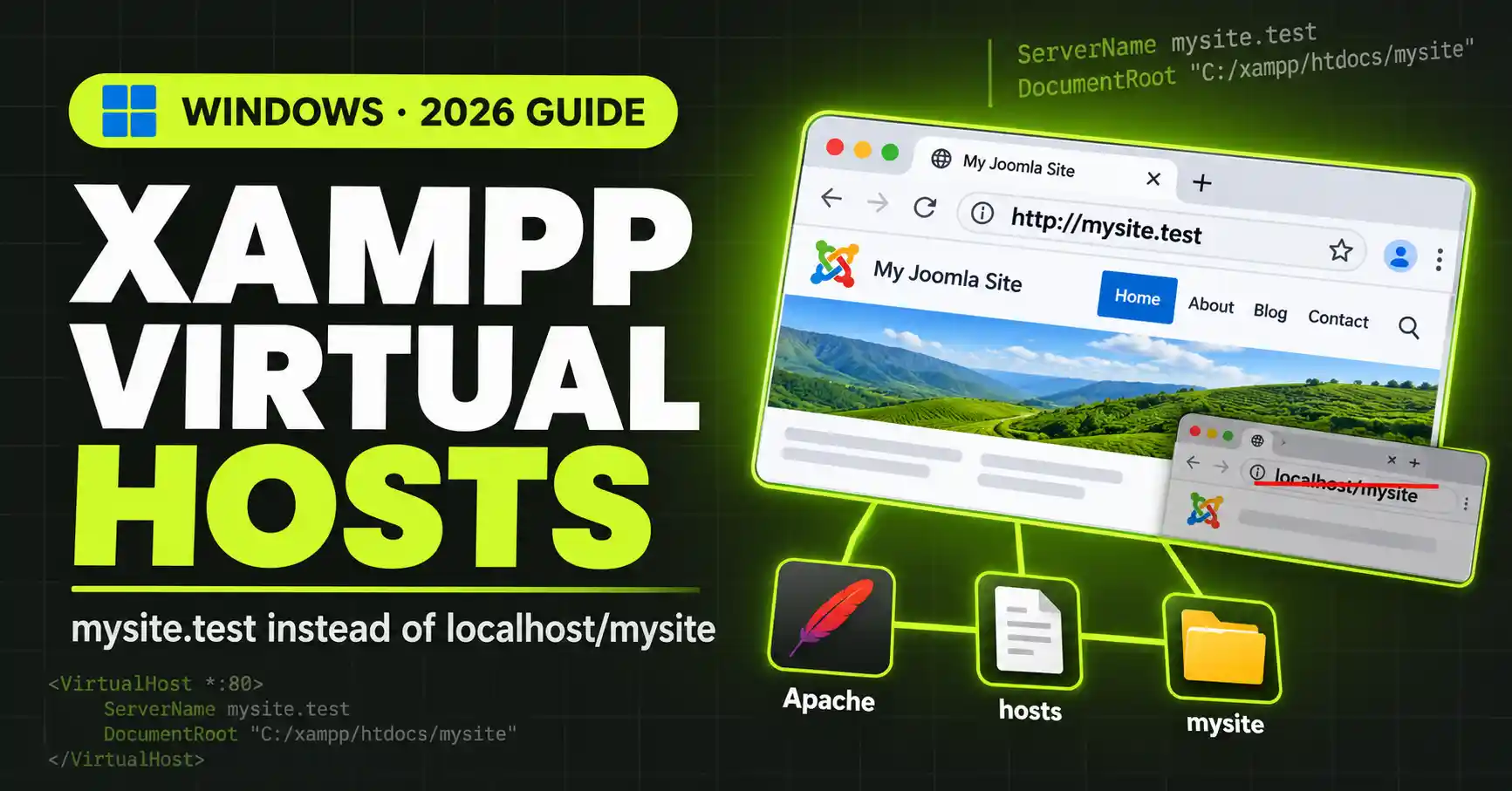
Set up XAMPP virtual hosts on Windows: edit httpd-vhosts.conf and the hosts file to run sites at mysite.test instead of localhost/mysite
XAMPP is a completely free, easy to install Apache distribution containing MariaDB, PHP, and Perl. The XAMPP open source package has been set up to be incredibly easy to install and to use.
Set up XAMPP virtual hosts on Windows: edit httpd-vhosts.conf and the hosts file to run sites at mysite.test instead of localhost/mysite
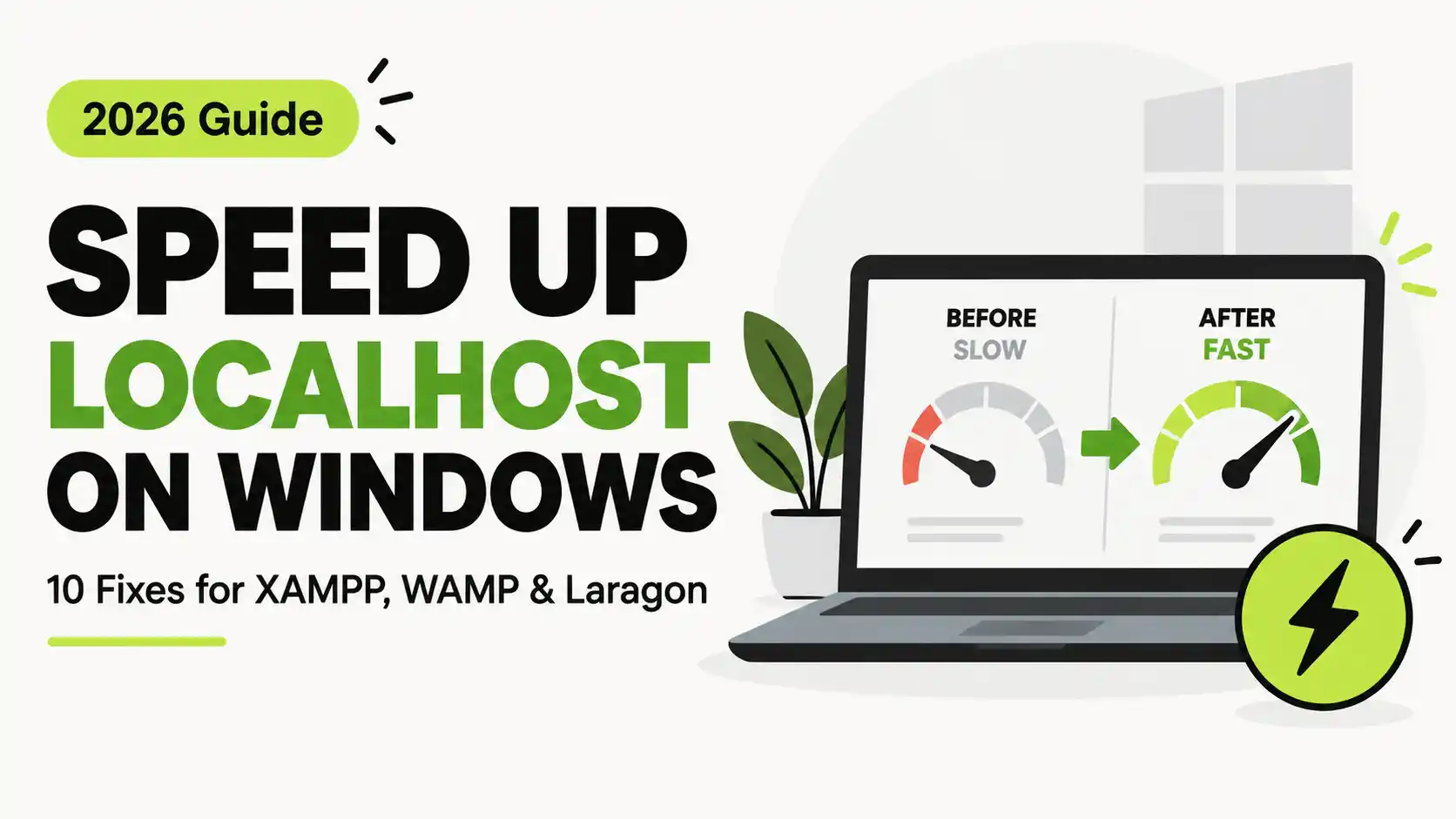
Fix slow localhost on Windows: exclude your project folder from Windows Defender, use 127.0.0.1, enable PHP OPcache, tune MySQL, and more. Step-by-step guide for XAMPP, WAMP, and Laragon
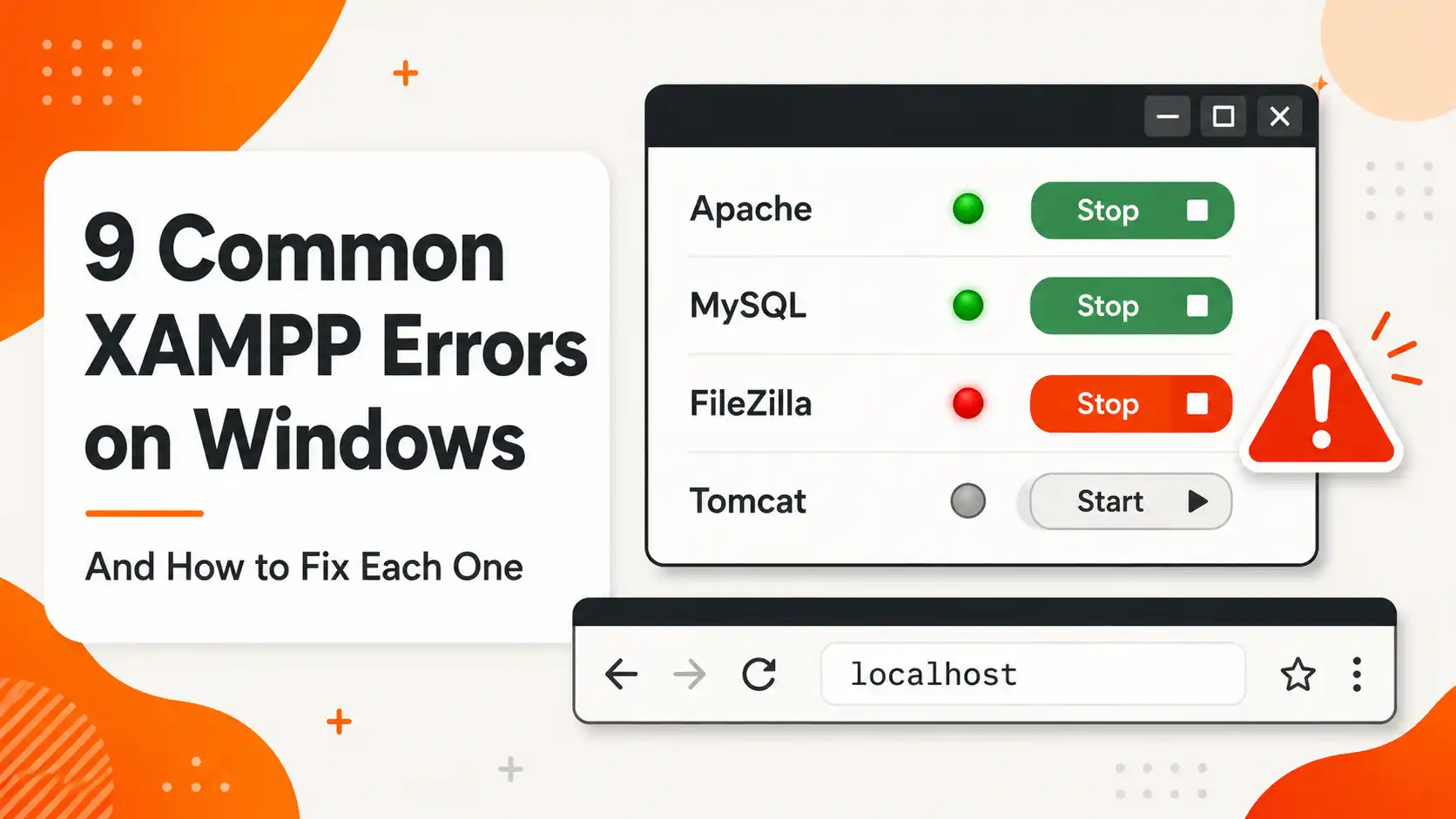
Fix the 9 most common XAMPP errors on Windows: Apache port 80/443 conflicts, MySQL shutdown unexpectedly, phpMyAdmin access denied, 403 Forbidden, and more
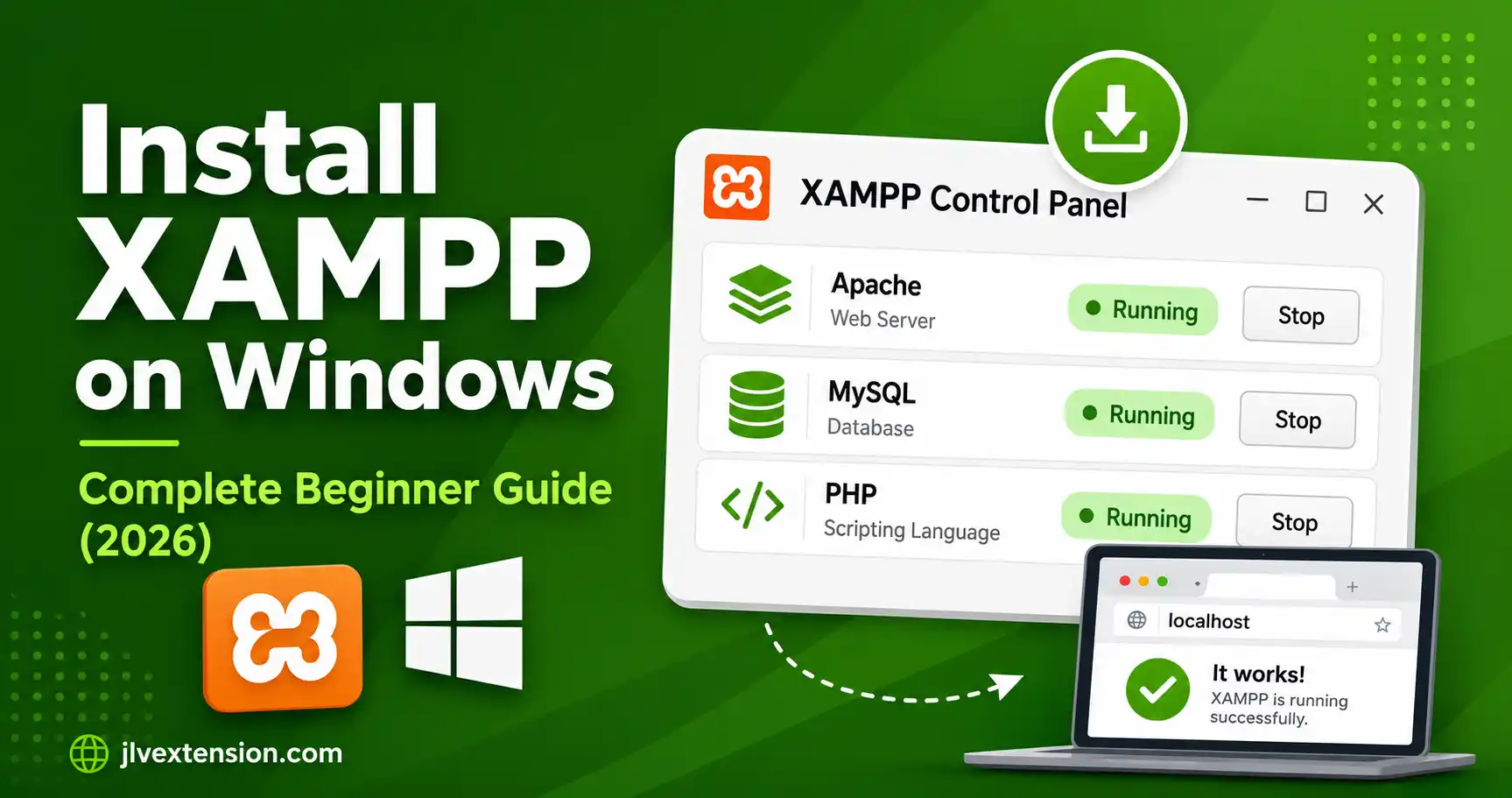
Step-by-step guide to installing XAMPP on Windows, from downloading the right installer to fixing the most common Apache port-conflict errors, with screenshots at every step
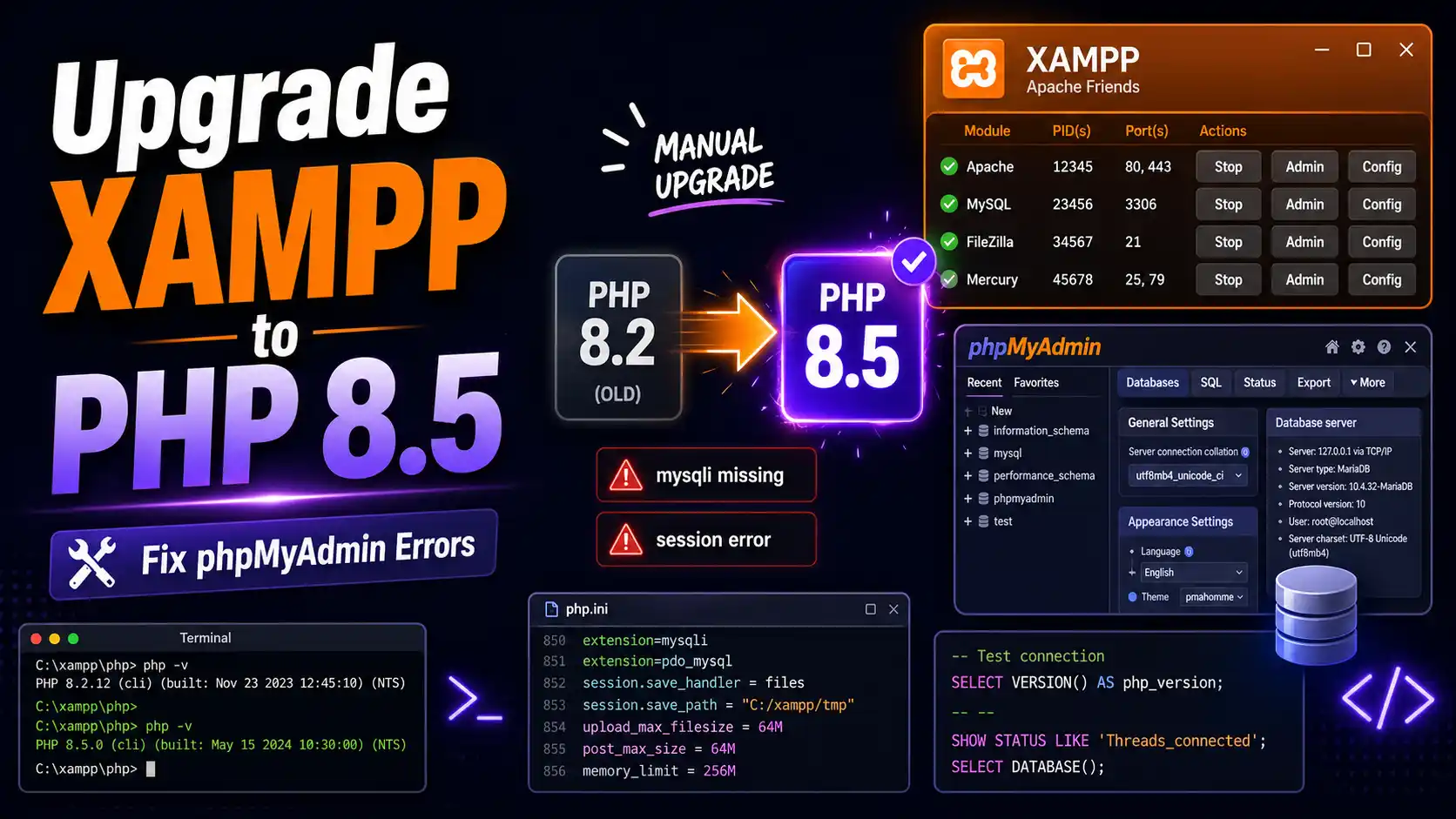
Step-by-step guide to manually upgrade XAMPP to PHP 8.5 on Windows β download the right build, update php.ini and httpd-xampp.conf, fix common Apache errors.