How to Enable Automatic Updates in Joomla 6 (2026 Guide)
Learn how to enable automatic updates in Joomla 6 to keep your website secure, stable, and up to date with the latest core releases and security patches.
New to WordPress, Joomla, or web hosting? Our Newbie Guide breaks down the basics with honest, practical tutorials made for absolute beginners.
41 posts
Learn how to enable automatic updates in Joomla 6 to keep your website secure, stable, and up to date with the latest core releases and security patches.
Discover 10 compelling reasons to upgrade to Joomla 6 today, from improved performance and security to a modern admin interface and future-ready features.
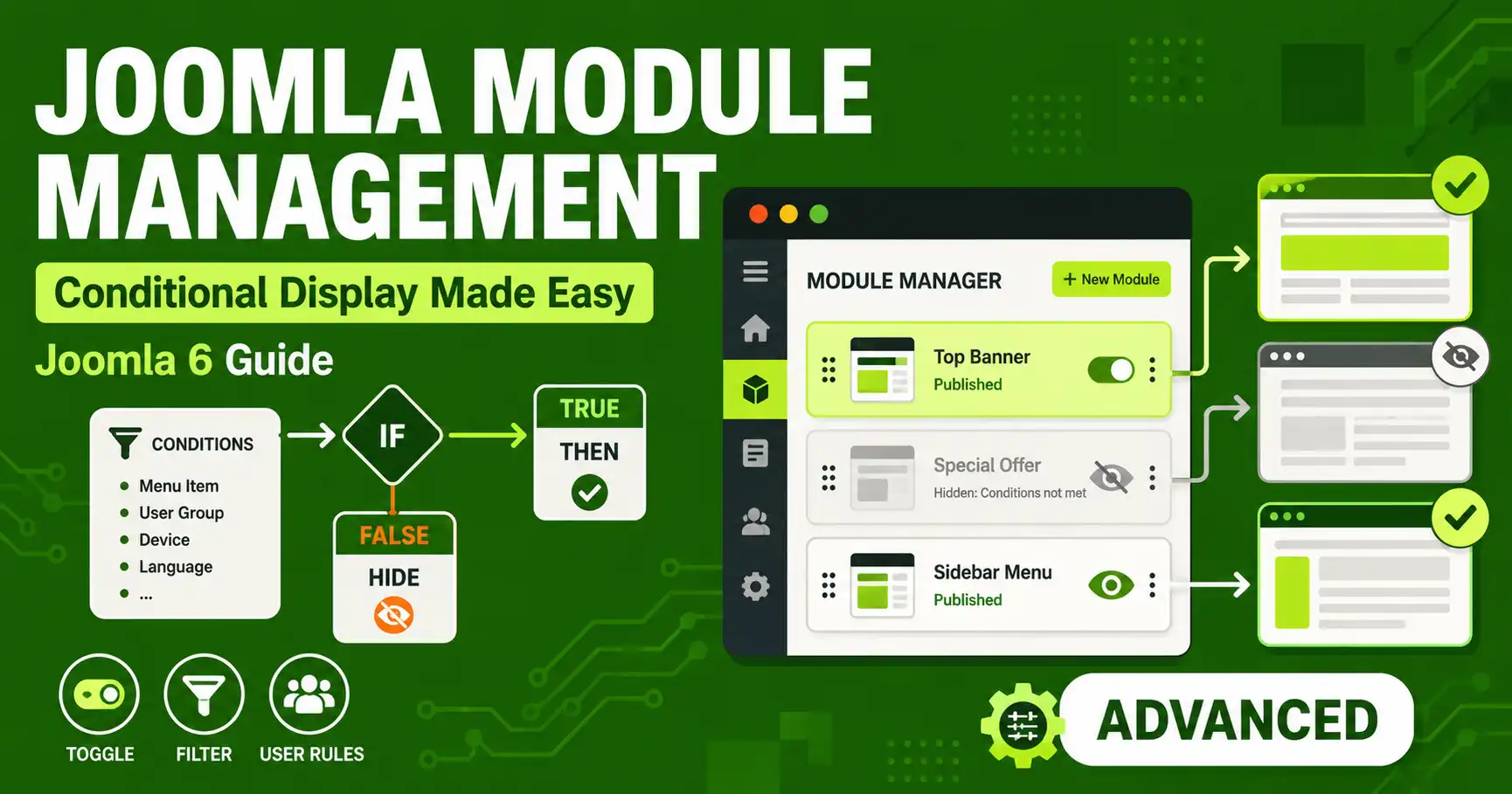
Learn how Joomla 6's Menu Assignment and Publishing tabs control module display, and how to add advanced conditions (users, devices, categories) with Advanced Module Manager
Step-by-step guide to adding a logo and favicon in Joomla 6's Cassiopeia template — plus the update-safe Cassiopeia Extended method
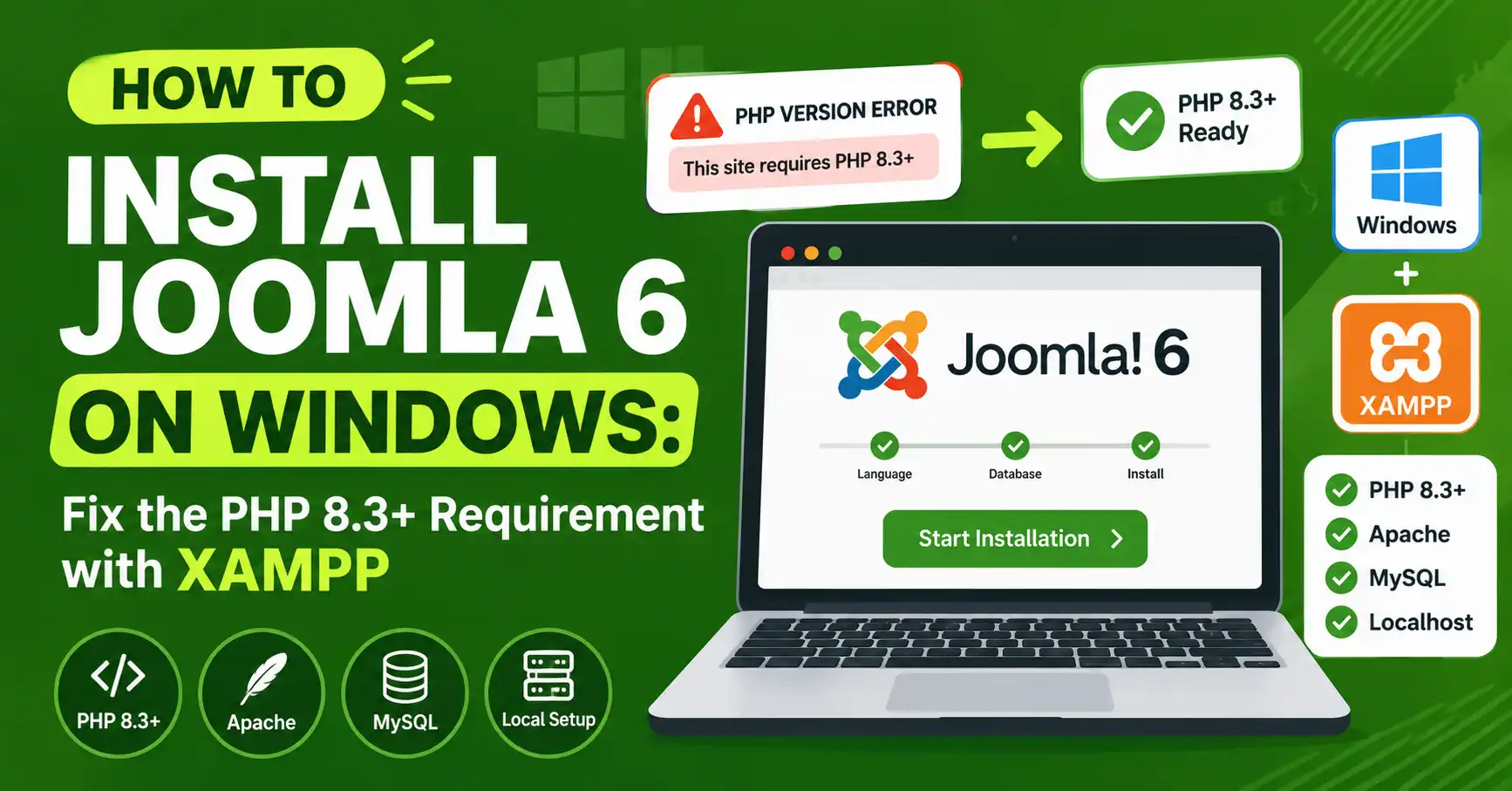
Install Joomla 6 on Windows with XAMPP: upgrade PHP to 8.3+, create the database, and run the setup wizard — step by step, updated for Joomla 6.1.2
Showing 37–41 of 41