How to Manage Joomla User Permissions and Access Levels (ACL Guide)
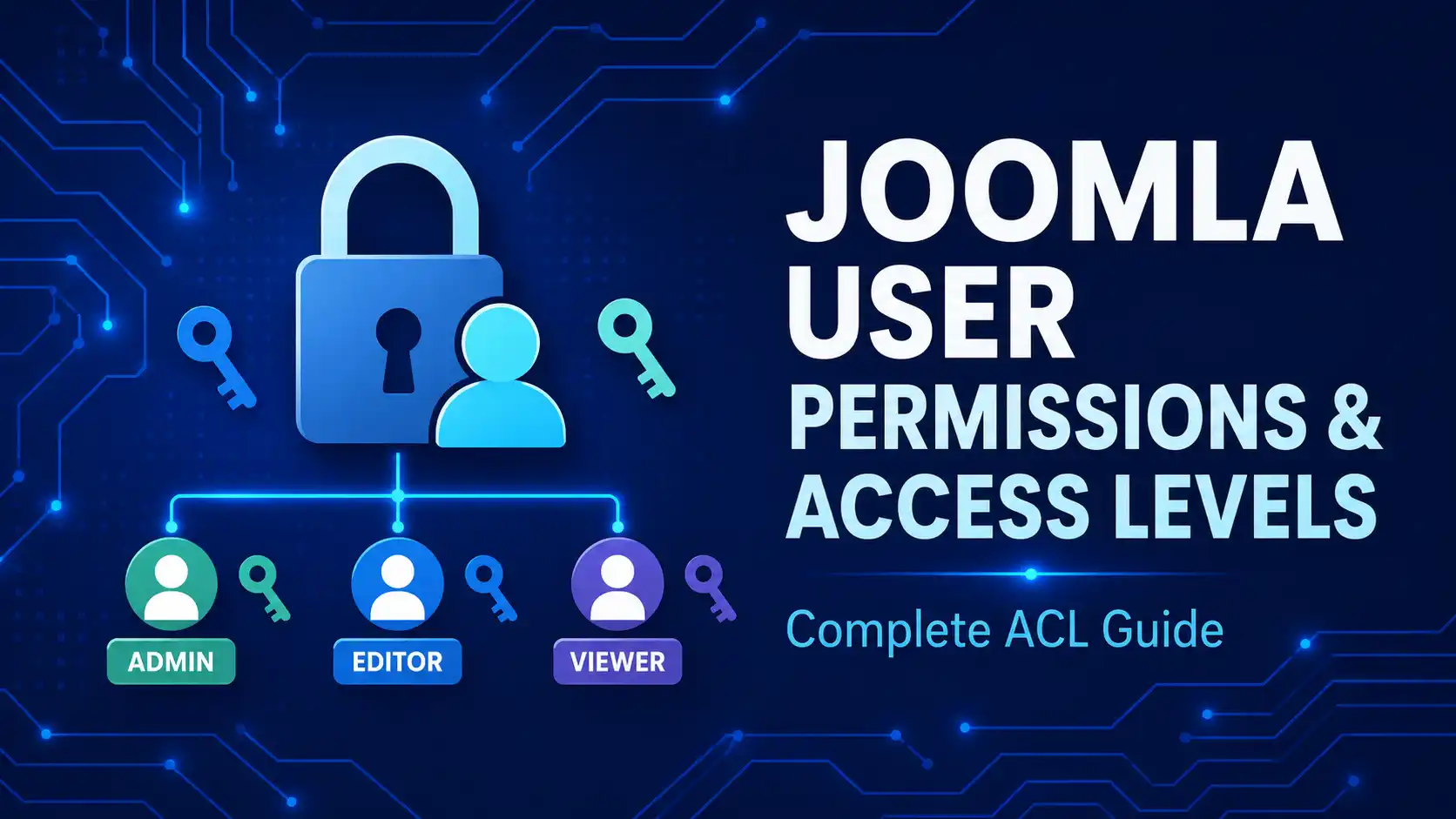
Learn how to manage user permissions and access levels in Joomla — from configuring ACL and user groups to controlling what each role can view, edit, and publish.
Browse expert Joomla tutorials, SEO guides, extension recommendations, security tips, performance optimization, and web development articles for Joomla beginners and professionals.
Quick Answer
Joomla is a free, open-source content management system (CMS) that lets you build and manage websites, online stores, and web applications without writing code. It was first released in 2005 as a fork of Mambo, and is now maintained by a global volunteer community coordinated by the non-profit Open Source Matters, Inc.
Joomla powers roughly 2% of all websites worldwide, making it the second most popular open-source CMS after WordPress. It's especially popular for multilingual sites, membership portals, e-commerce stores, and government or nonprofit projects that need fine-grained user access control out of the box.
Learn how to manage user permissions and access levels in Joomla — from configuring ACL and user groups to controlling what each role can view, edit, and publish.
Learn best practices for securing Joomla files and directories — from setting correct file permissions and protecting sensitive folders to hardening your .htaccess configuration.
Learn how to enable automatic updates in Joomla 6 to keep your website secure, stable, and up to date with the latest core releases and security patches.
Discover 10 compelling reasons to upgrade to Joomla 6 today, from improved performance and security to a modern admin interface and future-ready features.
Learn how Joomla 6's Menu Assignment and Publishing tabs control module display, and how to add advanced conditions (users, devices, categories) with Advanced Module Manager
Step-by-step guide to adding a logo and favicon in Joomla 6's Cassiopeia template — plus the update-safe Cassiopeia Extended method
Install Joomla 6 on Windows with XAMPP: upgrade PHP to 8.3+, create the database, and run the setup wizard — step by step, updated for Joomla 6.1.2
Showing 61–67 of 67
Yes. Joomla is 100% free and open-source, released under the GNU General Public License (GPL). You can download, use, and modify it without licensing fees — you'll only pay for hosting, a domain, and any premium templates or extensions you choose to add.
Joomla is used to build almost any type of website: corporate sites, online stores, membership and community portals, multilingual sites, blogs, and government or nonprofit sites. Its built-in access control system makes it popular for sites where different user groups need different permissions.
As of mid-2026, Joomla 6.x is the current major release series, with Joomla 5.4 as the long-term-support (LTS) branch. Since Joomla 5.4/6.0, the CMS also supports automatic core updates, so most sites can stay current without manual intervention.
Neither is universally "better" — they suit different needs. Joomla's built-in multilingual support and granular access levels make it a strong choice for complex, multi-user sites, while WordPress has a larger plugin ecosystem and a gentler learning curve for simple blogs and small business sites.
No coding is required for everyday content management — Joomla's admin panel handles articles, menus, and users through a visual interface. Developers can still extend it with custom PHP, since Joomla is built on the Joomla Framework using an MVC architecture.