Joomla SEO Trends: How to Prepare Your Website for the Future
Stay ahead of the curve with the latest Joomla SEO trends for 2026 — from AI-driven search and voice optimization to Core Web Vitals and semantic content strategies.
Browse expert Joomla tutorials, SEO guides, extension recommendations, security tips, performance optimization, and web development articles for Joomla beginners and professionals.
Quick Answer
Joomla is a free, open-source content management system (CMS) that lets you build and manage websites, online stores, and web applications without writing code. It was first released in 2005 as a fork of Mambo, and is now maintained by a global volunteer community coordinated by the non-profit Open Source Matters, Inc.
Joomla powers roughly 2% of all websites worldwide, making it the second most popular open-source CMS after WordPress. It's especially popular for multilingual sites, membership portals, e-commerce stores, and government or nonprofit projects that need fine-grained user access control out of the box.
Stay ahead of the curve with the latest Joomla SEO trends for 2026 — from AI-driven search and voice optimization to Core Web Vitals and semantic content strategies.
Discover the best Joomla SEO plugins to automate metadata, sitemaps, structured data, and more — streamlining your entire optimization workflow effortlessly.
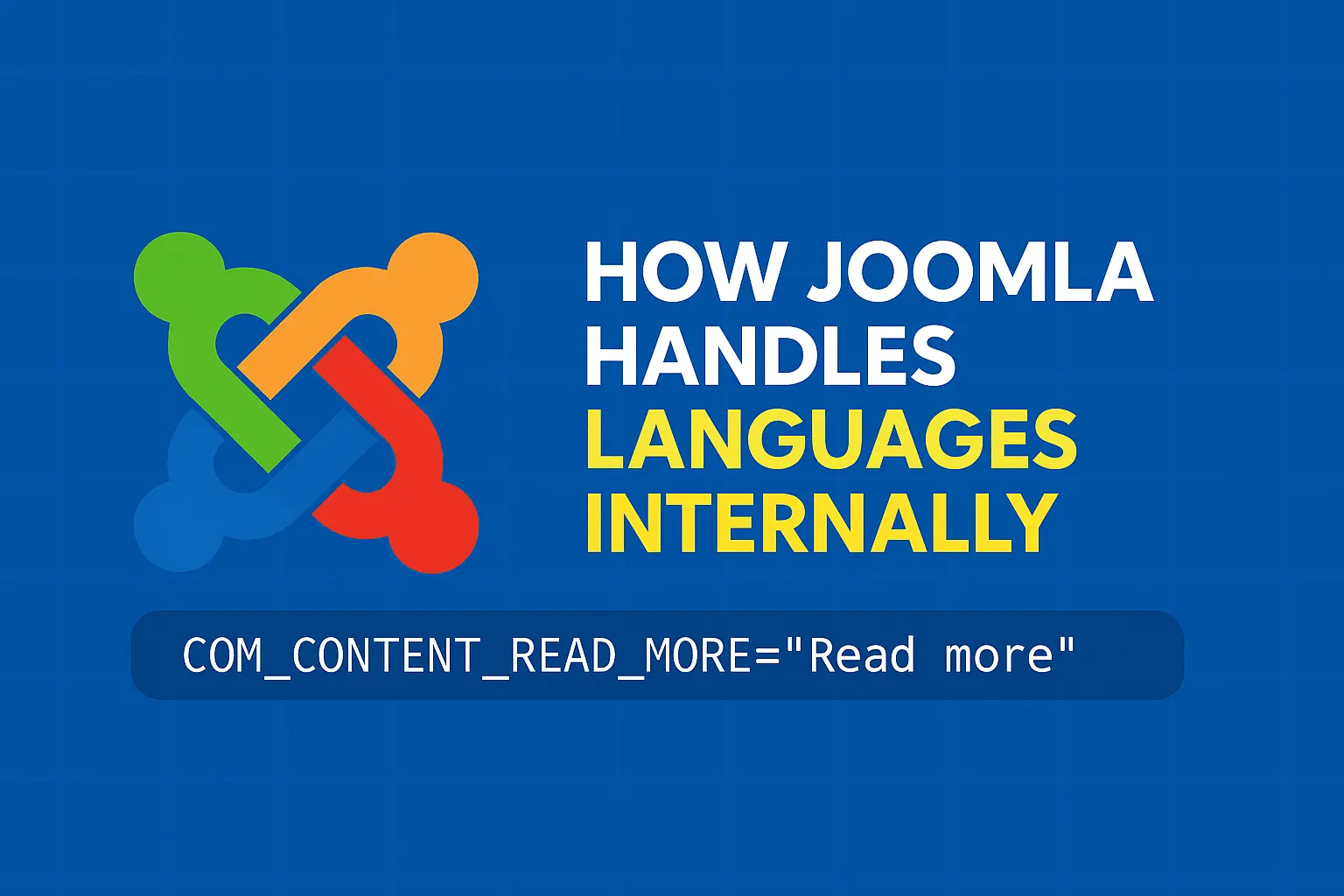
How Joomla resolves language constants, loads ini files in priority order, falls back to en-GB, and lets you debug missing translations with Debug Language mode
The complete Joomla security guide for 2025 — a full series covering everything from hardening your installation and managing access to backups, firewalls, and recovery.
Learn how to enable HTTPS and SSL in Joomla to secure your site, protect user data, and boost your search engine rankings with a trusted connection.
A complete Joomla security checklist for 2025 — covering updates, access control, file permissions, two-factor authentication, and more to keep your site protected
Learn how to recover a hacked Joomla site step by step — from identifying the breach and cleaning malware to restoring files and hardening your site against future attacks.
Learn how to securely backup and restore your Joomla site — covering manual methods, backup extensions, scheduling, and step-by-step restoration to keep your data safe.
Learn how to set up firewall and malware protection for your Joomla site — covering the best security extensions, configuration tips, and proactive measures to block threats.
Learn how to protect your Joomla admin area — from changing the login URL and enabling two-factor authentication to restricting backend access by IP and more
Learn how to scan your Joomla site for vulnerabilities using automatic tools — identifying security risks, outdated extensions, and misconfigurations before attackers do
A beginner-friendly guide to essential Joomla security settings — learn the key configurations to protect your site from common threats right from the start
Showing 49–60 of 67
Yes. Joomla is 100% free and open-source, released under the GNU General Public License (GPL). You can download, use, and modify it without licensing fees — you'll only pay for hosting, a domain, and any premium templates or extensions you choose to add.
Joomla is used to build almost any type of website: corporate sites, online stores, membership and community portals, multilingual sites, blogs, and government or nonprofit sites. Its built-in access control system makes it popular for sites where different user groups need different permissions.
As of mid-2026, Joomla 6.x is the current major release series, with Joomla 5.4 as the long-term-support (LTS) branch. Since Joomla 5.4/6.0, the CMS also supports automatic core updates, so most sites can stay current without manual intervention.
Neither is universally "better" — they suit different needs. Joomla's built-in multilingual support and granular access levels make it a strong choice for complex, multi-user sites, while WordPress has a larger plugin ecosystem and a gentler learning curve for simple blogs and small business sites.
No coding is required for everyday content management — Joomla's admin panel handles articles, menus, and users through a visual interface. Developers can still extend it with custom PHP, since Joomla is built on the Joomla Framework using an MVC architecture.