How to Install Composer on Windows 10/11 (XAMPP & Laragon)
Install Composer on Windows with the official installer, link it to XAMPP or Laragon PHP, and fix "composer is not recognized" in minutes.
Browse 74+ step-by-step tutorials on Joomla, WordPress, hosting, and web development. From beginner guides to advanced tips — JLV Blog has you covered.
9 posts
Showing 1–9 of 9
Install Composer on Windows with the official installer, link it to XAMPP or Laragon PHP, and fix "composer is not recognized" in minutes.
Forgot your XAMPP MySQL root password? Reset it with skip-grant-tables, then update phpMyAdmin and WordPress so everything connects again
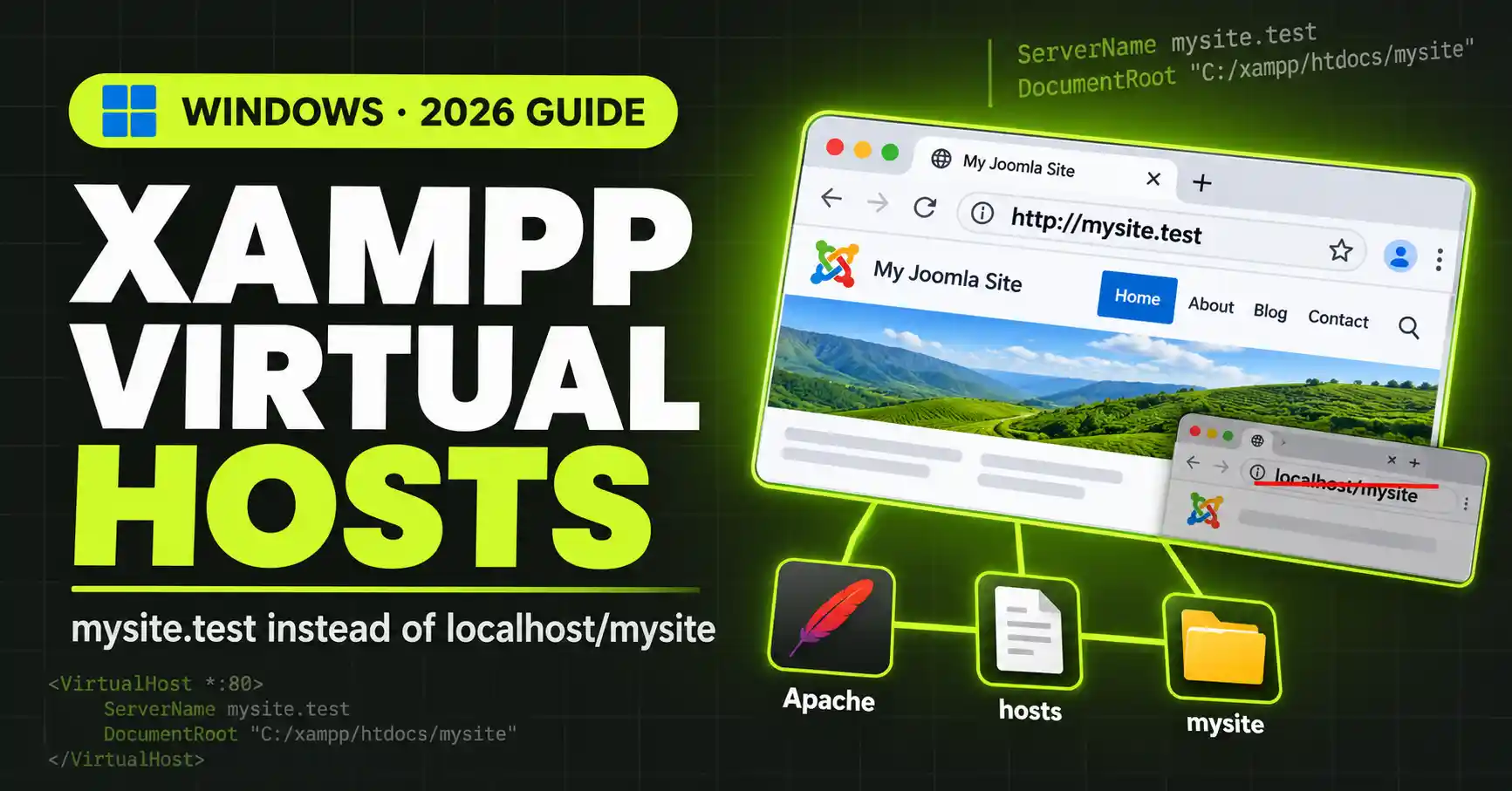
Set up XAMPP virtual hosts on Windows: edit httpd-vhosts.conf and the hosts file to run sites at mysite.test instead of localhost/mysite
Install WampServer 3.4 on Windows 10/11: download the 64-bit installer, add Visual C++ packages, install to C:\wamp64, and test localhost and phpMyAdmin.
Fix slow localhost on Windows: exclude your project folder from Windows Defender, use 127.0.0.1, enable PHP OPcache, tune MySQL, and more. Step-by-step guide for XAMPP, WAMP, and Laragon
Fix the 9 most common XAMPP errors on Windows: Apache port 80/443 conflicts, MySQL shutdown unexpectedly, phpMyAdmin access denied, 403 Forbidden, and more
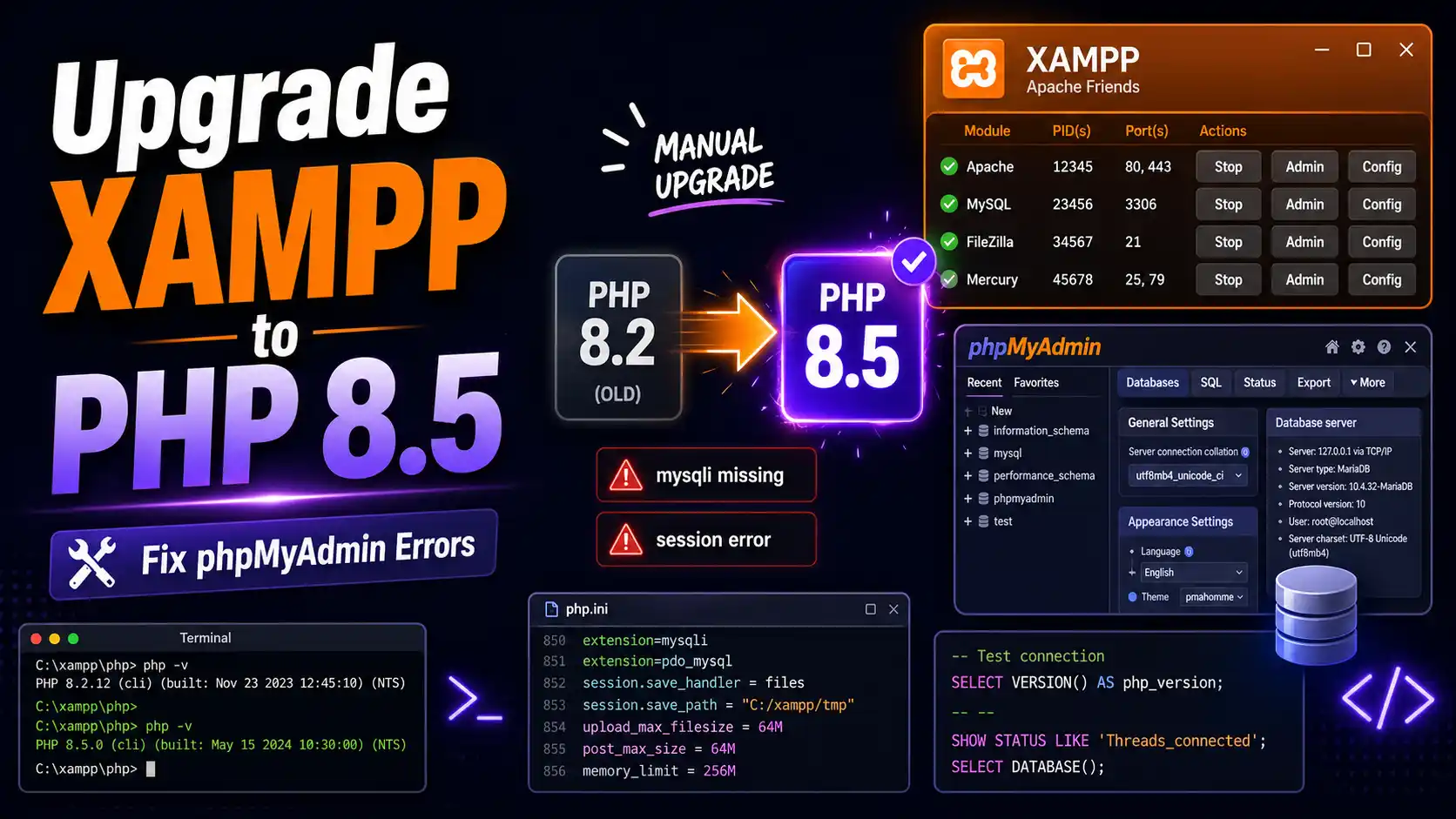
Step-by-step guide to manually upgrade XAMPP to PHP 8.5 on Windows — download the right build, update php.ini and httpd-xampp.conf, fix common Apache errors.
Install Laragon on Windows in 7 easy steps — download, setup, and start your first local PHP, WordPress, or Laravel project in minutes.
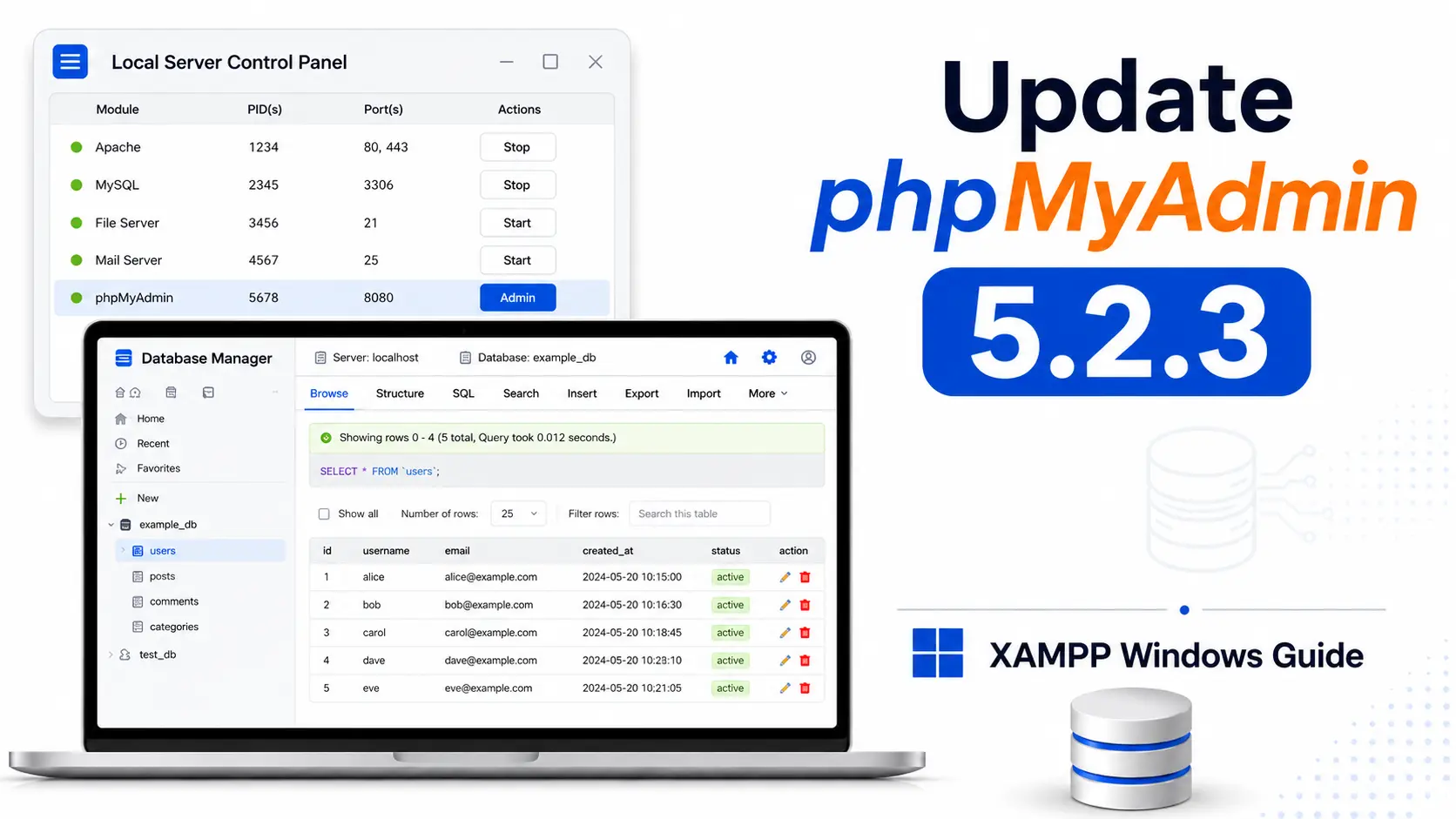
Update phpMyAdmin to version 5.2.3 in XAMPP on Windows: backup, download, config.inc.php restore, common errors, and rollback steps.