How to Override a Module Layout in Joomla 6 (Update-Safe Method)
Beginner
⏱ 5 min
Quick Answer
This is the complete Joomla security series for 2026: 10 step-by-step guides covering hardening, HTTPS, file permissions, user access (ACL), admin protection, vulnerability scanning, firewalls, backups, hack recovery, and a final 15-step checklist. Start with guide #1 if you're setting up a new site, or jump to guide #9 if your site is already hacked.
Joomla security isn't a single setting you switch on — it's a stack of decisions that span your server, your admin login, your extensions, your backups, and your recovery plan. This series breaks that stack into 10 focused guides, each covering one layer in depth, so you can either work through the whole thing in order or jump straight to the piece you need right now.
Everything in this series applies to current Joomla 5.x and Joomla 6.x installations (the examples reference Joomla 6.1.2 and 5.4.7, the latest security-patched releases as of this update). Each individual guide has its own step-by-step instructions, screenshots, and troubleshooting notes — this page is the map that ties them together.
Each guide is self-contained — you don't need to read them in order to get value from one — but they build on each other logically. The table below is the fastest way to find the guide you need.
| # | Guide | Level | Time |
|---|---|---|---|
| 1 | Essential Joomla Security Settings for Beginners | Beginner | 9 min |
| 2 | Enable HTTPS and SSL in Joomla | Beginner | 8 min |
| 3 | Secure Joomla Files and Directories (Best Practices) | Beginner | 7 min |
| 4 | Manage Joomla User Permissions and Access Levels (ACL Guide) | Beginner | 7 min |
| 5 | How to Protect Joomla Admin Area (Login & Backend) | Medium | 9 min |
| 6 | Scan Joomla for Vulnerabilities (Automatic Tools) | Beginner | 7 min |
| 7 | Joomla Firewall and Malware Protection: 2026 Setup Guide | Medium | 9 min |
| 8 | How to Backup and Restore Joomla Securely | Medium | 10 min |
| 9 | How to Recover a Hacked Joomla Site | Medium | 8 min |
| 10 | Joomla Security Checklist 2026: 15 Steps to Lock Down Your Site | Medium | 10 min |
How to use this series
New site or never touched security settings? Start at #1 and work straight through to #4 — that's the foundation. Already have a live site? Skip to #5 and #7 to close the two most commonly exploited gaps (admin access and unpatched extensions). Suspect you've already been hacked? Go directly to #9, then come back for the rest once your site is clean.
The starting point for any Joomla install: the handful of Global Configuration and System settings that close off the most common attack paths on day one — before you touch anything more advanced.
Covers installing an SSL certificate and forcing HTTPS site-wide in Joomla, so login credentials, session cookies, and form data are never sent in plain text.
File and folder permissions, protecting configuration.php, and hardening .htaccess — the layer most beginners skip, and the one that turns a minor exploit into full server access if left open.
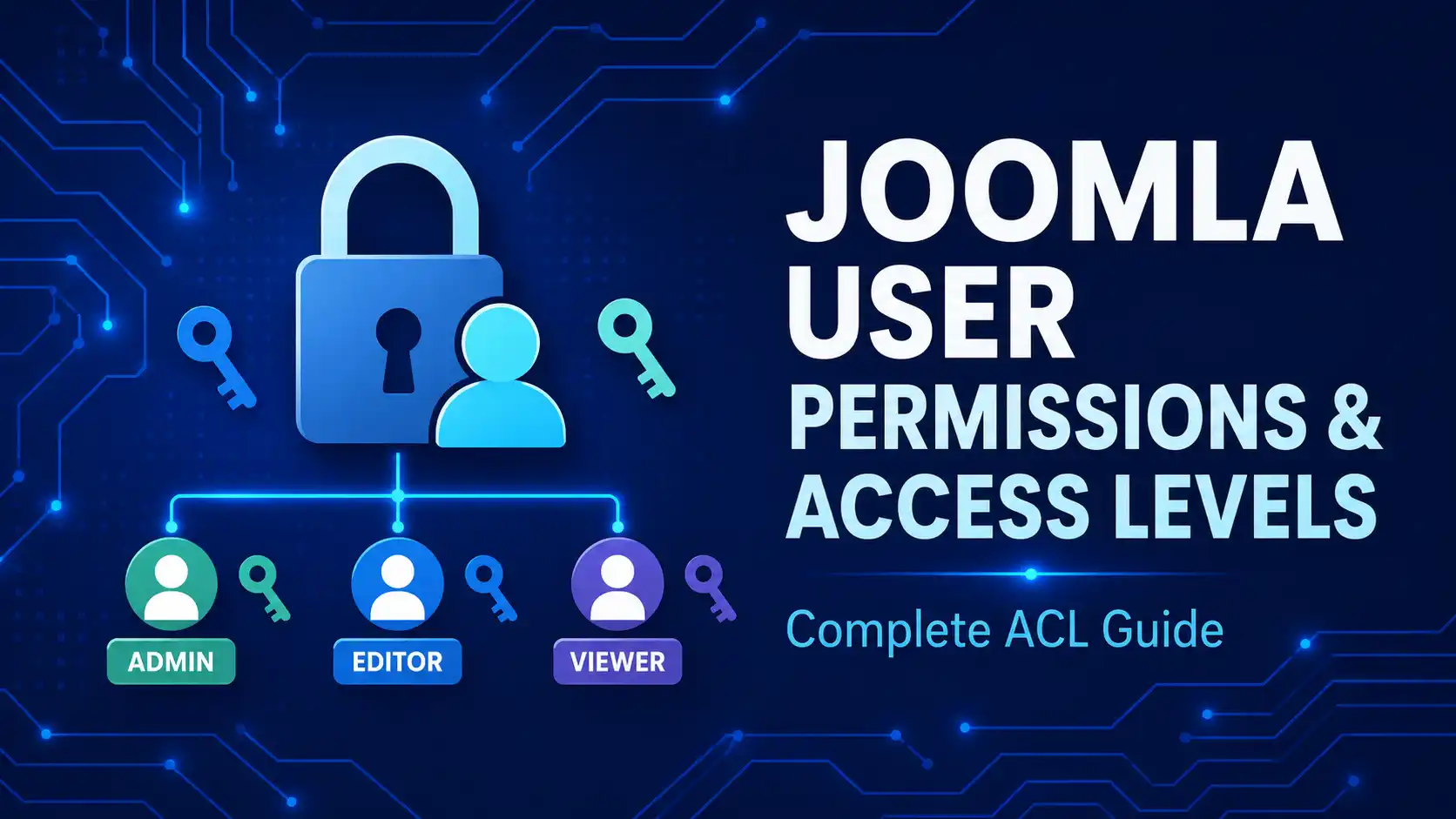
How Joomla's user groups and Access Control Levels work, and how to apply the principle of least privilege so a compromised editor account can't touch things a Super User controls.
Changing the default login URL, enabling two-factor authentication, and restricting backend access by IP — the backend login is the single most targeted entry point on any Joomla site.
How to run automated scans that flag outdated extensions, known CVEs, and misconfigurations before an attacker finds them — a task worth repeating on a schedule, not just once.
Setting up a web application firewall and malware scanning extension, plus the configuration choices that matter most for blocking brute-force and injection attempts in real time.
Manual and extension-based backup methods, off-site storage, scheduling, and — just as important — how to actually test a restore before you need it in an emergency.
The emergency guide: identifying that you've been breached, cleaning malware, restoring from a clean backup, and hardening the site so the same exploit can't be used twice.
The condensed version of everything in this series: a 15-point checklist you can run through in one sitting, or reuse quarterly as a maintenance routine once the other nine guides are done.
You can pick what you need — each guide is self-contained. But if you're setting up a new site, working through #1 to #4 in order gives you the foundation the later guides assume you already have.
Yes. The steps apply to current Joomla 5.x and 6.x releases; screenshots in the individual guides reference the latest patched versions (6.1.2 and 5.4.7 at the time of this update).
Enable two-factor authentication on all Super User accounts. It blocks the majority of automated brute-force and credential-stuffing attempts on its own.
Updates and vulnerability scans should be checked weekly to monthly; the full 15-step checklist (guide #10) is worth rerunning quarterly or after any major extension change.
Joomla's core settings (guides #1–#5) cover the essentials for free. A firewall/malware extension (guide #7) adds real-time blocking and scanning that core Joomla doesn't do on its own, and is worth it for any site handling logins or transactions.
Go straight to guide #9, "How to Recover a Hacked Joomla Site." Stabilize and clean the site first, then work through the rest of the series to prevent a repeat.
✅ Last verified against Joomla 6.1.2 / 5.4.7

Thanh Le is a Joomla expert and technical writer at Jlvextension.com, known for creating in-depth tutorials, extension reviews, and optimization guides. His work focuses on helping developers and webs