Review
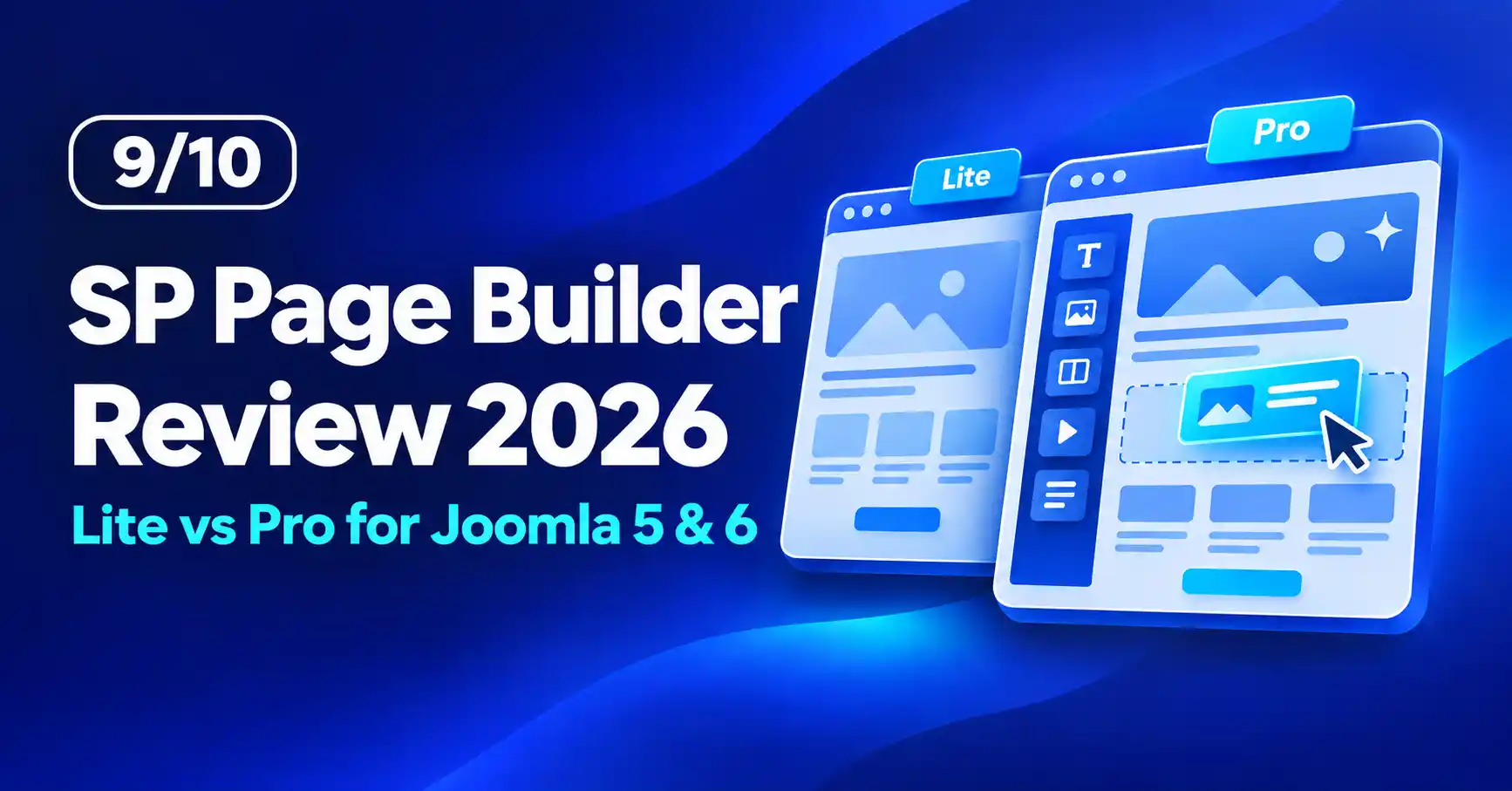
SP Page Builder Review (2026): Lite vs Pro for Joomla 5 and 6
⚡ Quick Answer
SP Page Builder is JoomShaper's drag-and-drop page builder for Joomla 5 and 6. Lite is free and covers basic page building, while Pro starts at $59 for one site and adds 63 built-in addons (per JoomShaper), Layout Bundles, Dynamic Content, a Popup Builder and more. Whichever edition you pick, run version 6.6.2 or later: releases up to 6.6.1 had a critical, actively exploited file-upload flaw (CVE-2026-48908).
Best for: Joomla site owners and agencies who want visual page building, forms, popups and custom content layouts without hand-coding every template override.
Skip if: you only need a page or two (Lite or Joomla's native editor is enough), or you cannot commit to keeping the extension patched.
This review covers both SP Page Builder Lite (free) and SP Page Builder Pro (paid). It is based on JoomShaper's pricing page, documentation and release notes, checked on November 2, 2026. The current Pro release is 6.10.0 (October 7, 2026), which supports Joomla 5 and 6. [CẦN BẠN XÁC NHẬN: your test environment, for example Joomla version, PHP version and template used.]
What is SP Page Builder?
SP Page Builder is a Joomla extension by JoomShaper that lets you build pages visually with drag and drop, using a frontend editor and a backend editor. JoomShaper says it has been trusted since 2014 and works with almost any Joomla template. It comes in two editions: Lite (free) and Pro (paid).
What is the difference between SP Page Builder Lite and Pro?
Lite is a free, feature-limited edition, and Pro unlocks the full addon library, Layout Bundles, premade sections and the advanced features. Lite is not a trial: JoomShaper's documentation says it has no license field and does not turn into Pro with a key.
| Feature | Lite (free) | Pro (paid) |
|---|---|---|
| Price | Free | From $59 for 1 site, with 1 year of updates and support |
| Addons | A few basic core addons | 63 built-in addons (per JoomShaper) |
| Layout Bundles and premade sections | Not included | Included |
| Advanced options | Many options are marked "Pro" in the editor | Unlocked |
| License key | None (Lite is not a trial) | 32-digit key plus your JoomShaper account email |
| Support tickets | Not included | Included for 1 year |
| Cloudflare Turnstile CAPTCHA | Not available | Pro only (added in 5.4.5) |
| Joomla compatibility | Joomla 5 and 6 | Joomla 5 and 6 |
📊
[ẢNH CẦN CHỤP]
Two screenshots side by side: the addon list in Lite (with the "Pro" badges on locked addons circled) and the same list in Pro with everything unlocked.
What features does SP Page Builder Pro add?
Pro adds Dynamic Content, a Popup Builder, a Form Builder with multi-step forms, native comments, AI text and image tools, page versioning and Layout Bundles. The table below uses JoomShaper's Pro overview and release notes.
| Feature | What it does |
|---|---|
| Dynamic Content | Builds listings, directories and detail pages from your own content types, such as team directories, job boards and property listings. Introduced in 5.5.0 (February 2025). |
| Popup Builder | Creates popups with triggers (on load, scroll, inactivity, click or hover), visibility conditions and date ranges. Introduced in 5.4.0 (October 2024). |
| Form Builder | Contact, custom and opt-in forms with CAPTCHA options and rate limiting. Multi-step forms arrived in 6.7.0 (July 2026). |
| Native comments | Comments on pages and Joomla articles without a separate extension. Introduced in 6.0.0 (September 2025). |
| AI tools | Generates text and images with GPT or Gemini models. You add your own API key. |
| Page versioning | Saves a version on every save so you can rename, preview and restore earlier layouts. Introduced in 6.3.1 (March 2026). |
| Interactions | Scroll, mouse and tilt effects such as move, scale, rotate, skew, blur and opacity. |
| Page schema | Works with Joomla's System - Schema.org plugin, added in 6.5.0 (May 2026). See our guide to Joomla schema markup. |
| Layout Bundles | Complete site layouts for specific industries that you customise. |
These features are listed on JoomShaper's Pro overview. Lite only ships a few basic addons, so plan on Pro for most of them.
🖼️
[ẢNH CẦN CHỤP]
Pro editor with the Dynamic Content collection addon or the Popup Builder settings panel open. Highlight the settings that are not in Lite.
📱
[ẢNH CẦN CHỤP]
A page you built with SP Page Builder viewed on a phone, next to the same page in the editor's mobile viewport.
📹
[VIDEO CẦN QUAY]
3 to 4 minute side-by-side walkthrough: build the same landing page in Lite and in Pro, and show where Lite stops.
How much does SP Page Builder Pro cost?
SP Page Builder Pro is sold as a subscription: $59 for 1 site (Personal), $129 for 10 sites (Business) or $399 for unlimited sites (Agency). Each plan includes 1 year of support and updates.
| Plan | Price | Websites | Also includes |
|---|---|---|---|
| Personal | $59 | 1 | All Layout Bundles |
| Business | $129 | 10 | All Layout Bundles |
| Agency | $399 | Unlimited | All Layout Bundles, all JoomShaper templates and all extensions |
None of the three plans includes EasyStore. JoomShaper also sells an All Access plan, advertised from $159.
Starting at
$59
See SP Page Builder plans →
Wait for a sale if you can
The prices above are list prices. JoomShaper has no fixed sale schedule, but promotions usually take 30% to 50% off, and the biggest discount tends to come with the Black Friday and Cyber Monday sale. Check the pricing page before you buy.
What happens when the Pro subscription ends?
You can keep using SP Page Builder Pro, but you lose access to Pro updates and the support forum, according to JoomShaper's pricing page. Because security fixes ship as updates, that matters (see the next section).
Is SP Page Builder safe to use in 2026?
It can be, as long as you keep it patched. SP Page Builder had a critical vulnerability exploited in the wild in 2026, followed by more fixes in August and September, so version discipline matters more than usual.
| Fixed in | Release date | Issue |
|---|---|---|
| 6.6.2 | June 15, 2026 | Unauthenticated file upload leading to remote code execution (CVE-2026-48908). Affected versions up to 6.6.1. Added to CISA's Known Exploited Vulnerabilities catalog on July 7, 2026. Security researchers reported attackers creating hidden admin accounts on compromised sites. |
| 6.8.0 | August 12, 2026 | Unauthenticated SQL injection in the article loading endpoint. |
| 6.9.1 | September 14, 2026 | Authenticated SQL injection in article and module save operations (CVE-2026-78375) and a CAPTCHA bypass in the Opt-in Form addon (CVE-2026-79700). |
Sources: JoomShaper release notes, CISA Known Exploited Vulnerabilities catalog and mySites.guru's disclosure.
What should you do right now?
- Check your version. In Joomla go to System → Manage → Extensions and confirm SP Page Builder is 6.6.2 or later. The current Pro release is 6.10.0.
- Look for signs of compromise if a version below 6.6.2 was ever public: unknown Super User accounts and unfamiliar PHP files. Our guide on how to recover a hacked Joomla site walks through the cleanup, and these vulnerability scanners can help you check.
- Keep a restorable backup. See how to back up and restore Joomla securely and our Akeeba Backup review.
- Harden the rest of the site with the Joomla security checklist for 2026 and file and directory best practices.
- Lite has the fix too. The current Lite edition is patched and supports the latest Joomla release. Still confirm the installed version after you install it.
🖼️
[ẢNH CẦN CHỤP]
Joomla admin, System → Manage → Extensions, filtered for "SP Page Builder", with the Version column circled.
How does SP Page Builder affect site speed?
In our testing, performance landed at a mid-range level: pages built with SP Page Builder were not the lightest we have tested, but they were not heavy either.
Page builders generate their own markup and assets, so pair SP Page Builder with image optimization, a cache plugin and a regular check of your Core Web Vitals.
What are the pros and cons of SP Page Builder?
✅ Pros
- Free Lite edition and a documented upgrade path to Pro
- Frontend and backend editors, and works with almost any Joomla template (per JoomShaper)
- Dynamic Content, Popup Builder, Form Builder, comments and AI tools in one extension (Pro)
- Active development: 15 Pro releases in 2026 through October
- Page versioning (6.3.1 and later) lets you roll back a bad edit
⚠️ Cons
- Lite is limited, and many options are marked "Pro"
- A critical vulnerability was exploited in 2026, with more SQL injection fixes in August and September
- Updates and support stop when the yearly subscription lapses
- AI features need your own API key, and API usage is billed by the AI provider
Should you choose SP Page Builder Lite or Pro?
Choose Lite for simple pages and Pro for anything with forms, popups, custom content types or client work. The table maps common use cases to an edition.
| Use case | Best pick | Why |
|---|---|---|
| Personal blog or a simple brochure page | Lite | Free, and basic drag-and-drop covers it if the addons you need are included |
| Client sites with landing pages, forms and popups | Pro | Form Builder, Popup Builder and Layout Bundles speed up delivery |
| Directories, job boards or team pages from custom fields | Pro | Dynamic Content is built for this |
| Agency running many Joomla sites | Pro (Agency) | Unlimited websites, plus all templates and extensions |
| Testing the builder before you buy | Lite | Free, but it is not a trial: you install the Pro package over it later |
How do you upgrade SP Page Builder from Lite to Pro?
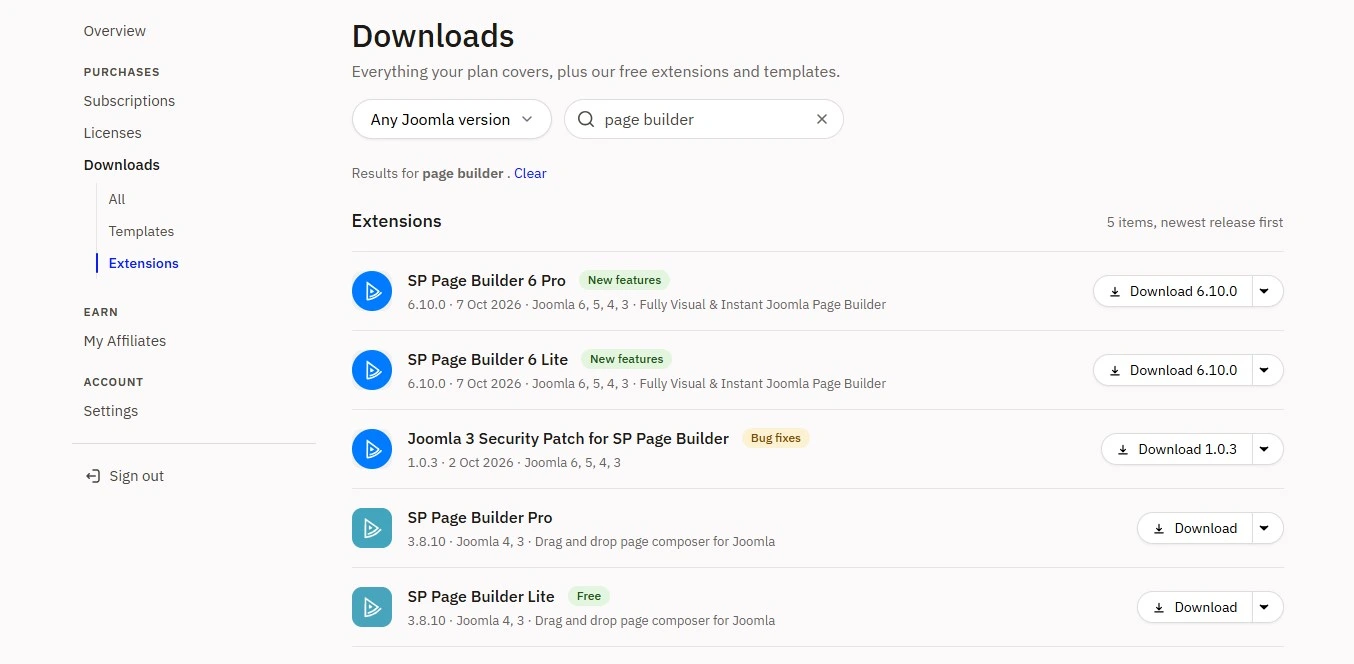
Install the Pro package over Lite, then enter your license key. JoomShaper's documentation says you do not need to uninstall Lite first.
- Back up your site and database.
- Subscribe to a plan, log in to your JoomShaper dashboard and download the SP Page Builder Pro package.
- In Joomla go to System → Install → Extensions and upload the Pro package over the existing Lite install.
- Open SP Page Builder Pro → Settings → License & Update, enter your 32-digit license key and account email, then save.
- Clear the Joomla cache and your browser cache, then check the editor in a second browser to confirm the Pro features are unlocked.
🖼️
[ẢNH CẦN CHỤP]
SP Page Builder Pro → Settings → License & Update screen. Blur the license key and email before publishing.
Never install Lite over Pro
Installing Lite over Pro removes the Pro features. If an update turns your Pro install into Lite, JoomShaper's troubleshooting guide says an old update site may be the cause: in Joomla go to System → Update Sites, find the "SP Page Builder" entry that points to com-sp-page-builder-free.xml and delete it. If you use template overrides, also read our guide to template overrides in Joomla 6, since the same documentation links addon errors to overrides.
❓ FAQ
Is SP Page Builder free?
Partly. SP Page Builder Lite is a free Joomla extension with core drag-and-drop features. SP Page Builder Pro is paid and starts at $59 for one site. Lite is not a trial: a Pro license key does not unlock Pro features inside Lite, so you install the Pro package instead.
What is the difference between SP Page Builder Lite and Pro?
Pro unlocks the full addon library (63 built-in addons per JoomShaper), Layout Bundles, premade sections and advanced features. Lite offers a smaller set of core addons and marks many options as Pro. Pro also includes one year of updates and support.
How much does SP Page Builder Pro cost?
Pro costs $59 for one site, $129 for ten sites or $399 for unlimited sites, each with one year of updates and support. The $399 Agency plan also includes JoomShaper templates and extensions. Prices change during sales, so check JoomShaper's pricing page before buying.
Is SP Page Builder compatible with Joomla 6?
Yes. Pro added Joomla 6 compatibility in version 6.1.0 (October 2025), and JoomShaper says the current builder works with Joomla 5 and 6. Use the latest release, 6.10.0 at the time of writing, for the best compatibility and the newest security fixes.
Is SP Page Builder safe?
It is safe only when fully patched. Versions through 6.6.1 had a critical unauthenticated file-upload flaw (CVE-2026-48908) that attackers exploited, and CISA added it to its Known Exploited Vulnerabilities catalog. Update to 6.6.2 or later, ideally the latest release, and check for unknown admin accounts.
What happens if my Pro subscription expires?
You can keep using SP Page Builder Pro, but you lose access to updates and the support forum, according to JoomShaper's pricing page. Because security fixes arrive as updates, renew before the year ends if the site stays live.
⚖️ Final Verdict
Choose Lite if you need a few visual pages and want to stay free, and install the current, patched build. Choose Pro if you build client sites, forms, popups or content-driven layouts, because that is where the extra addons, Layout Bundles and Dynamic Content pay for themselves. Budget for the yearly renewal, since updates are how security fixes reach you.
We rate SP Page Builder 9/10. The score reflects the breadth of features and the Lite-to-Pro upgrade path, with a small deduction for the 2026 security incidents and mid-range speed.
➡️ What's Next
- Joomla Security Checklist 2026: lock down the rest of your site.
- Joomla 6 hosting requirements: make sure your server can run the builder smoothly.
- Joomla 5 vs Joomla 6: decide when to upgrade.
- Manage Joomla user permissions and access levels: control who can edit pages.
- Joomla SEO guide: get the pages you build to rank.
✅ Last verified against JoomShaper's pricing page, documentation and release notes (SP Page Builder Pro 6.10.0, Joomla 5 and 6) — November 2026
Related posts

Thanh Le
Joomla Specialist & Technical Writer
Thanh Le is a Joomla expert and technical writer at Jlvextension.com, known for creating in-depth tutorials, extension reviews, and optimization guides. His work focuses on helping developers and webs