How to Reset or Change the MySQL Root Password in XAMPP (3 Methods)
Forgot your XAMPP MySQL root password? Reset it with skip-grant-tables, then update phpMyAdmin and WordPress so everything connects again
Improve Joomla performance with proven optimization tips. Learn how to speed up your Joomla website, reduce load times, and enhance user experience.
14 posts
Forgot your XAMPP MySQL root password? Reset it with skip-grant-tables, then update phpMyAdmin and WordPress so everything connects again
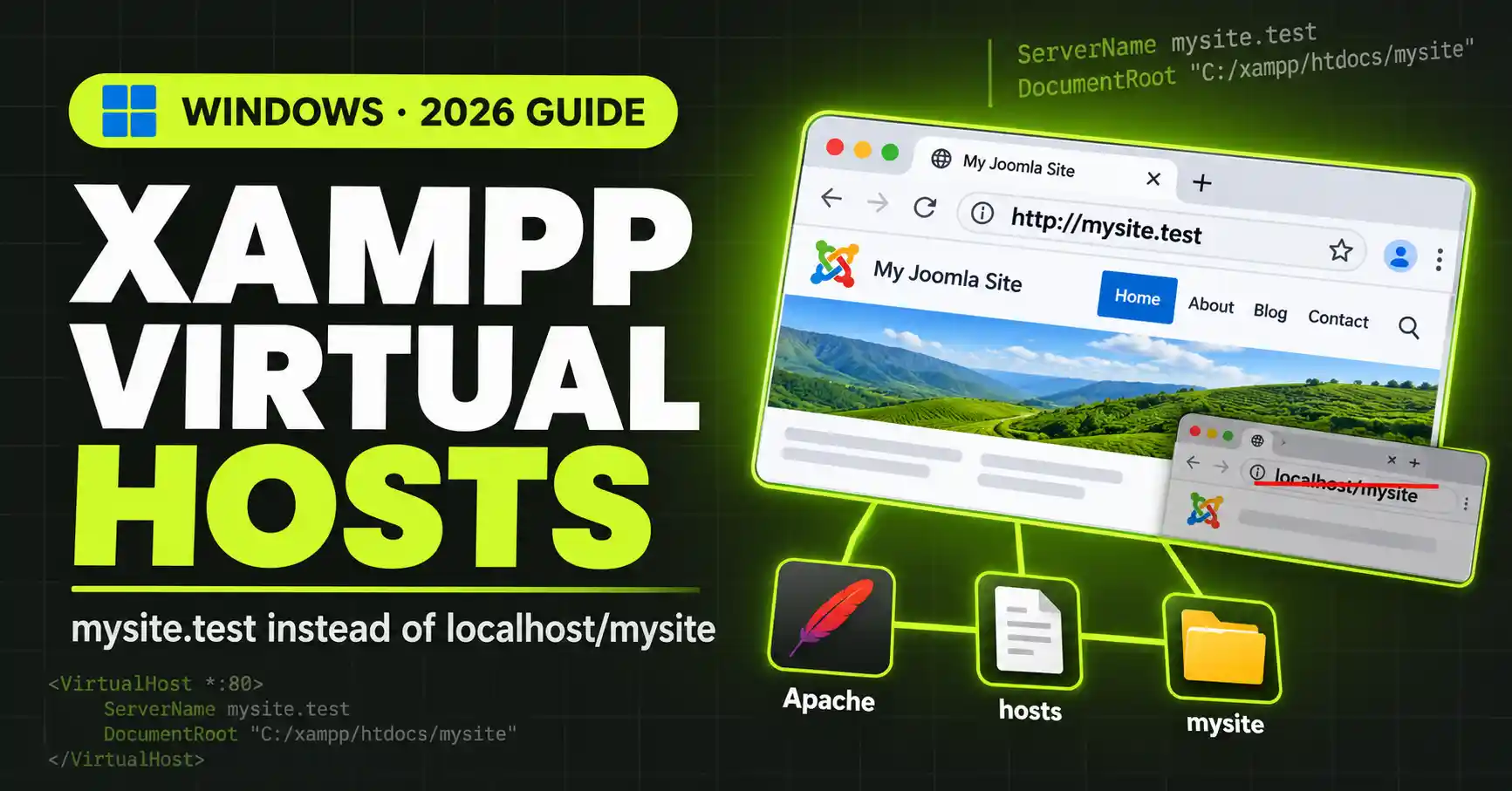
Set up XAMPP virtual hosts on Windows: edit httpd-vhosts.conf and the hosts file to run sites at mysite.test instead of localhost/mysite
Helix Ultimate 2026 review: a free Bootstrap 5 Joomla template framework for Joomla 4, 5 and 6 with layout and mega menu builders. Features, limits and verdict
SP Page Builder Lite vs Pro reviewed: features, pricing from $59, Joomla 6 support and the 2026 security fixes you must install before you build
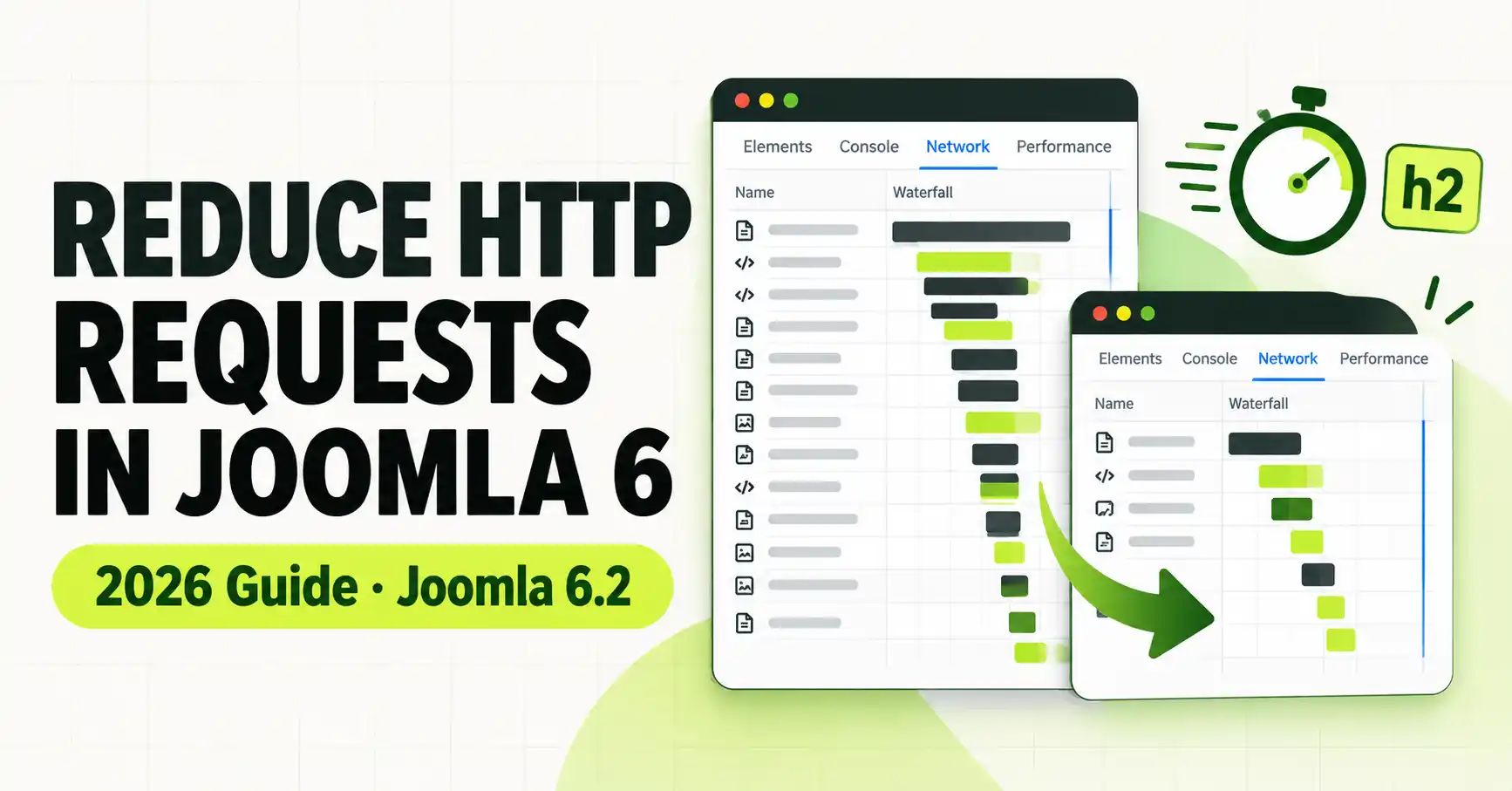
Reduce HTTP requests in Joomla 6 step by step: measure first, remove unused assets, lazy-load images, combine files only where it helps. Checked against Joomla 6.2.0.
Compare Joomla and Drupal performance, scalability, caching, and resource efficiency for different website types.
Learn how to optimize Apache, Nginx, PHP, and database settings to maximize Joomla performance.
Compare Joomla and WordPress performance, resource usage, and optimization techniques to choose the best CMS for your website.
Learn how to configure Cloudflare and other CDN services to speed up Joomla websites and reduce server response times.
Learn how to clean and optimize the Joomla database to improve website speed, reduce queries, and enhance performance.
Learn practical ways to reduce HTTP requests in Joomla to improve loading speed and optimize website performance.
Learn how to enable Gzip compression in Joomla to reduce file sizes, improve loading speed, and enhance user experience.
Showing 1–12 of 14