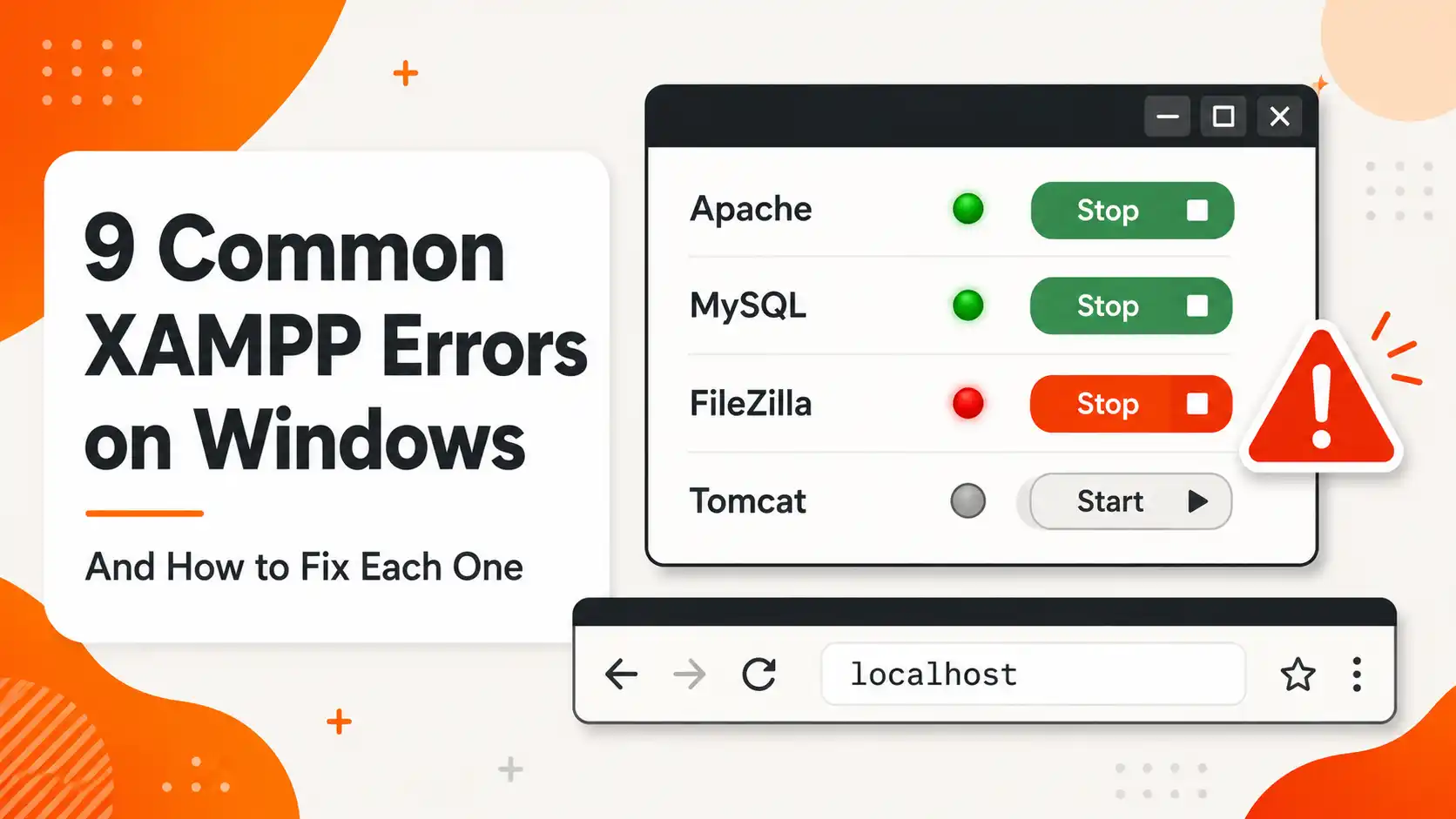
9 Common XAMPP Errors on Windows and How to Fix Them
Fix the 9 most common XAMPP errors on Windows: Apache port 80/443 conflicts, MySQL shutdown unexpectedly, phpMyAdmin access denied, 403 Forbidden, and more
Deep-dive reviews and practical guides for WordPress, Joomla, hosting, themes, and plugins.
Fix the 9 most common XAMPP errors on Windows: Apache port 80/443 conflicts, MySQL shutdown unexpectedly, phpMyAdmin access denied, 403 Forbidden, and more
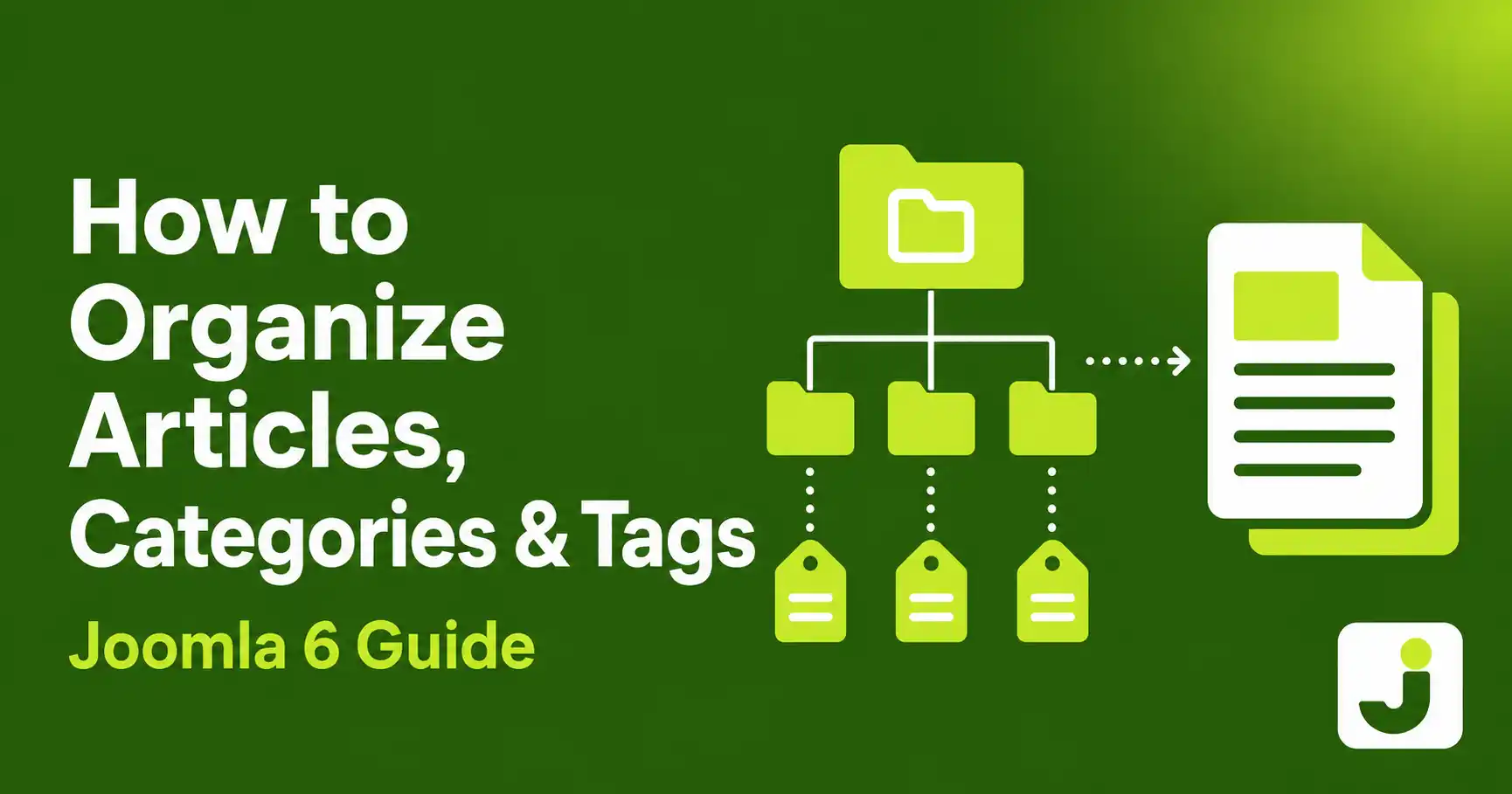
Step-by-step guide to creating and organizing articles, categories, and tags in Joomla 6 — including the new batch tag removal and extended versioning features
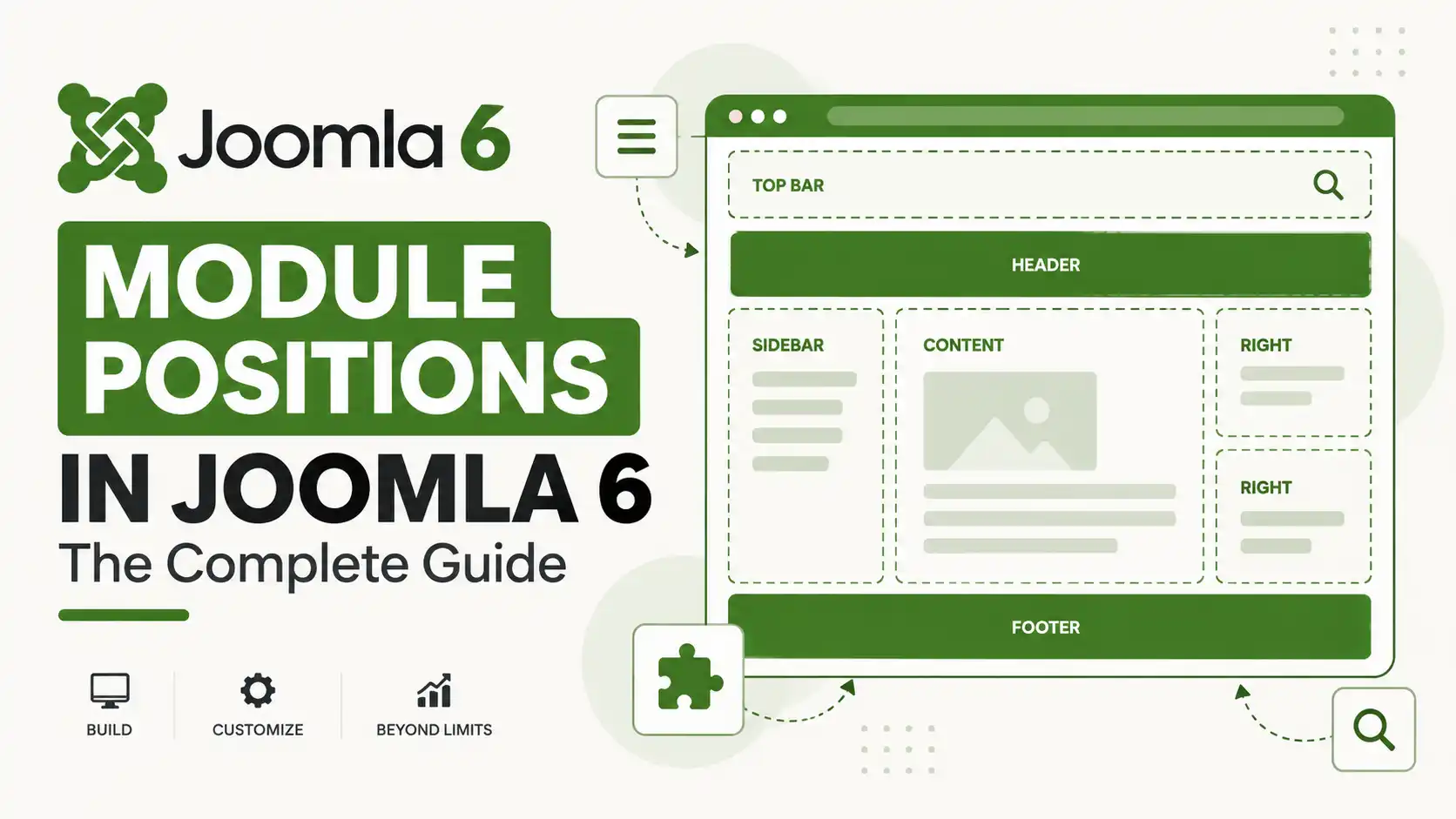
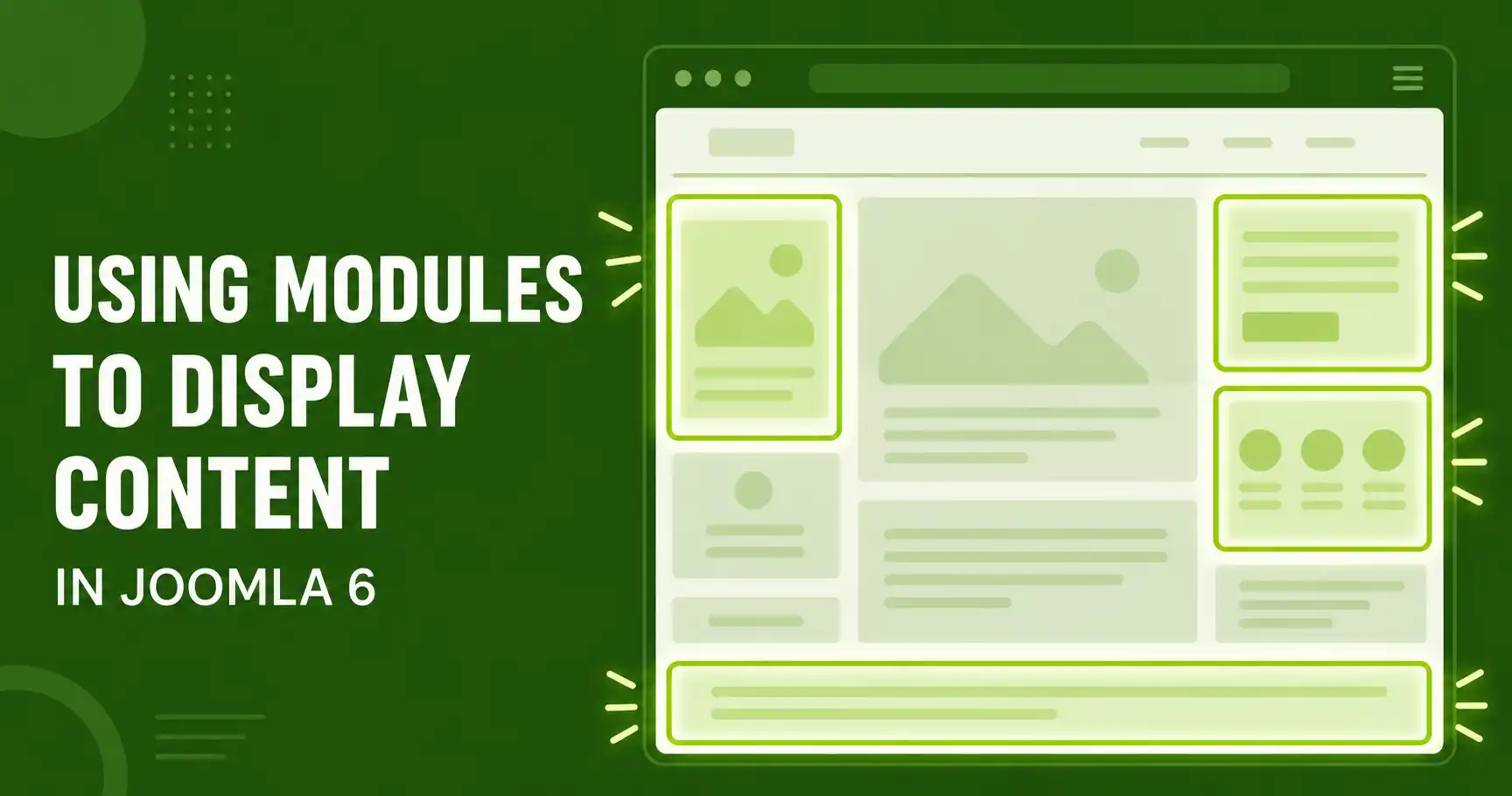
Learn how to use the Joomla 6 Module Manager to display articles, menus, and custom content in any template position — with step-by-step instructions and common mistakes to avoid
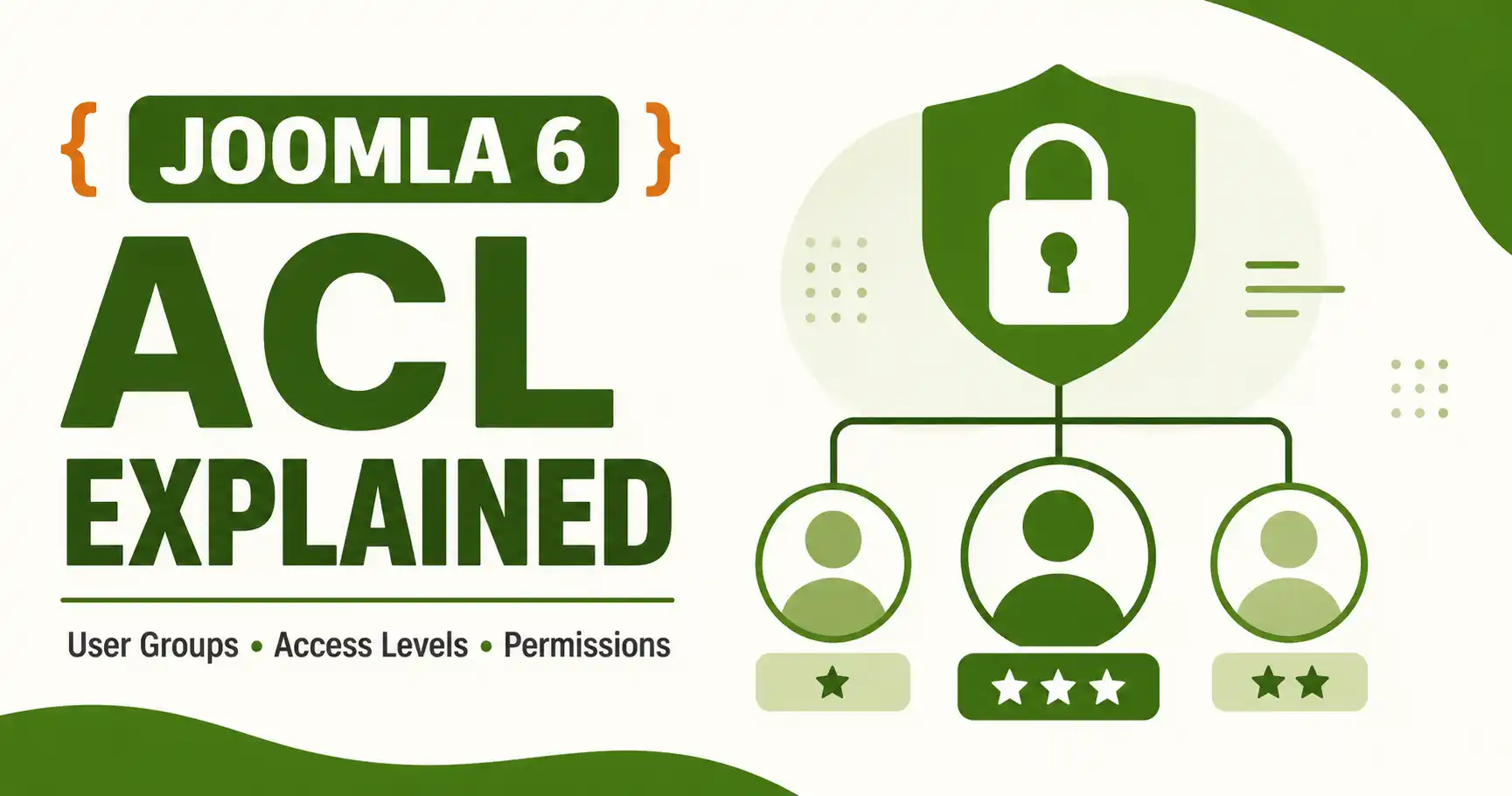
Learn how Joomla 6 ACL works: user groups, access levels, and cascading permissions, with step-by-step setup for custom access levels and category-level restrictions
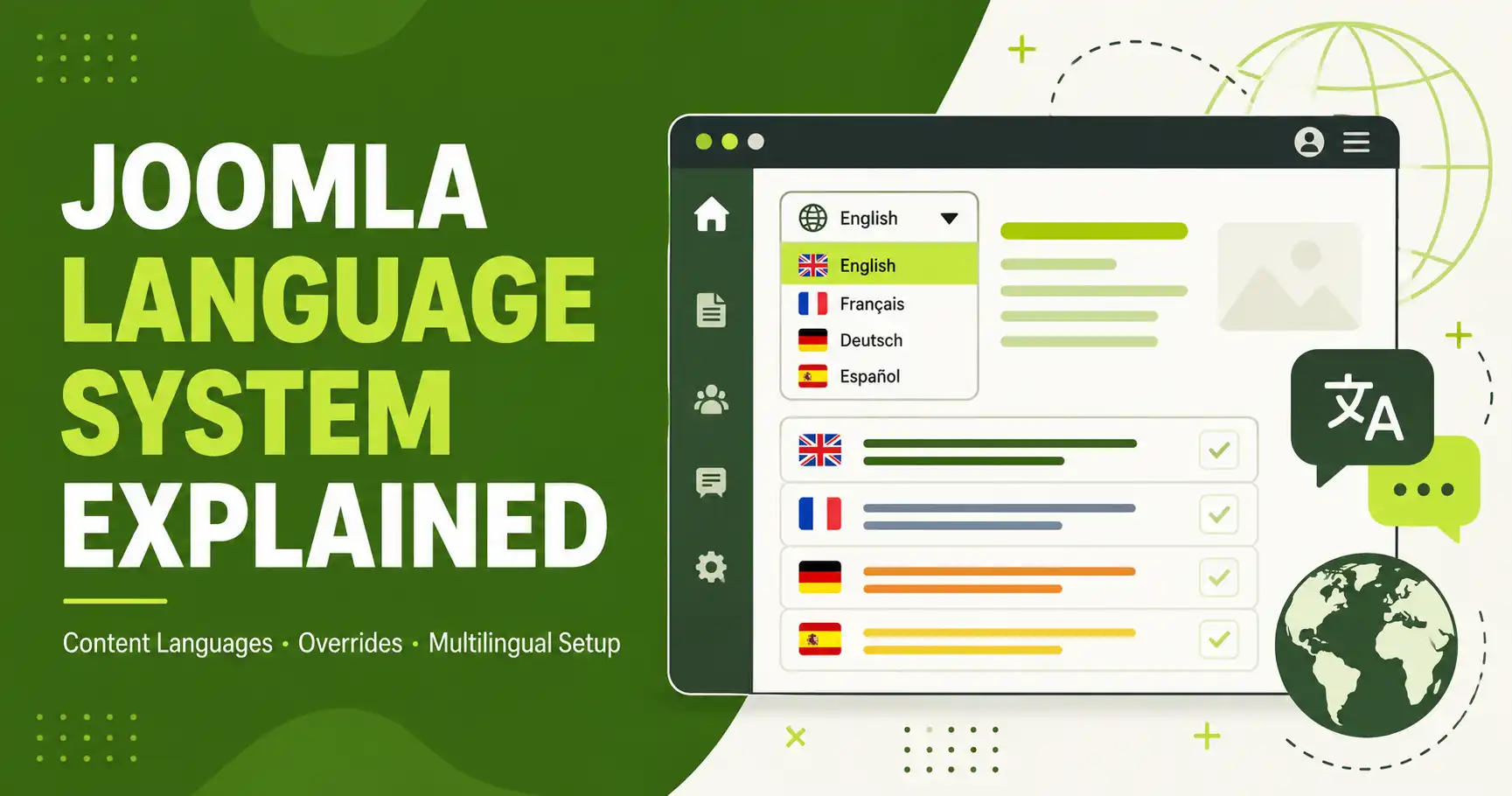
A complete walkthrough of Joomla's native language system — language packs, Content Languages, the Language Filter plugin, Associations, and Language Overrides — for Joomla 5 and 6.
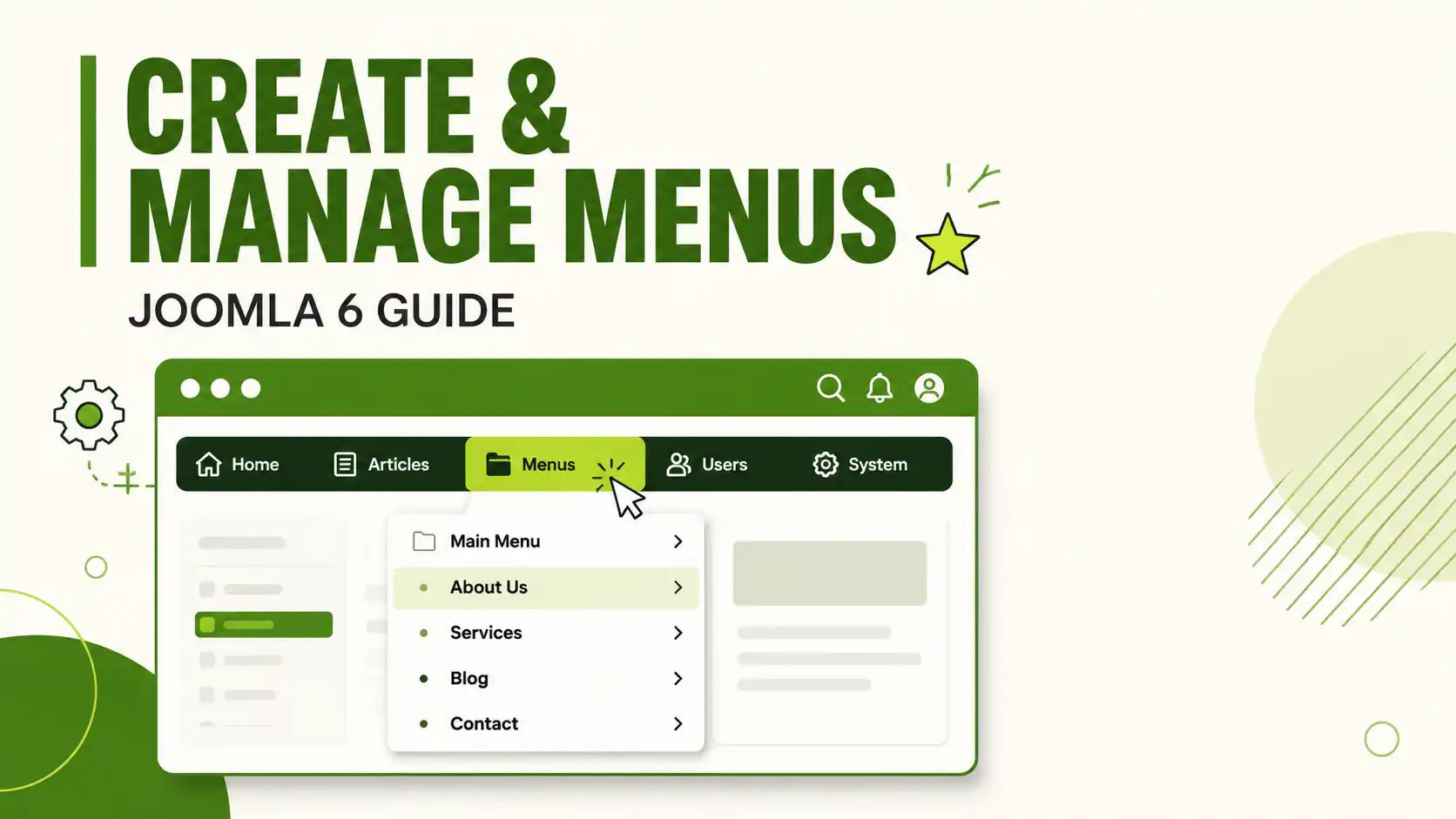
Learn how to create, nest, publish, and assign menus in Joomla 6 — step by step, with the exact admin paths for Joomla 6.1.x
Step-by-step guide to installing XAMPP on Windows, from downloading the right installer to fixing the most common Apache port-conflict errors, with screenshots at every step
Advanced Joomla 6 menu management: nested menus, Menu Item Aliases, per-page module assignment, Access Levels, and mod_menu template overrides.
Step-by-step guide to scheduling article publish and unpublish dates in Joomla 6.0/6.1, including Featured dates, status icons, and common mistakes
Stop the email reminders without breaking your update system — here's exactly which Joomla 6 plugin to disable and which one to leave alone.
Learn how to change any date format in Joomla 6 safely using Language Overrides — no core file edits, no risk on update. Step-by-step with PHP date syntax reference.
Learn how to use the Joomla 6 Media Manager: upload files, organize folders, edit images inline, insert media into articles, and set permissions.
Showing 1–12 of 76